
Best Dev Tools AI tools (77+)
Discover 77+ best dev tools AI tools. Compare features, pricing, and reviews. Free and paid options available.
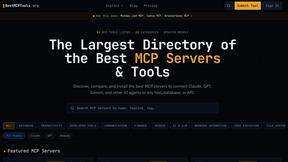
Best MCP Tools
Best MCP Tools is a directory for discovering and comparing Model Context Protocol servers by category, compatibility, and listing details.

Illustrious XL
Illustrious XL is a flexible anime illustration base for artists and LoRA trainers who need native 1536-pixel SDXL generation.
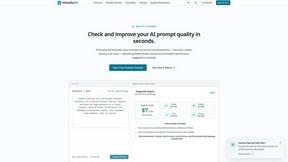
AIQualityHQ
AIQualityHQ helps AI teams lint prompt contracts, scan for injection threats and inspect token use through a set of browser native tools.

Best Face Swap
Best Face Swap is a browser based face swapping studio for portraits, groups, video, and GIFs, including Pro HD photos and full head swaps.

JustLaunched
JustLaunched lets SaaS teams present a launch page and helps curious buyers find recent software through categories and traction signals.
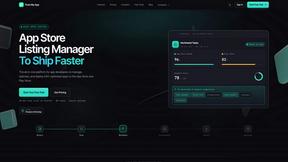
Push My App
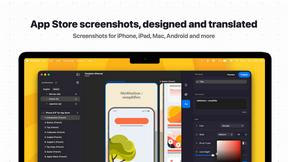
Push My App prepares and submits iOS and Android store listings with AI metadata, screenshot tools, translation and rejection checks in one dashboard.
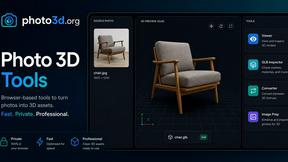
Photo3D
Turn a photo into a 3D model with Photo3D, then inspect or convert assets using browser-based tools for GLB, OBJ, STL, and related formats.


PageLens AI
PageLens AI reviews websites and app store listings, using page details or app screens to suggest prioritized fixes and editable listing proposals.


HeadlessDomains.com
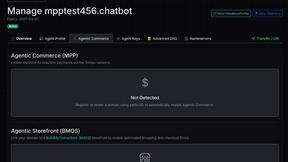
HeadlessDomains lets builders search agent-focused namespaces, check availability and terms, and register a project name with or without an AI agent.
LoadTester
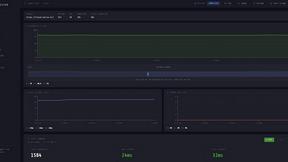
LoadTester runs managed load tests for HTTP APIs and websites, showing live throughput, latency, errors, and threshold-triggered auto-stop.
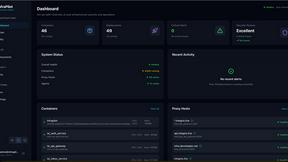
InfraPilot
InfraPilot is a self-hosted dashboard for deploying Docker apps and managing traffic, logs, monitoring, and alerts on servers you control.
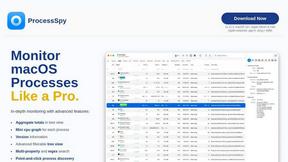
ProcessSpy
ProcessSpy is a Mac process monitor with resource timelines, deep inspection, process recall, and filtering for developers and power users.

Claw Messenger
Claw Messenger lets AI agents send and receive iMessage, RCS, and SMS through an API, without a Mac.

Datamata Studios
Datamata Studios combines free browser utilities for data tasks with premium workflows and fresh technology job market datasets.
OpenMark AI
Compare AI models on your own tasks to find the lowest-cost option that meets your accuracy, speed, and consistency needs.

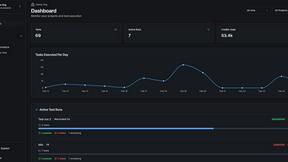
qtrl
qtrl combines structured test management with AI agents that run plain-language browser tests and leave approval and review to your team.
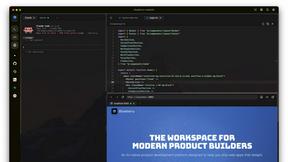
Blueberry
Blueberry is an AI-native Mac development workspace that combines coding tools, app previews and project-aware assistants.
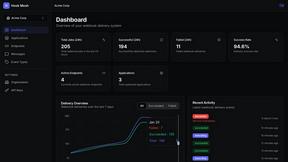

SpeedTestry
Measure download, upload, ping, and jitter in your browser and keep up to 10 recent results on your device for comparison.
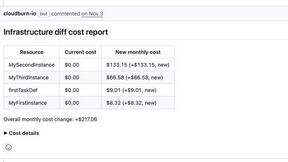
CloudBurn
CloudBurn helps AWS teams check infrastructure costs with an open-source CLI and previews tools for estimating spend and finding account waste.
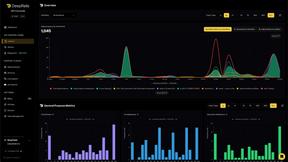

Skene
For product-led growth teams, Skene turns experiment goals into tracking plans and checks whether results meet a defined target.
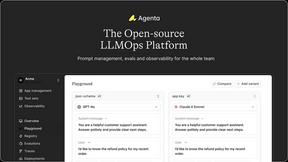
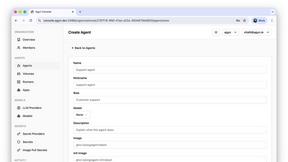
Agenta
Agenta is an open-source agent platform for creating AI automations, connecting tools and sharing agents across teams and channels.
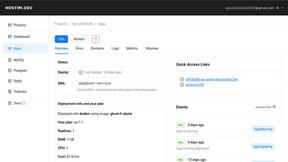
Hostim.dev
Run containerized projects with Docker, Git or Compose, using managed data services and Germany-based EU bare-metal hosting.
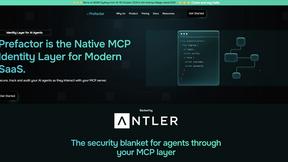
Prefactor
Prefactor gives AI teams runtime traces, per-run evaluations, and configurable controls for risky agent behavior.
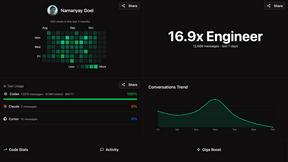
Giga AI
Giga AI is designed to help developers avoid getting stuck as projects grow, with compatibility across VS Code, Cursor, Claude, and Codex.
Claude Fast
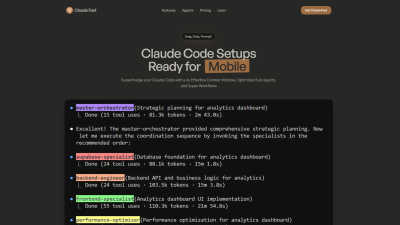
Claude Fast gives Claude Code users reusable development and DevOps workflows, with skill activation and deployment guidance for shipping software.
Popular Alternatives in Dev Tools
About Dev Tools AI tools
Dev Tools provide developers with the software, platforms, and utilities needed to write, test, debug, deploy, and monitor code more efficiently. This category includes code editors, development environments, debugging tools, CI/CD platforms, API testing tools, version control interfaces, and developer productivity enhancers.
Whether you are writing code, managing deployments, testing APIs, monitoring application performance, or automating development workflows, these tools provide the infrastructure that modern software development demands.
Compare dev tools by their language support, integration ecosystem, performance, collaboration features, and pricing to find the right development tools for your stack and team.
FAQs for Dev Tools
What types of developer tools are listed?
This category includes code editors and IDEs, terminal and CLI tools, API testing platforms, CI/CD solutions, debugging tools, performance monitoring, version control interfaces, code review platforms, and developer productivity extensions.
Are there dev tools for specific programming languages?
Yes. Some tools specialize in specific languages or ecosystems like JavaScript, Python, Go, or Rust, while others provide multi-language support. Check individual listings for language-specific features and compatibility.
How do dev tools improve team productivity?
Dev tools improve productivity through code completion, automated testing, streamlined deployments, collaborative debugging, shared development environments, code review workflows, and integration with project management systems.
Do dev tools support cloud development?
Yes. Many modern dev tools offer cloud-based development environments, remote container support, cloud debugging, and browser-based IDEs that allow developers to work from any device without local setup.
Are there free developer tools?
Yes. Many essential dev tools are open source or offer generous free tiers for individual developers and small teams. Paid plans typically add team management, enterprise security, and advanced scaling features.
How do I choose the right dev tools?
Consider your tech stack, team size, deployment targets, collaboration needs, and budget. Prioritize tools that integrate well with your existing workflow and offer the specific features your development process requires.