
Best Image Generation AI tools (115+)
Discover 115+ best image generation AI tools. Compare features, pricing, and reviews. Free and paid options available.
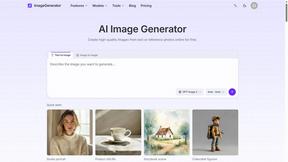
ImageGenerator
Create and edit AI images online with multiple models, text-to-image, image-to-image, background removal, and upscaling.
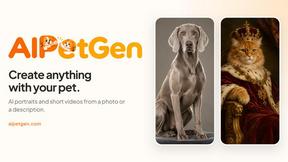
AIPetGen
AIPetGen turns a photo of your dog, cat, or other pet, or a written description, into a new picture or a short animation.
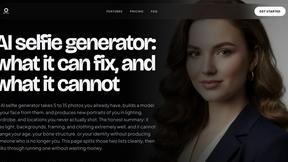
MyPhotoAI
Turn your selfies into AI headshots and portraits. Get 3 photos for US$5 or every photo from one shoot for US$10. No subscription.
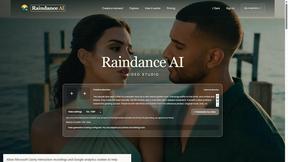
Raindance AI
Turn two authorized portraits into a seaside golden-hour video: a wooden dock, two people taking turns singing, and a slow pullback to the sunset. Pre
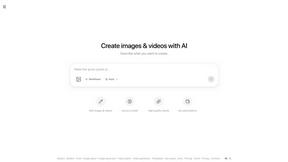
ImageGPT
ImageGPT is an all-in-one AI creative platform for generating, editing and transforming images and videos using AI.
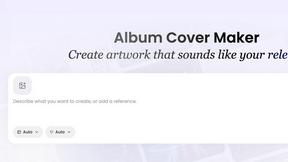
AI Album Cover Maker
Create release-ready album covers from a prompt or photo. Generate, refine, and export art for singles, EPs, mixtapes, and playlists.
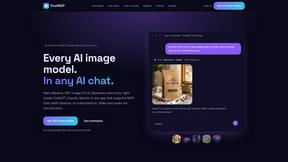
PixelMCP
Use every top AI image model (Nano Banana, GPT Image, FLUX and more) right inside ChatGPT, Claude, Gemini or any MCP client. One credit balance, no su
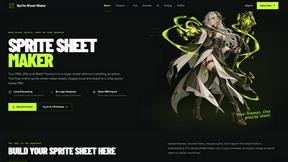
Sprite Sheet Maker
A free browser-based toolkit for creating, cutting, converting, and previewing sprite sheet animations.
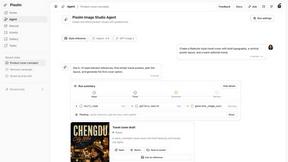
Pixolm
Create AI images from prompts and references, then refine them with an AI agent and editing tools in one workspace.

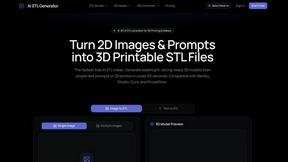
AI STL Generator
The fastest AI STL generator to turn prompts and images into 3D printable STL files.
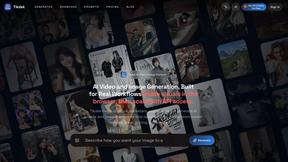
Tikdek
An AI video and AI image platform for creating visual content in the browser and scaling production with stable APIs.
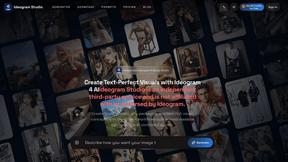
Ideogram Studio
Ideogram 4 AI workflows for text-perfect logos, posters, ads, packaging, and ecommerce visuals.
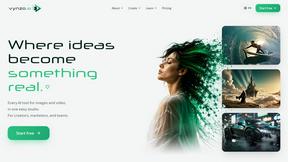
Vynzo
AI image and video studio. Generate from a prompt, animate stills, swap faces, restyle clips and edit — one credit pool, no subscription.
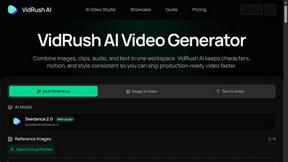
VidRush AI
AI-powered long video generator. Turn text, images, audio and video into long, production-ready AI videos.
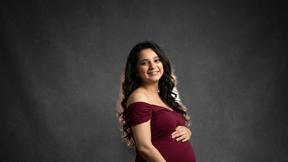
HomeShoot AI
Turn 3-6 phone photos into a themed studio photoshoot: baby, maternity & Indian festivals. Free watermarked preview, pay Rs199 only if you love it.
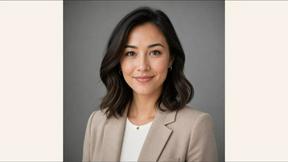
ProfileLoom
ProfileLoom turns one photo into platform-ready AI portraits for professional, social, and creator profiles, with presets and built-in editing.
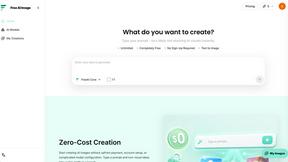
Free AI Image
Free AI Image is a free text-to-image AI generator for creating clean visual drafts from prompts with no sign-up required.
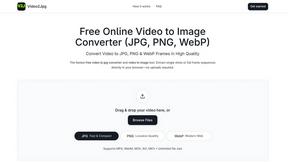
Video2Jpg
Convert video to JPG, PNG, or WebP frames in your browser. High-quality video to image converter with no uploads—fast, private, and free.
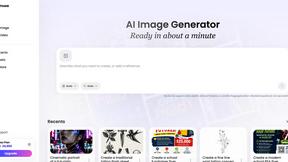
Vismuse
Create polished AI images and videos from prompts or references for social posts, ads, flyers, album covers, and campaigns.
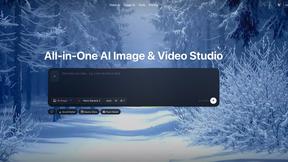
Zanta AI
All-in-one AI studio to generate, edit, and upscale images and videos with leading models in one browser workflow.
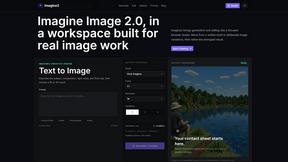
Imagine2
Private browser-based AI image generation and editing with text-to-image, targeted edits, and multi-image references.
Perchance AI Image Generator
Free Perchance AI Image Generator that runs in your browser. Multi-model text-to-image with no account required.Image Generation
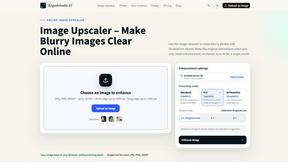
Kogashitsuka AI
An online AI image tool that enhances photos and illustrations at their original size or upscales them by 2x or 4x.
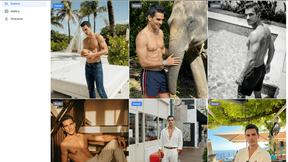
Trushot AI
TruShot creates ultra-realistic AI dating photos from just 4 selfies. Generate natural-looking, verification-friendly profile pictures for Tinder, Hin
MeinaMix
MeinaMix is a popular Stable Diffusion 1.5 checkpoint merge by creator Meina, delivering strong anime and illustration results even with short prompts
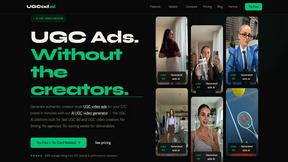
UGCad AI
AI UGC video ad generator turn a product URL, prompt, or template into a ready video ad. No camera or editing skills needed
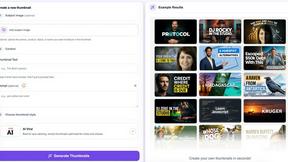
StopScroll
StopScroll helps YouTube creators generate AI thumbnails and improve images for higher-click videos.
HubVanta
HubVanta is a multilingual AI workspace for image, video, audio, and text generation tools.
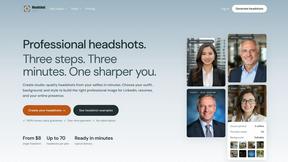
Headshot.ltd AI Headshot Generator
Turn a few phone selfies into professional headshots in ~5 minutes. 200+ backgrounds, one-time payment starting from $8.
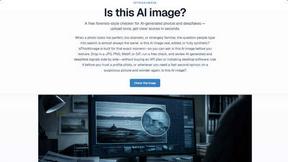
IsThisAIImage
Ask is this AI image? Free online checker: upload a photo for AI-generated and deepfake scores plus a clear verdict band.
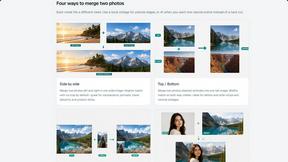
Merge Two Photos
Merge two photos free in browser: side by side, stacked, overlay, or AI fusion. Private local modes; download clean PNG, no watermark.
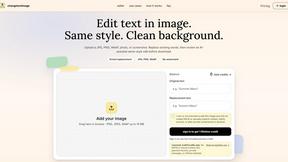
Change Text Image
AI image text editor that replaces text inside images while preserving the original font, style, colors, and background.
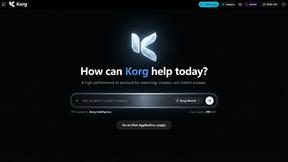
Korg Chat
Korg is a minimalist, ultra-fast AI assistant designed for speed, clarity, and deep reasoning. Built with a distraction-free dark interface, Korg allo
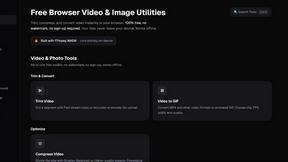
ClipUtils
Free browser video & image tools: trim, compress, convert, resize & remove backgrounds. 100% on-device — your files never leave your browser.
NoobAI XL
Free Open-Source AI Anime Image Generator
CyberRealistic XL
CyberRealistic XL is an open source SDXL model that generates lifelike human textures and complex compositions from simple prompts.
Modellix
One API key for top-tier image, video, and audio models with transparent pay-as-you-go pricing and full call logs.
Picture Enhancer
Picture Enhancer uses AI to deblur, upscale, and restore your photos directly in your browser with zero downloads needed.
Popular Alternatives in Image Generation
About Image Generation AI tools
Image Generation tools use artificial intelligence to create visual content from text descriptions, sketches, reference images, and creative prompts. This category includes AI art generators, text-to-image platforms, style transfer tools, AI avatar creators, and product mockup generators that transform ideas into visual content.
Whether you are creating marketing visuals, generating concept art, producing social media graphics, building product mockups, or exploring creative AI art, these tools provide accessible image creation capabilities that were previously available only to skilled designers and illustrators.
Compare image generation tools by their output quality, style options, customization controls, generation speed, and pricing to find the right AI image creation solution for your visual content needs.
FAQs for Image Generation
What types of image generation tools are available?
This category includes text-to-image generators, AI art platforms, style transfer tools, AI avatar and portrait creators, product mockup generators, logo creators, and specialized image generation tools for marketing, social media, and creative projects.
How good is AI-generated image quality?
Modern AI image generators produce photorealistic and artistically compelling images that are suitable for many commercial and creative applications. Quality varies by tool and prompt, with the best tools delivering output comparable to professional design work.
Can I use AI-generated images commercially?
Licensing varies by tool. Many platforms grant commercial usage rights for generated images, but terms differ regarding exclusivity, attribution requirements, and specific use cases. Always check the licensing agreement for each tool.
Do I need design skills to use image generators?
No. Most image generation tools accept natural language descriptions and generate images automatically. Learning to write effective prompts improves results, but no traditional design skills are required to produce quality visual content.
How do I get better results from AI image generators?
Write detailed, specific prompts that describe style, composition, lighting, mood, and subject matter clearly. Experiment with different wording, use negative prompts to exclude unwanted elements, and iterate on results to refine your output.
What are the limitations of AI image generation?
Common limitations include inconsistent text rendering in images, difficulty with specific hand and finger details, challenges with exact brand reproduction, and potential style biases from training data. Results improve with each tool update.