
Best Image & Photo AI tools (99+)
Discover 99+ best image & photo AI tools. Compare features, pricing, and reviews. Free and paid options available.
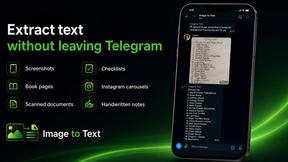
imgtxtapp.laviolab.com
imgtxtapp.laviolab.com is a Telegram-based image-to-text converter that turns photos, screenshots, scanned documents into editable text
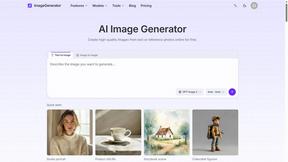
ImageGenerator
Create and edit AI images online with multiple models, text-to-image, image-to-image, background removal, and upscaling.
SightRadar
Face recognition API, a drop-in replacement for AWS Rekognition. Index, search, compare and detect faces, billed per photo with no subscription.
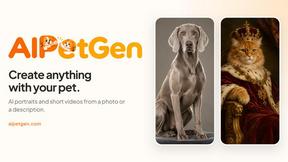
AIPetGen
AIPetGen turns a photo of your dog, cat, or other pet, or a written description, into a new picture or a short animation.
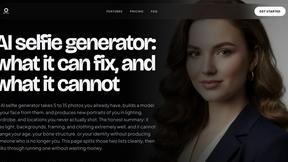
MyPhotoAI
Turn your selfies into AI headshots and portraits. Get 3 photos for US$5 or every photo from one shoot for US$10. No subscription.
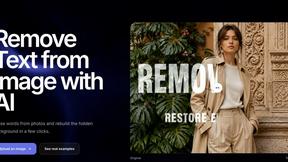
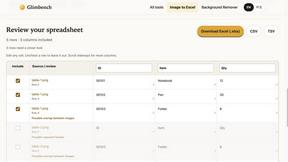
Glimbench
Remove backgrounds, convert table screenshots to Excel, and batch-convert HEIC to JPG. Free, no sign-up.
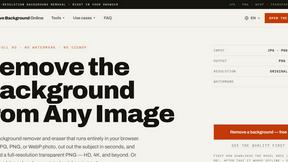
Remove Image Background
Free background remover that runs entirely in your browser — zero uploads, full resolution, no watermark. Your photos never leave your device.
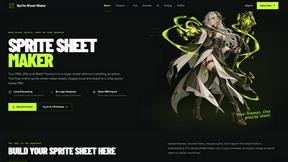
Sprite Sheet Maker
A free browser-based toolkit for creating, cutting, converting, and previewing sprite sheet animations.
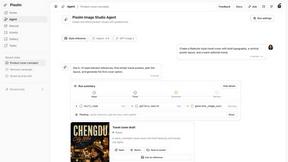
Pixolm
Create AI images from prompts and references, then refine them with an AI agent and editing tools in one workspace.
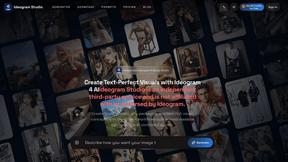
Ideogram Studio
Ideogram 4 AI workflows for text-perfect logos, posters, ads, packaging, and ecommerce visuals.

HomeShoot AI
Turn 3-6 phone photos into a themed studio photoshoot: baby, maternity & Indian festivals. Free watermarked preview, pay Rs199 only if you love it.

ProfileLoom
ProfileLoom turns one photo into platform-ready AI portraits for professional, social, and creator profiles, with presets and built-in editing.
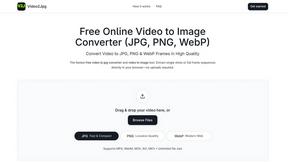
Video2Jpg
Convert video to JPG, PNG, or WebP frames in your browser. High-quality video to image converter with no uploads—fast, private, and free.
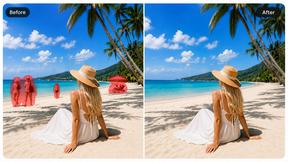
Magic Eraser
AI photo editor for removing objects, replacing backgrounds, enhancing images, and creating professional visuals.

AI Image Editor
Free AI image editor that edits, retouches, and transforms photos with natural-language text prompts.
Zanta AI
All-in-one AI studio to generate, edit, and upscale images and videos with leading models in one browser workflow.
Imagine2
Private browser-based AI image generation and editing with text-to-image, targeted edits, and multi-image references.
Kogashitsuka AI
An online AI image tool that enhances photos and illustrations at their original size or upscales them by 2x or 4x.

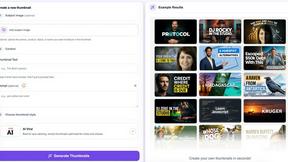
StopScroll
StopScroll helps YouTube creators generate AI thumbnails and improve images for higher-click videos.
HubVanta
HubVanta is a multilingual AI workspace for image, video, audio, and text generation tools.

IsThisAIImage
Ask is this AI image? Free online checker: upload a photo for AI-generated and deepfake scores plus a clear verdict band.
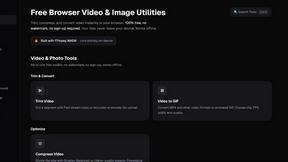
ClipUtils
Free browser video & image tools: trim, compress, convert, resize & remove backgrounds. 100% on-device — your files never leave your browser.
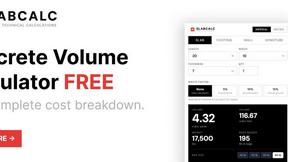
SLABCALC - Crack Analyzer
Upload a photo of any concrete crack for an instant AI diagnosis of failure mode, severity, and repair advice.
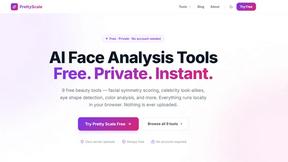
PrettyScale
PrettyScale offers nine private, browser-based AI beauty tools that analyze faces instantly with no uploads or accounts required.
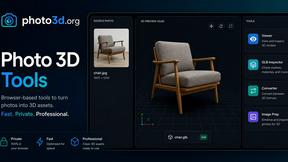
Photo3D
Photo3D turns images into GLB-ready 3D drafts for browser previews and practical file preparation.
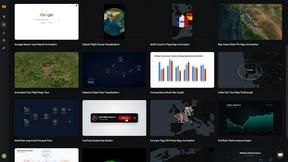
Easymotion - AI Motion Graphic Generator
Easymotion turns static images, data, or ideas into professional motion graphics and map animations in minutes.
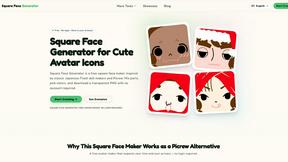
Square Face Generator
A free, browser-based square face maker inspired by classic Japanese doll creators, offering instant transparent PNG downloads with no login required.
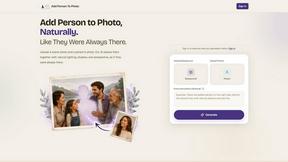
Add Person To Photo
Add someone to any photo with AI that perfectly matches lighting, shadow, and perspective for seamless, natural composites.
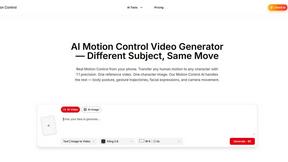
AI Motion Control
AI Motion Control seamlessly transfers human movement to any character, capturing body motion and facial expressions with stunning precision.
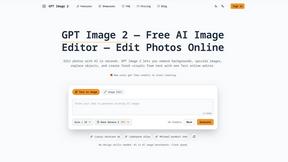
GPT Image 2
GPT Image 2 is an AI-powered platform for seamless image generation and editing, transforming ideas into polished visuals instantly.
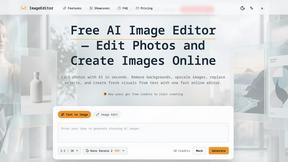
ImageEditor
ImageEditor is an intuitive AI-powered tool that effortlessly generates, edits, and enhances images directly in your browser.
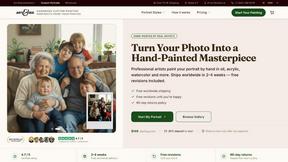
Art & See Custom Oil Painting Portraits
Turn your treasured photos into heirloom-quality custom oil portraits, hand-painted by skilled artists.
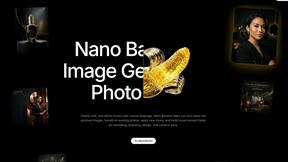
Nano Banana AI
Nano Banana AI is an intuitive platform for generating and editing images using natural language, streamlining your creative process effortlessly.
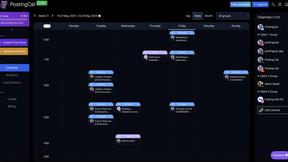
PostingCat
PostingCat is a streamlined social media management platform that simplifies content planning, scheduling, and publishing across multiple channels.
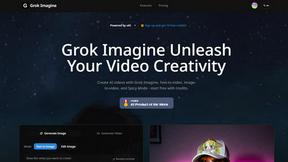
Grok Imagine
Grok Imagine empowers users to effortlessly create stunning AI-generated videos and images with innovative features and free credits.
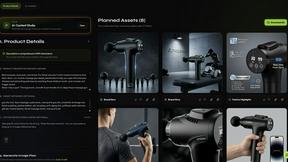
Rendery3D
Rendery3D transforms product photos into stunning 3D-rendered images and optimized listings in minutes, elevating your ecommerce brand.

Nano Banana
Create and edit stunning images effortlessly with Nano Banana's powerful AI, now at a limited-time 50% discount.
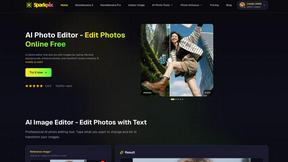
SparkPix
SparkPix is your AI photo editor where you simply type to remove backgrounds, enhance images, or transform styles instantly.
Popular Alternatives in Image & Photo
About Image & Photo AI tools
Image and Photo tools help users capture, edit, enhance, organize, and share visual content for personal, creative, and commercial purposes. This category includes photo editors, image enhancers, background removers, batch processing tools, image compression utilities, and AI-powered visual content creation platforms.
Whether you are editing product photos for an online store, enhancing images for social media, removing backgrounds for marketing materials, or managing large photo libraries, these tools provide the visual editing capabilities needed for professional-quality image output.
Compare image and photo tools by their editing features, AI capabilities, batch processing support, output quality, and pricing to find the right solution for your visual content workflow.
FAQs for Image & Photo
What types of image tools are listed?
This category includes photo editors, AI image enhancers, background removal tools, image compression utilities, batch processing platforms, screenshot tools, image format converters, and visual content creation platforms.
Can AI improve my photos automatically?
Yes. Many image tools use AI to automatically enhance resolution, adjust lighting, remove noise, sharpen details, colorize images, and fix common photo issues with minimal manual intervention.
Do image tools support batch processing?
Yes. Many tools offer batch processing for resizing, formatting, watermarking, compressing, and enhancing multiple images simultaneously, saving significant time for users working with large image collections.
What image formats are typically supported?
Most tools support JPEG, PNG, WebP, TIFF, SVG, and GIF formats. Professional tools also support RAW camera formats, PSD, and high-dynamic-range formats. Check individual listings for specific format support.
Are there free image editing tools?
Yes. Many image tools offer free tiers with core editing features, basic AI enhancements, and standard export options. Premium plans typically unlock advanced AI features, batch processing, and higher resolution outputs.
How do image tools handle quality and compression?
Quality image tools use smart compression algorithms that reduce file size while preserving visual quality. Many offer adjustable compression levels and format-specific optimization to balance file size with output quality for your specific use case.