
Best Dev Tools AI tools (65+)
Discover 65+ best dev tools AI tools. Compare features, pricing, and reviews. Free and paid options available.

WidgIq
Provide an AI-powered customer support widget for your website

Sprite Sheet Maker
A free browser-based toolkit for creating, cutting, converting, and previewing sprite sheet animations.

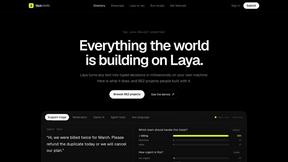
laya.tools
Free directory of 950+ projects built on Laya, the open-source model that turns text into typed decisions. Ports, SDKs, agents and demos.
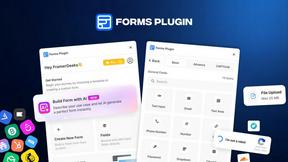
Forms Plugin
The #1 Native Form Builder Plugin for Framer - No Code, No Embeds, No External Platforms.


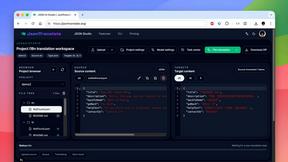
JsonTranslate
A json translater for translating JSON, Markdown, and TXT files while preserving keys, nested paths, and project structure.
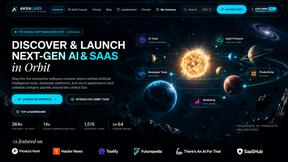
AkraLabs
Where modern software products get discovered, launched, and distributed. Explore verified AI tools, SaaS startups, and developer software.
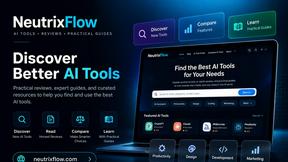
NeutrixFlow
AI tools directory with practical reviews, comparisons, and guides.

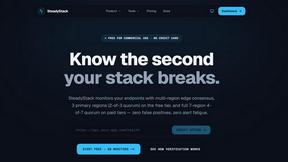
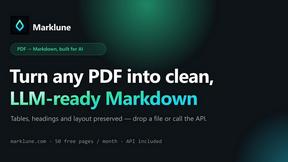

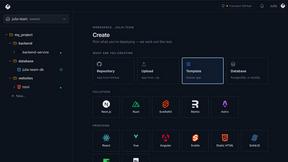
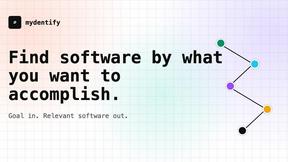
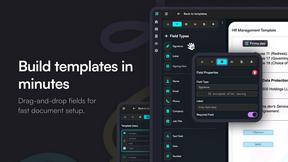
Firma.dev
Pay-as-you-go e-signature API and no-code sending. €0.049 per envelope, no monthly minimums, legally valid in 55+ countries.
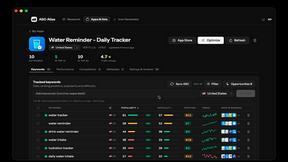

ContextBolt
MCP servers that give your AI agent the context it's missing: saved bookmarks, live SEO data and competitor moves, in one line of config.


ClipUtils
Free browser video & image tools: trim, compress, convert, resize & remove backgrounds. 100% on-device — your files never leave your browser.

NoobAI XL
Free Open-Source AI Anime Image Generator
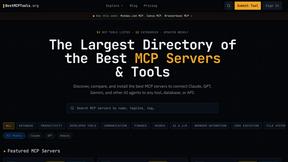

Illustrious XL
Illustrious XL natively generates high-res anime art at 1536px with hybrid prompting for precise, distortion-free control.
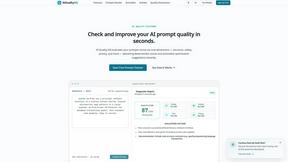
AIQualityHQ
AIQualityHQ instantly evaluates and optimizes your AI prompts across six quality dimensions for safer, more reliable outputs.
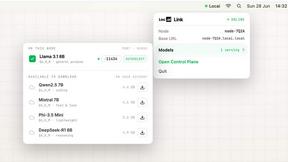
Locai
Locai lets you run powerful AI models on your own hardware, keeping data private and cutting cloud costs.

Best Face Swap
Best Face Swap delivers precise AI face replacement for photos and videos with curated workflows for free, NSFW, and API use.
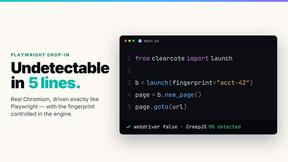

JustLaunched
Curated launch platform where indie makers get discovered by quality buyers through targeted directory blasts.
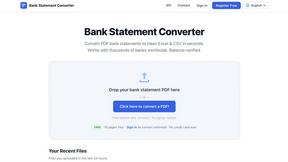
Bank Statement Engine
Convert PDF bank statements to Excel or CSV instantly with no signup, no limits, and support for thousands of banks worldwide.

Push My App
Push My App lets developers manage, optimize, and submit ASO-ready App Store and Play Store listings from a single dashboard.
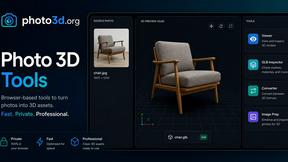
Photo3D
Photo3D turns images into GLB-ready 3D drafts for browser previews and practical file preparation.

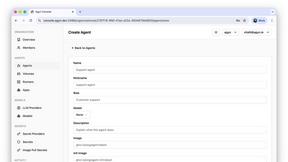
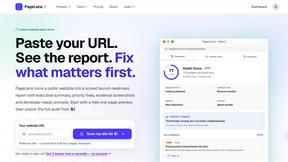
PageLens AI
PageLens AI audits AI-built websites, revealing launch risks and providing actionable fixes to ensure a safe and successful launch.
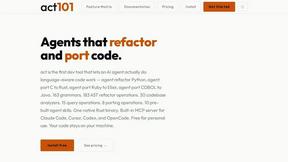
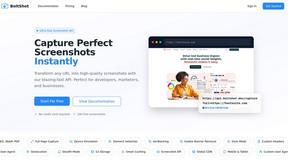
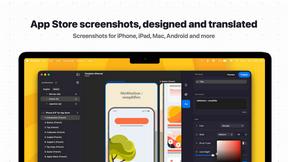
Popular Alternatives in Dev Tools
About Dev Tools AI tools
Dev Tools provide developers with the software, platforms, and utilities needed to write, test, debug, deploy, and monitor code more efficiently. This category includes code editors, development environments, debugging tools, CI/CD platforms, API testing tools, version control interfaces, and developer productivity enhancers.
Whether you are writing code, managing deployments, testing APIs, monitoring application performance, or automating development workflows, these tools provide the infrastructure that modern software development demands.
Compare dev tools by their language support, integration ecosystem, performance, collaboration features, and pricing to find the right development tools for your stack and team.
FAQs for Dev Tools
What types of developer tools are listed?
This category includes code editors and IDEs, terminal and CLI tools, API testing platforms, CI/CD solutions, debugging tools, performance monitoring, version control interfaces, code review platforms, and developer productivity extensions.
Are there dev tools for specific programming languages?
Yes. Some tools specialize in specific languages or ecosystems like JavaScript, Python, Go, or Rust, while others provide multi-language support. Check individual listings for language-specific features and compatibility.
How do dev tools improve team productivity?
Dev tools improve productivity through code completion, automated testing, streamlined deployments, collaborative debugging, shared development environments, code review workflows, and integration with project management systems.
Do dev tools support cloud development?
Yes. Many modern dev tools offer cloud-based development environments, remote container support, cloud debugging, and browser-based IDEs that allow developers to work from any device without local setup.
Are there free developer tools?
Yes. Many essential dev tools are open source or offer generous free tiers for individual developers and small teams. Paid plans typically add team management, enterprise security, and advanced scaling features.
How do I choose the right dev tools?
Consider your tech stack, team size, deployment targets, collaboration needs, and budget. Prioritize tools that integrate well with your existing workflow and offer the specific features your development process requires.