
Grok Imagine
Grok Imagine makes short AI videos from text or images and generates accompanying audio, with multiple aspect ratios and creative modes.
Visit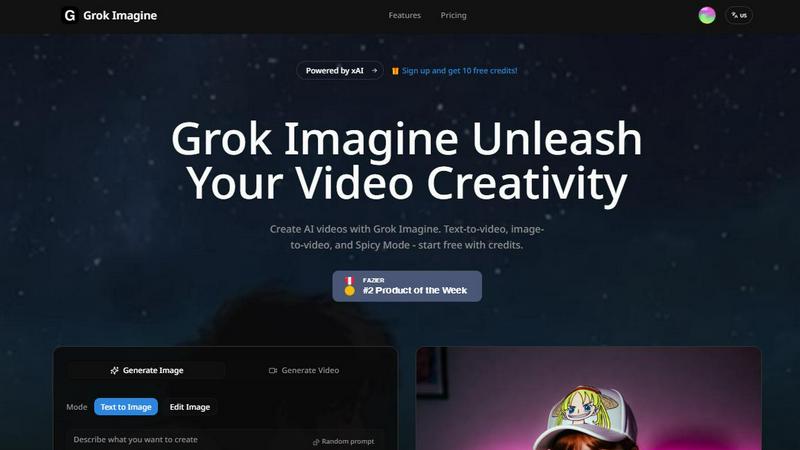
About Grok Imagine
Grok Imagine brings image and video generation into a prompt-led workflow. A text description can produce a still or a video, while an uploaded image can be animated. The listed video length is 6 to 30 seconds, with background music and sound effects generated alongside it. Outputs can use one of five ratios, spanning square, portrait, and landscape formats.
Its modes help set the visual direction before generation: Normal is described as balanced, Fun as playful, and Spicy as bold and expressive. The main constraint for image-based work is that the page lists only Normal and Fun for image-to-video. That matters if you already have a reference image and want a specific look. Example prompts are available for inspiration, but the supplied information does not indicate detailed timeline editing or fine-grained control over generated audio.
Features of Grok Imagine
- Creates AI images from text and videos from text or images.
- Generates clips from 6 to 30 seconds with automatic music and effects.
- Includes Normal, Fun, and Spicy creative modes.
- Supports 1:1, 2:3, 3:2, 9:16, and 16:9 aspect ratios.
Use Cases of Grok Imagine
- Sketch an idea as a short video before committing to production.
- Animate a still image for a brief visual post.
- Generate drafts in portrait, square, or widescreen proportions.
- Use example prompts to explore scenes and visual styles.
Frequently Asked Questions
Can it create a video from an image?
Yes. The page describes uploading a still image and generating motion from it.
What is the maximum listed video length?
The page lists videos from 6 to 30 seconds.
Which modes work with image-to-video?
Normal and Fun are listed; Spicy is not listed for this workflow.
Pricing of Grok Imagine
The page lists monthly plans billed annually. Starter costs $11.9 per month with annual billing of $143.3, and includes 1,000 credits monthly.
Explore more in this category:
Similar to Grok Imagine

FoxyLab
FoxyLab creates product videos and banner sets through chat, with browser-based revisions and an API that uses the same studio workflow.
EYROVE
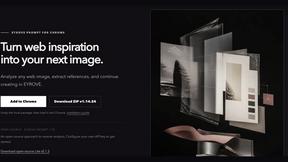
EYROVE helps visual creators explore AI image references and prompt excerpts, then carry selected ideas into a workspace for comparison or generation.
LayerSplit
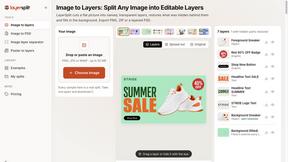
LayerSplit separates flat images into named, transparent layers and fills the background, helping designers reuse or edit individual elements.

Text Photo AI
Correct, replace, or remove lettering in exported JPG and PNG images with AI; add new captions free in the browser.
N33 AI
Use a range of AI chat models, web search, document uploads, voice, and image and video generation in one service.
Clean Audio
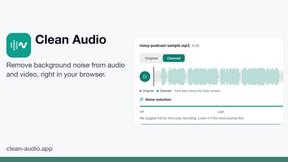
Clean Audio removes background noise from spoken audio and video in your browser, with on-device processing and adjustable reduction strength.

AmosVid
AmosVid makes script-based whiteboard explainer videos with hand-drawn scenes, voiceover and browser-based editing for educators and creators.

Flux3Max.io
Flux3Max.io makes short videos with sound from prompts, photos, or keyframes, including vertical formats for social clips.