
ImageGenerator
Create or transform images with multiple AI models, then refine results and keep prompts in a private library.
Visit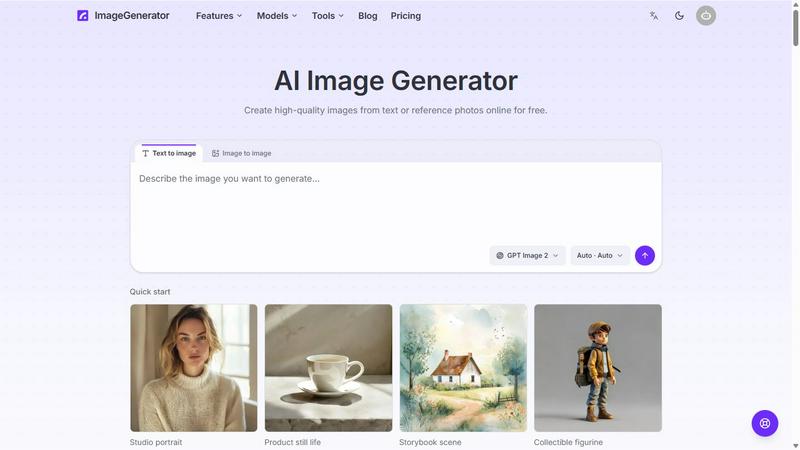
About ImageGenerator
ImageGenerator brings text-to-image and image-to-image generation together with tools for background removal, upscaling, expanding a frame, and style transfer. Its model selector lets creators compare different strengths from the same prompt box, including options described for readable text, precise layouts, fast drafts, and reference-guided edits. Generated work is saved with its prompt and model in a private library, where it can be downloaded or reused as a reference.
The workflow centers on one image at a time: generate, review, then revise the prompt or feed the result into another pass. That suits people who want deliberate iteration and a record of how an image was made. Output cost varies by model and resolution, so high-volume work should account for credit use before choosing a model.
Features of ImageGenerator
- Text-to-image and image-to-image generation
- Multiple models with different image strengths
- Background removal, upscaling, image expansion, and style transfer
- Private history stores each result with its prompt and model
Use Cases of ImageGenerator
- Draft campaign imagery from a written brief, then refine individual results
- Adapt a reference photo into alternate styles or product variations
- Produce posters or packaging where legible text matters
- Prepare images for a new aspect ratio with image expansion
Frequently Asked Questions
Can I start from an existing image?
Yes. Upload a reference image to guide an image-to-image generation or use it to explore a different style, setting, or composition.
How does the model choice affect a project?
The listed models have different strengths, such as speed, detail, layout control, text rendering, and reference handling. Compare them on a sample before committing to a larger batch.
Where are generated images kept?
Results are saved in a private library with their prompts and model information, and can be downloaded or reused as references.
Pricing of ImageGenerator
Credit packs are one-time purchases and do not require a subscription; subscriptions are also available. Credits vary by model and resolution.
Similar to ImageGenerator

FoxyLab
FoxyLab creates product videos and banner sets through chat, with browser-based revisions and an API that uses the same studio workflow.

EYROVE
EYROVE helps visual creators explore AI image references and prompt excerpts, then carry selected ideas into a workspace for comparison or generation.
LayerSplit
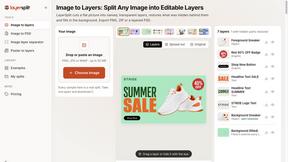
LayerSplit separates flat images into named, transparent layers and fills the background, helping designers reuse or edit individual elements.
Text Photo AI
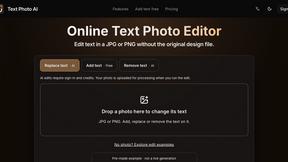
Correct, replace, or remove lettering in exported JPG and PNG images with AI; add new captions free in the browser.
N33 AI
Use a range of AI chat models, web search, document uploads, voice, and image and video generation in one service.
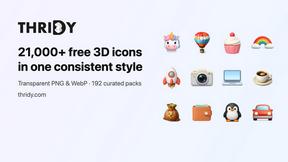
Thridy
Browse a consistent library of 3D icons and transparent PNG illustrations, with a free plan and higher download limits on paid plans.
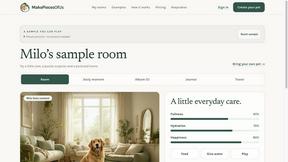
MakePieces OfUs
MakePieces OfUs creates a virtual room from a pet photo, with free puzzles and journaling and optional daily stories, themed places and postcards.
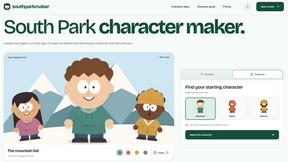
southparkmaker
Make a South Park-inspired avatar with editable presets, custom character details, and PNG or SVG downloads from your browser.