
Best Image & Photo AI tools (99+)
Discover 99+ best image & photo AI tools. Compare features, pricing, and reviews. Free and paid options available.
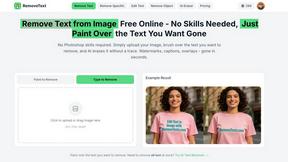
RemoveTexts
RemoveTexts is an AI tool that instantly removes any text from images without needing Photoshop skills.
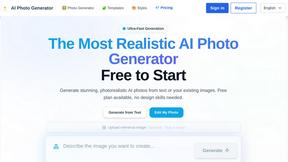
AI Photo Generator
Generate stunning, photorealistic AI photos from text or your own images, free to start.
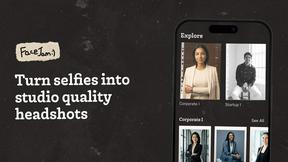
Facejam
Create polished professional headshots from your selfies in minutes with AI.
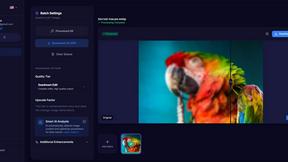
MyImageUpscaler
Enhance and upscale your images instantly with MyImageUpscaler, featuring text preservation and a free tier for all.
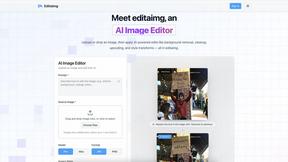
Editaimg
Editaimg transforms your images instantly using simple text prompts and AI-powered editing tools.
Modelfy 3D
Instantly transform any image into stunning 3D models with Modelfy 3D's advanced AI technology.
seedream4.me
Seedream4.me instantly generates and edits stunning 2K images using advanced AI technology, no design skills required.
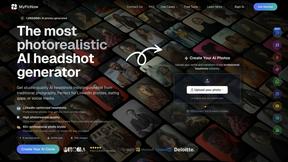
MyPicNow
MyPicNow generates stunning AI headshots from selfies, enhancing your profile for LinkedIn, dating, and social media.
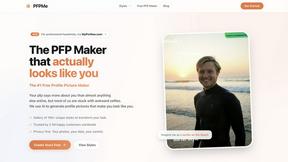
PFPMe
PFPMe creates personalized AI profile pictures that actually look like you in seconds.
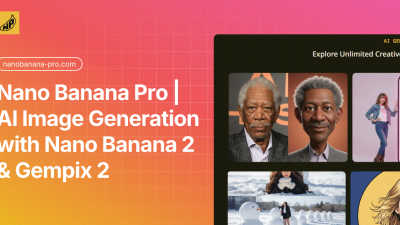
Nano Banana Pro
Nano Banana Pro creates stunning 4K AI images with perfect character consistency and advanced editing tools for.
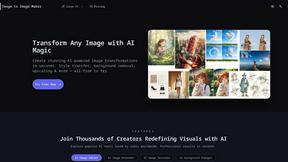
Image to Image Maker
Transform any photo into a stunning, studio-ready image in seconds with our powerful AI image editor.
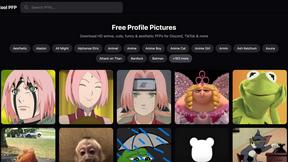
Cool PFP
Cool PFP offers stunning free HD profile pictures in diverse styles for Discord, TikTok, and more, no signup needed.
Berrioo
Berrioo effortlessly transforms your text and photos into professional AI-generated images for all your projects.
ShinePhoto
ShinePhoto instantly crops and restores your photos for stunning, share-ready images.
OC Maker
OC Maker instantly creates unique visual characters for any project using AI, no drawing skills required.
Image by Qwen
Qwen Image transforms text into stunning photorealistic visuals in seconds, powered by advanced AI technology.
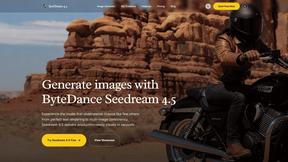
SeedreamImageGenerator
Seedream 4.5 transforms text prompts into stunning, production-ready images in seconds with unmatched detail and.
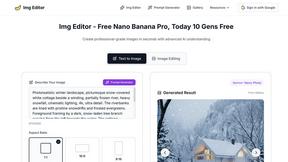
Img Editor
Img Editor effortlessly transforms your concepts into stunning, professional-quality images in seconds using advanced.
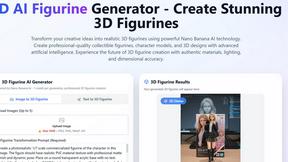
Banana AI Pro Image Generator
Effortlessly create stunning 4K images with Banana AI Pro's advanced AI image generation and editing tools.
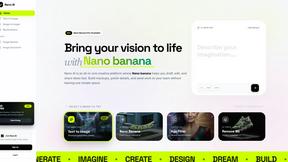
Nano AI
Nano AI is a fast and intuitive platform for generating and editing stunning AI images all in one place.
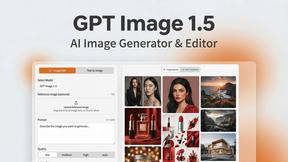
GPT Image 1.5
Create stunning photorealistic images and designs effortlessly with GPT Image 1.5's fast generation and precise editing.
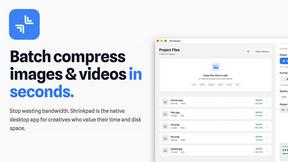
Shrinkpad
Shrinkpad is a native Mac app that batch compresses images and videos locally to save space and time.
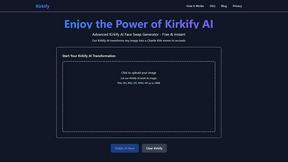
kirkify AI
Kirkify AI transforms your photos into hilarious, shareable Charlie Kirk-style memes with just a click, for free.
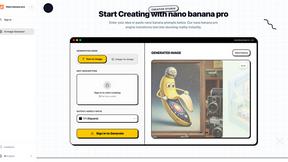
Nanobananapro
Nano Banana Pro instantly creates stunning 4K AI images, restores photos, and designs social graphics.
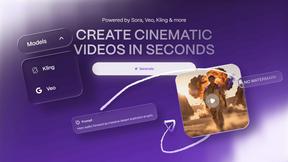
Vailo AI
Vailo AI effortlessly transforms your ideas into stunning videos and images, unleashing your creativity in seconds.
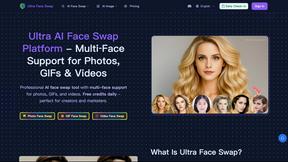
Ultra Face Swap
Swap faces in photos, GIFs, and videos with realistic, multi-face AI precision for free.
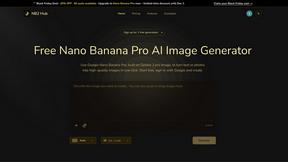
NB2 Hub
Effortlessly transform text and photos into stunning 4K images with the Nano Banana Pro AI Image Generator.
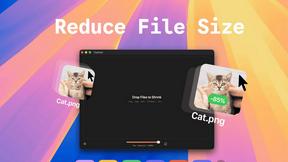
TinyFast
Effortlessly compress images, videos, and PDFs on your Mac while keeping your files private and secure with TinyFast.
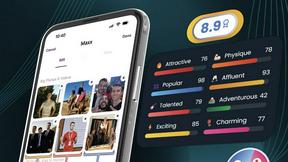
Photomaxxer
Photomaxxer uses AI to select your best photos, boosting your online dating success in just minutes.

AI Photo Online
Effortlessly enhance your photos with AI Photo Online's powerful editing tools and templates, no signup required.
ImaginePro
ImaginePro transforms text into stunning, high-quality images instantly, empowering creators with precise editing tools.
AI Photo Template
Effortlessly craft stunning, customizable photo templates that reflect your brand's unique style with AI precision.
AI Photo Assistant
Effortlessly enhance your photos to professional quality in seconds with AI Photo Assistant's smart one-click editing.
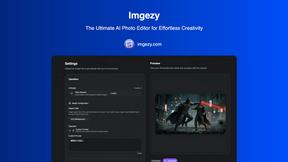
Imgezy
Imgezy is an AI photo editor that effortlessly removes objects and changes backgrounds for stunning, professional.
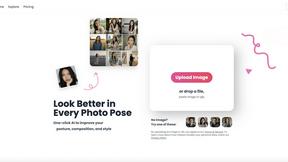
poseup
PoseUp enhances your photos with one-click AI, improving poses, posture, and composition for stunning results.

LinkedInPro
LinkedInPro instantly creates a professional headshot from your casual photo.
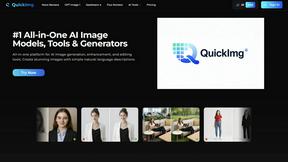
QuickImg
QuickImg is your all-in-one platform for generating, enhancing, and editing stunning AI images effortlessly.
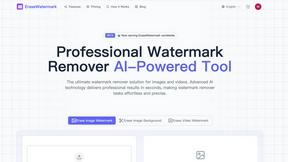
ErasewatermarkAI
EraseWatermarkAI swiftly removes unwanted watermarks from images and videos, ensuring pristine quality and detail.
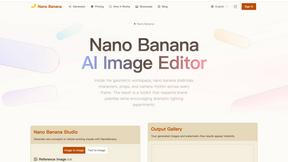
AI-NanoBanana
Nano Banana is an AI image editor that transforms any photo with simple text prompts.
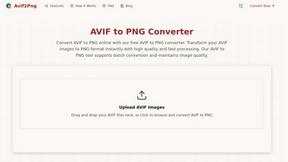
Avif2Png
Convert your AVIF images to widely compatible PNG format instantly while preserving quality.
Popular Alternatives in Image & Photo
About Image & Photo AI tools
Image and Photo tools help users capture, edit, enhance, organize, and share visual content for personal, creative, and commercial purposes. This category includes photo editors, image enhancers, background removers, batch processing tools, image compression utilities, and AI-powered visual content creation platforms.
Whether you are editing product photos for an online store, enhancing images for social media, removing backgrounds for marketing materials, or managing large photo libraries, these tools provide the visual editing capabilities needed for professional-quality image output.
Compare image and photo tools by their editing features, AI capabilities, batch processing support, output quality, and pricing to find the right solution for your visual content workflow.
FAQs for Image & Photo
What types of image tools are listed?
This category includes photo editors, AI image enhancers, background removal tools, image compression utilities, batch processing platforms, screenshot tools, image format converters, and visual content creation platforms.
Can AI improve my photos automatically?
Yes. Many image tools use AI to automatically enhance resolution, adjust lighting, remove noise, sharpen details, colorize images, and fix common photo issues with minimal manual intervention.
Do image tools support batch processing?
Yes. Many tools offer batch processing for resizing, formatting, watermarking, compressing, and enhancing multiple images simultaneously, saving significant time for users working with large image collections.
What image formats are typically supported?
Most tools support JPEG, PNG, WebP, TIFF, SVG, and GIF formats. Professional tools also support RAW camera formats, PSD, and high-dynamic-range formats. Check individual listings for specific format support.
Are there free image editing tools?
Yes. Many image tools offer free tiers with core editing features, basic AI enhancements, and standard export options. Premium plans typically unlock advanced AI features, batch processing, and higher resolution outputs.
How do image tools handle quality and compression?
Quality image tools use smart compression algorithms that reduce file size while preserving visual quality. Many offer adjustable compression levels and format-specific optimization to balance file size with output quality for your specific use case.