
Vismuse
Create polished AI images and videos from prompts or references for social posts, ads, flyers, album covers, and campaigns.
Visit
About Vismuse
Vismuse is an AI image and video creation workspace that helps creators, musicians, marketers, and small businesses turn ideas into polished visual content. Start with a text prompt, product photo, album artwork, or other reference, then generate original images and short videos for social media, advertising, launches, events, and brand campaigns.
Vismuse brings focused creative workflows into one place, including an AI image maker, AI video generator, promo video maker, flyer generator, album cover maker, and Spotify Canvas generator. Users can choose formats suited to their channel, review and refine results, organize creations in reusable boards, and export finished images as PNG or JPEG and videos as MP4.
Whether you need a product promo, event flyer, release cover, vertical social clip, or early campaign concept, Vismuse makes it faster to move from a brief to ready-to-use creative assets without a complex production setup.
Similar to Vismuse
editedimage
Edit clothes, objects or backgrounds in a photo with one sentence. One free edit a day, no signup, your photo is never stored.
Allhere
Upload one photo of each person, even an old black-and-white one, and get them in one family portrait. Free preview.
LooksMeter
Upload one photo for a free PSL score and face rating. 47 tools cover face shape, symmetry, color season and more. No signup needed.
Goshortsai
Turn photos into AI videos for free with Goshortsai. Sign in daily to get free credits, upload an image, describe motion, and generate your video.
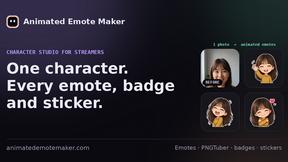
Animated Emote Maker
Turn a selfie or pet photo into animated Twitch & Discord emotes.
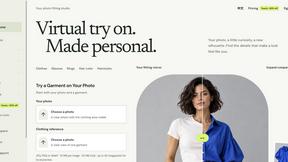
VirtualTryOn
Try on clothes, glasses, rings, hairstyles, and hair colors on your own photos with AI.
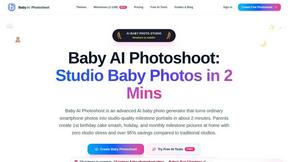
Baby AI Photoshoot
Turns everyday smartphone photos of your baby into studio-quality portraits and videos in about 2 minutes, with 500+ themes.
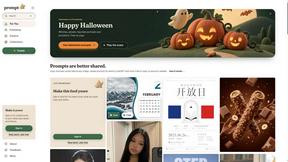
Promptclay
Free-to-copy AI image prompt library. Each prompt is shown next to the image it made.