

Alternatives to TinyFast
Effortlessly compress images, videos, and PDFs on your Mac while keeping your files private and secure with TinyFast.
Explore 20 alternatives to TinyFast. Compare features, pricing, and find the best fit for your needs.

Panzoe
Panzoe is an all-in-one AI platform for personal productivity, business automation, AI assistants, content creation, and custom AI solutions.

AIPetGen
AIPetGen turns a photo of your dog, cat, or other pet, or a written description, into a new picture or a short animation.
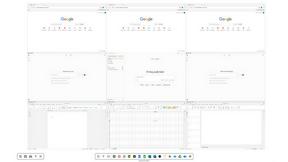
Novastart
Novastart brings apps and files onto an infinite canvas where people and AI agents can work together.

MyPhotoAI
Turn your selfies into AI headshots and portraits. Get 3 photos for US$5 or every photo from one shoot for US$10. No subscription.



Glimbench
Remove backgrounds, convert table screenshots to Excel, and batch-convert HEIC to JPG. Free, no sign-up.

AI Email Filter
AI Email Filter sorts incoming mail into folders using plain-language prompts you write. Works with any IMAP mailbox; bring your own LLM if you want.
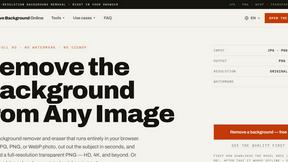
Remove Image Background
Free background remover that runs entirely in your browser — zero uploads, full resolution, no watermark. Your photos never leave your device.
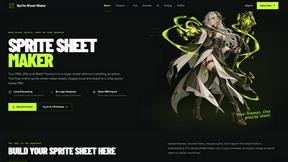
Sprite Sheet Maker
A free browser-based toolkit for creating, cutting, converting, and previewing sprite sheet animations.

Kody Tools
Free collection of online developer utilities, code formatters, and digital converters designed to streamline your daily workflow.

Pixolm
Create AI images from prompts and references, then refine them with an AI agent and editing tools in one workspace.
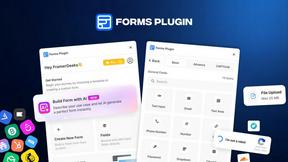
Forms Plugin
The #1 Native Form Builder Plugin for Framer - No Code, No Embeds, No External Platforms.

HomeAnswerBook
Practical, independent guides to home repairs, maintenance, costs, troubleshooting, and everyday fixes.
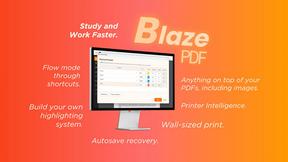
BlazePDF
Highlight faster. Study in flow with custom shortcuts and a workflow built around you. Print smarter, or turn any page into a tiled poster.

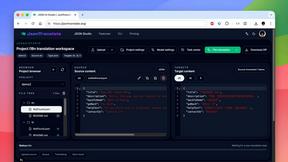
JsonTranslate
A json translater for translating JSON, Markdown, and TXT files while preserving keys, nested paths, and project structure.

Ideogram Studio
Ideogram 4 AI workflows for text-perfect logos, posters, ads, packaging, and ecommerce visuals.
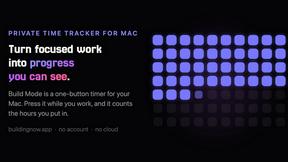
Build Mode for Mac
Build Mode is a Mac app that turns focused sessions into visible progress, so you can see the work adding up before the results arrive.

About TinyFast Alternatives
TinyFast is an innovative macOS application designed for the efficient compression of various file types, including images, videos, and PDFs. As a powerful tech tool, it enables users to manage their assets directly on their devices, ensuring both speed and privacy throughout the compression process. Users often seek alternatives due to factors such as pricing, specific feature sets, or compatibility with different platforms and operating systems. When looking for an alternative, it’s essential to consider the application's ease of use, the range of supported file formats, the speed of compression, and how well it aligns with your privacy needs. A good alternative should also enhance productivity and fit seamlessly into your existing workflow, offering features that cater to your specific requirements.
FAQs about TinyFast Alternatives
What is TinyFast?
TinyFast is a macOS application that compresses images, videos, and PDFs locally on your device, ensuring fast results and total privacy.
Who is TinyFast for?
TinyFast is tailored for developers, designers, and creators who need to manage and compress large volumes of digital assets efficiently.
Is TinyFast free?
The pricing details of TinyFast may vary; please check the official website for the latest information on its cost.
What are the main features of TinyFast?
TinyFast offers batch and drag-drop compression, blazing-fast processing, the option to resize resolution, and a commitment to local privacy.