
Alternatives to FineVoice
FineVoice helps video makers and educators create AI narration, multilingual audio, cloned voices, and generated sound effects in one workspace.
Explore 20 alternatives to FineVoice. Compare features, pricing, and find the best fit for your needs.
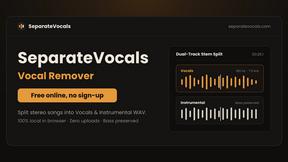
SeparateVocals
SeparateVocals is a browser vocal remover for karaoke and music edits, with local stereo splitting and optional cloud-based enhanced separation.
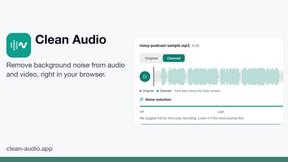
Clean Audio
Clean Audio removes background noise from spoken audio and video in your browser, with on-device processing and adjustable reduction strength.

AmosVid
AmosVid makes script-based whiteboard explainer videos with hand-drawn scenes, voiceover and browser-based editing for educators and creators.
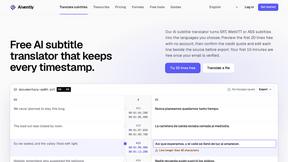
Aivently
Aivently translates timed subtitle files and transcribes audio or video, with advance credit quotes and line-level editing.

AI Rap Video.cc
Generate personalized solo or duo rap videos from photos, with AI-created performances and optional reference remixing.

VD6S.online
Save public YouTube videos as MP4 or choose standalone audio formats with VD6S.online, a browser-based downloader requiring no installation.

AI RAP
AI RAP makes short English duet videos from photos, using a selected scene and topic to guide generated lyrics, vocals and music.
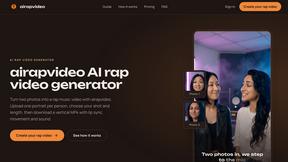
airapvideo
Create a 10-second rap video from two portraits, with an AI-generated duet, beat and vertical MP4 download.

GenX.art
GenX.art offers AI image, video, and audio creation across multiple models, with campaign tools and credit estimates before each run.
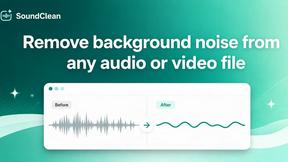
SoundClean
SoundClean offers AI background noise reduction for audio and video, with a short preview to help creators evaluate a recording before download.
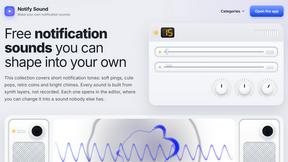
Notify Sound
Edit synthesized notification sounds in your browser, or create a layered sound through an MCP-connected AI assistant.

Soundwaver
Soundwaver turns text into expressive Traditional Chinese voiceovers, with voice cloning and voice design for creators and studios.
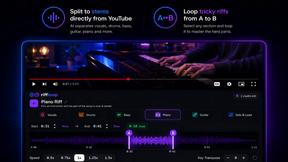
Riffloop
Riffloop turns YouTube songs and audio files into a practice studio with stem separation, looping, key change, and chord tools.

AI UGC Ads Generator
A planned ecommerce ad tool that turns product URLs or images into UGC-style scripts, captions, creator directions, and short-form video concepts.

InstaSong
InstaSong turns a prompt or photo into an AI-generated song, with optional controls for vocals, language, sound, and era.
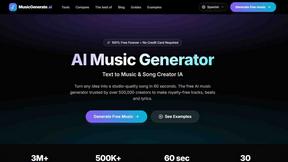
MusicGenerate
MusicGenerate turns written prompts or lyrics into AI music, with vocal and instrumental options plus browser audio utilities.

Chronicle
Chronicle turns voice notes into searchable memories, letting busy professionals record thoughts and ask questions to recall details later.
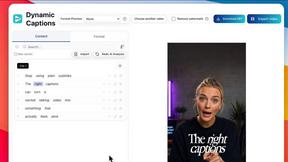
Subclip
Subclip combines AI video editing with agent controls, template source code, and hands-on timeline adjustments.
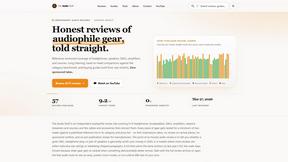
The Audio Stuff
The Audio Stuff pairs independent hi-fi reviews with side-by-side comparisons and buying guides for listeners weighing sound, fit and budget.

About FineVoice Alternatives
For education, compare tools by how easily they turn course scripts into narration and adapt material across languages. For video work, check for dubbing, lip-sync, and voice consistency. A dedicated speech generator may suit a narrow narration task, while a broader audio suite is more relevant when projects also require transcription, translation, or generated effects.
FAQs about FineVoice Alternatives
What should educators prioritize when comparing tools?
Consider course narration, language adaptation, accessibility needs, and the output volume allowed by the plan.
What should video creators compare?
Check voiceover quality options, dubbing workflow, supported languages, and whether the tool supports talking avatars.