
Text Remover
Instantly remove unwanted text from images with AI for clean, professional results.
Visit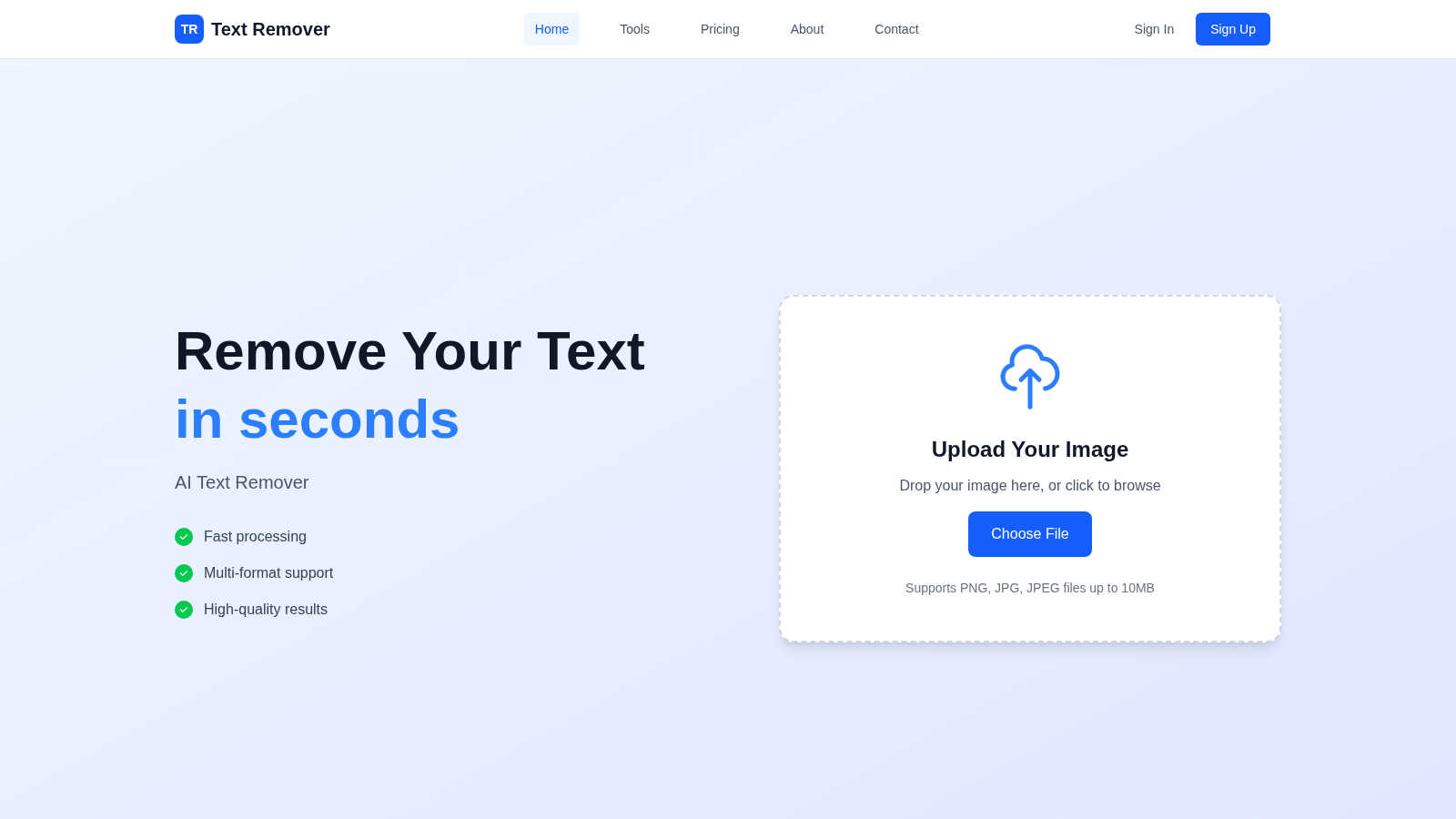
About Text Remover
Text Remover is a sophisticated, AI-powered solution designed to effortlessly eliminate unwanted text from any image. It addresses a common yet time-consuming digital editing challenge, transforming cluttered visuals into clean, professional assets. The tool is engineered for a wide audience, from professional photographers and graphic designers needing pristine backgrounds, to social media managers curating perfect feeds, and everyday users aiming to protect privacy or refresh old photos. Its core value lies in its intelligent automation; instead of manual cloning or complex software, users simply mark the text they wish to remove. The advanced AI then seamlessly reconstructs the underlying background, preserving original textures, colors, and details. This process not only enhances visual appeal by removing distractions like watermarks, timestamps, or promotional overlays but also significantly boosts productivity by delivering results in seconds. With a commitment to quality, security, and accessibility, Text Remover empowers users to reclaim their images, ensuring every project meets a high standard of clarity and professionalism without requiring technical expertise.
Features of Text Remover
AI-Powered Precision Engine
At the heart of Text Remover is a state-of-the-art machine learning model trained to understand image context. It doesn't just delete pixels; it intelligently analyzes the area surrounding the selected text to generate a fill that perfectly matches the background's pattern, gradient, and texture. This ensures the removal is undetectable, maintaining the integrity and aesthetic of the original photograph without leaving blurry patches or obvious edits, a common flaw in simpler tools.
Secure & Privacy-Focused Processing
Text Remover is built with user privacy as a fundamental principle. All image processing occurs securely in the cloud with robust encryption, and crucially, your uploaded images are not stored or used for training purposes after the operation is complete. This makes it an ideal tool for safely removing sensitive personal information like addresses, license plates, or documents, giving users full confidence in the security of their data.
Intuitive Canvas Editing Interface
The tool features a user-friendly, browser-based canvas that makes the text removal process straightforward for everyone. Users can upload an image and use a simple brush or selection tool to mark the exact text areas for removal. This intuitive design eliminates the learning curve associated with professional editing software, making powerful image cleanup accessible to users of all skill levels directly from their web browser.
High-Quality Output & Format Support
Text Remover is engineered to preserve the original resolution and quality of your uploaded images. It supports all major file formats including PNG, JPG, and JPEG, ensuring compatibility with most digital images. The AI processing is optimized to deliver a clean, high-fidelity result that is ready for immediate download and use in professional projects, social media, or print, without any degradation in image quality.
Use Cases of Text Remover
Social Media Content Curation
Social media managers and influencers can use Text Remover to clean up images for their feeds and stories. It effortlessly strips away distracting watermarks from stock photos, removes unwanted date stamps from travel pictures, or deletes promotional text overlays. This results in a cohesive, professional, and aesthetically pleasing social media presence that engages audiences without visual clutter.
Professional Photography Retouching
Photographers can utilize the tool to perfect their shots during post-production. It is ideal for removing intrusive elements like price tags in product photography, accidental photobomber text on t-shirts, or location signage in portrait backgrounds. This allows photographers to deliver flawless final images to clients, saving hours of meticulous manual retouching work in complex software like Photoshop.
Meme and Graphic Template Creation
Content creators and marketers can leverage Text Remover to create custom memes and reusable graphic templates. By easily clearing text from popular meme formats or existing marketing images, users gain a blank canvas to add their own witty captions, promotional messages, or multilingual content. This streamlines the creative process for generating engaging and original visual content quickly.
Privacy Protection and Document Sanitization
Individuals and professionals can protect their privacy by sanitizing images before sharing them online. The tool is perfect for obscuring personal details in photos of documents, receipts, or IDs, removing visible phone numbers from pictures of business cards, or blurring house numbers in real estate photos. It helps ensure compliance with data protection norms by allowing safe sharing of visual information.
Frequently Asked Questions
How does the AI ensure the background looks natural after text removal?
The AI model is extensively trained on diverse image datasets to understand context, textures, and patterns. When you mark text for removal, the AI doesn't just fill the area with a solid color. It analyzes the surrounding pixels to intelligently infer and reconstruct what the background should look like, blending new pixels seamlessly to create a natural, undetectable result that maintains the original image's visual flow.
What image formats and file sizes does Text Remover support?
Text Remover supports all common raster image formats including PNG, JPG, and JPEG. To ensure fast and efficient processing for all users, there is a current file size limit of 10MB per upload. This balance allows for high-quality image inputs while maintaining the tool's speed and responsiveness for a smooth user experience.
Is there a limit to how much text I can remove from a single image?
While you can select multiple text areas for removal in a single image, the accuracy and quality of the result are best when the selections are precise and not excessively large. The AI performs optimally on distinct text elements. For images where text covers a very significant portion, the complexity of reconstructing the background increases, which may affect the output.
Are my uploaded images stored or used by Text Remover after processing?
No, your privacy is paramount. Text Remover operates on a strict no-storage policy for processed images. Your uploads are used solely for the immediate purpose of text removal and are automatically deleted from the servers shortly after you download your result. They are never used for training the AI model or any other purpose without your explicit consent.
Pricing of Text Remover
Text Remover offers flexible plans to suit different user needs. The Free plan is perfect for trying the service, offering 5 text removal uses (15 credits) with basic features. For regular users and professionals, the Pro plan at $9.99/month provides 100 uses (300 credits), advanced AI processing, priority support, and all file formats. High-volume users can opt for the Enterprise plan at $29.99/month, which includes 400 uses (1200 credits), premium AI, batch operations, enterprise security, and dedicated support. All paid plans include a 3-day money-back guarantee, no setup fees, and the freedom to cancel anytime.
Similar to Text Remover
imgtxtapp.laviolab.com
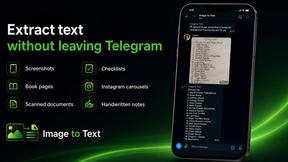
imgtxtapp.laviolab.com is a Telegram-based image-to-text converter that turns photos, screenshots, scanned documents into editable text

ImageGenerator
Create and edit AI images online with multiple models, text-to-image, image-to-image, background removal, and upscaling.
SightRadar
Face recognition API, a drop-in replacement for AWS Rekognition. Index, search, compare and detect faces, billed per photo with no subscription.

Verla AI
AI academic assistant for writing, research, presentations, and coding
AIPetGen
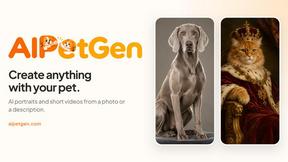
AIPetGen turns a photo of your dog, cat, or other pet, or a written description, into a new picture or a short animation.
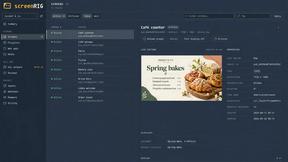
screenRIG
Signage and kiosk infrastructure for AI agents. Your agent publishes images, video, streams, web pages and apps to screens via one plugin.screenRIG is
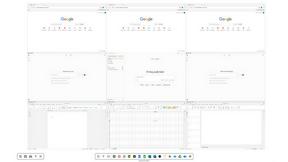
Novastart
Novastart brings apps and files onto an infinite canvas where people and AI agents can work together.

AdsTurbo
Turn winning ads and product links into new video ad variations with AI actors, then translate them into 35+ languages with lip sync.