

Alternatives to Editaimg
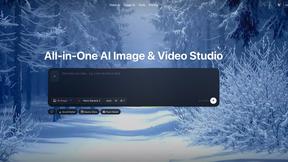
Editaimg transforms your images instantly using simple text prompts and AI-powered editing tools.
Explore 20 alternatives to Editaimg. Compare features, pricing, and find the best fit for your needs.
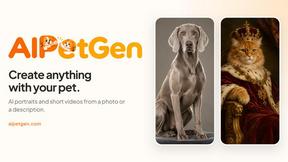
AIPetGen
AIPetGen turns a photo of your dog, cat, or other pet, or a written description, into a new picture or a short animation.

MyPhotoAI
Turn your selfies into AI headshots and portraits. Get 3 photos for US$5 or every photo from one shoot for US$10. No subscription.


Glimbench
Remove backgrounds, convert table screenshots to Excel, and batch-convert HEIC to JPG. Free, no sign-up.
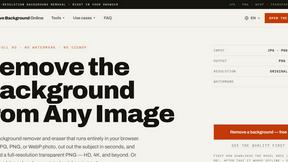
Remove Image Background
Free background remover that runs entirely in your browser — zero uploads, full resolution, no watermark. Your photos never leave your device.

PixelMCP
Use every top AI image model (Nano Banana, GPT Image, FLUX and more) right inside ChatGPT, Claude, Gemini or any MCP client. One credit balance, no su
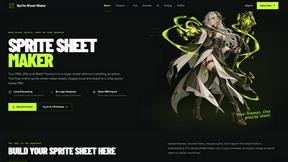
Sprite Sheet Maker
A free browser-based toolkit for creating, cutting, converting, and previewing sprite sheet animations.

Pixolm
Create AI images from prompts and references, then refine them with an AI agent and editing tools in one workspace.
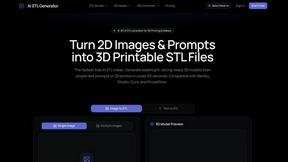
AI STL Generator
The fastest AI STL generator to turn prompts and images into 3D printable STL files.
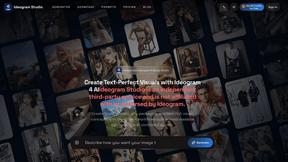
Ideogram Studio
Ideogram 4 AI workflows for text-perfect logos, posters, ads, packaging, and ecommerce visuals.

Presentation Intelligence
AI-native presentation and visual content platform that turns prompts, documents, images, videos, and data into polished, shareable decks.

HomeShoot AI
Turn 3-6 phone photos into a themed studio photoshoot: baby, maternity & Indian festivals. Free watermarked preview, pay Rs199 only if you love it.

ProfileLoom
ProfileLoom turns one photo into platform-ready AI portraits for professional, social, and creator profiles, with presets and built-in editing.
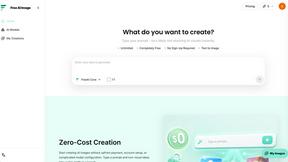
Free AI Image
Free AI Image is a free text-to-image AI generator for creating clean visual drafts from prompts with no sign-up required.
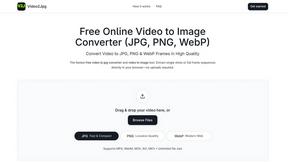
Video2Jpg
Convert video to JPG, PNG, or WebP frames in your browser. High-quality video to image converter with no uploads—fast, private, and free.


Magic Eraser
AI photo editor for removing objects, replacing backgrounds, enhancing images, and creating professional visuals.

AI Image Editor
Free AI image editor that edits, retouches, and transforms photos with natural-language text prompts.
About Editaimg Alternatives
Editaimg is a generative AI image editor that simplifies complex visual tasks like background swapping and object removal through intuitive text prompts. It belongs to the category of design and photo editing tools, specifically built to empower non-designers and solo creators by removing technical barriers. Users often explore alternatives for various reasons. These can include budget constraints, the need for different feature sets like advanced layer editing, or platform-specific requirements such as desktop software versus a browser-based tool. Some may seek tools with a broader scope or different pricing models. When evaluating other options, consider your primary use case. Look for a tool that balances ease of use with the specific capabilities you need most, whether that's speed, creative control, or integration into your existing workflow. The right choice should feel like a natural extension of your creative process, not a hurdle.
FAQs about Editaimg Alternatives
What is Editaimg?
Editaimg is an AI-powered image editor that allows you to modify photos using simple text prompts, enabling tasks like swapping backgrounds and removing objects instantly.
Who is Editaimg for?
It is designed for non-designers, solo founders, and creators who need professional-quality visual edits without the steep learning curve of traditional complex software.
What are the main features of Editaimg?
Key features include prompt-based background swapping, object removal, text-in-image editing, and niche tools like a Gemini watermark remover and AI snow effects.
Why choose Editaimg?
Editaimg turns editing into a conversation, acting as a productivity engine that completes sophisticated visual tasks in seconds to help creators iterate as fast as they think.