
Best Design Tools AI tools (89+)
Discover 89+ best design tools AI tools. Compare features, pricing, and reviews. Free and paid options available.
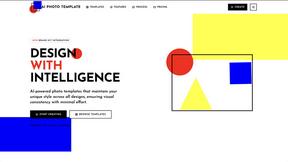
AI Photo Template
AI Photo Template creates customizable photo layouts that learn your visual style for consistent brand and social media content.
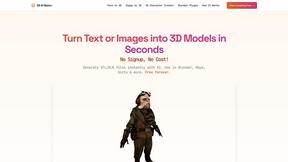
3D AI Maker
3D AI Maker converts text prompts and images into textured 3D models, with GLB and STL exports and a plugin for Blender workflows.
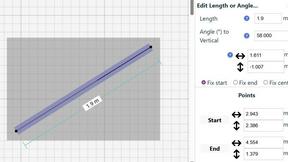
SimpleDraw
SimpleDraw is a web-based scale drawing app for homeowners and makers, with measured floor plans, elevations, and DIY layouts.
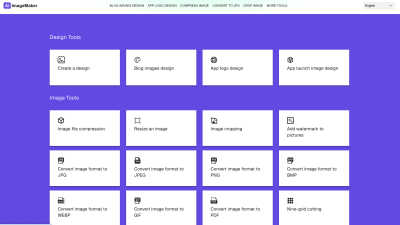
AI Image Maker
AI Image Maker is a free online tool for effortlessly creating stunning images, logos, and designs with 20+ built-in.
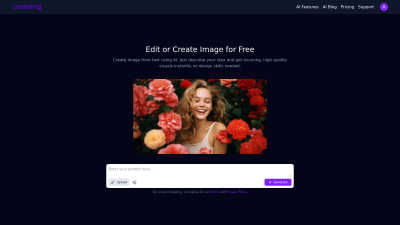
Createimg
Createimg turns text prompts and uploaded images into AI visuals, with adjustable style, aspect ratio and resolution for creative projects.
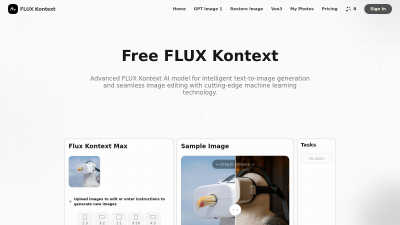
KontextFlux
KontextFlux is an AI image editor for one prompt-led change, with guided tasks, private short-lived files, and local browser utilities.
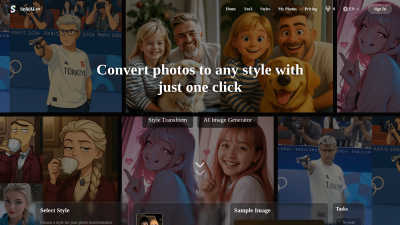
Style AI
Style AI offers photo restyling, natural-language image changes, photo blending, text-prompted images, and video transformation.
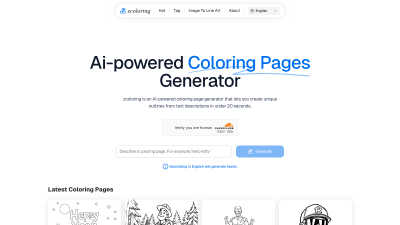
ZColoring
ZColoring turns topics into printable black-and-white coloring pages, with ratio controls for classroom sheets, travel activities, and more.
HeyImg
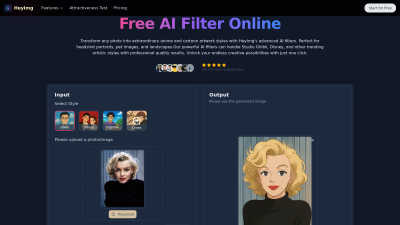
HeyImg uses AI filters to turn uploaded photos into anime, cartoon, and other artwork, with optional text-led adjustments and high-definition results.
Popular Alternatives in Design Tools
About Design Tools AI tools
Design Tools help creative professionals and teams create visual content, user interfaces, brand assets, and digital experiences. This category includes graphic design platforms, UI/UX design tools, prototyping software, icon and illustration libraries, color palette generators, and collaborative design systems that streamline creative workflows.
Whether you are designing a website mockup, creating marketing materials, building a design system, or prototyping a mobile app, these tools provide the creative capabilities needed to produce professional visual work efficiently.
Compare design tools by their design capabilities, collaboration features, asset libraries, export options, and pricing to find the right creative software for your projects and team.
FAQs for Design Tools
What types of design tools are included?
This category includes graphic design platforms, UI/UX design tools, prototyping and wireframing software, illustration tools, icon libraries, color palette generators, font managers, mockup generators, and collaborative design system builders.
Do I need design experience to use these tools?
Many design tools offer templates, drag-and-drop interfaces, and AI-assisted features that make professional design accessible to beginners. More advanced tools provide precision controls and features designed for experienced designers.
Which design tools support team collaboration?
Many modern design tools offer real-time co-editing, shared libraries, design system management, version history, commenting, and handoff features that make collaborative design seamless for distributed teams.
Can I use design tools for both web and print?
Yes. Many design tools support both digital and print output formats with proper color profile management, resolution settings, and bleed area controls. Check individual listings for specific output format support.
Are there free design tools available?
Yes. Several design tools offer generous free tiers with core features, templates, and export options. Free plans are usually sufficient for individual use, while team features and advanced capabilities require paid plans.
How do design tools handle brand consistency?
Many tools include brand kit features that store your logos, fonts, colors, and templates in a shared library. This ensures everyone on the team uses approved brand assets and maintains visual consistency across all materials.