
AI Image Maker
AI Image Maker is a free online tool for effortlessly creating stunning images, logos, and designs with 20+ built-in.
Visit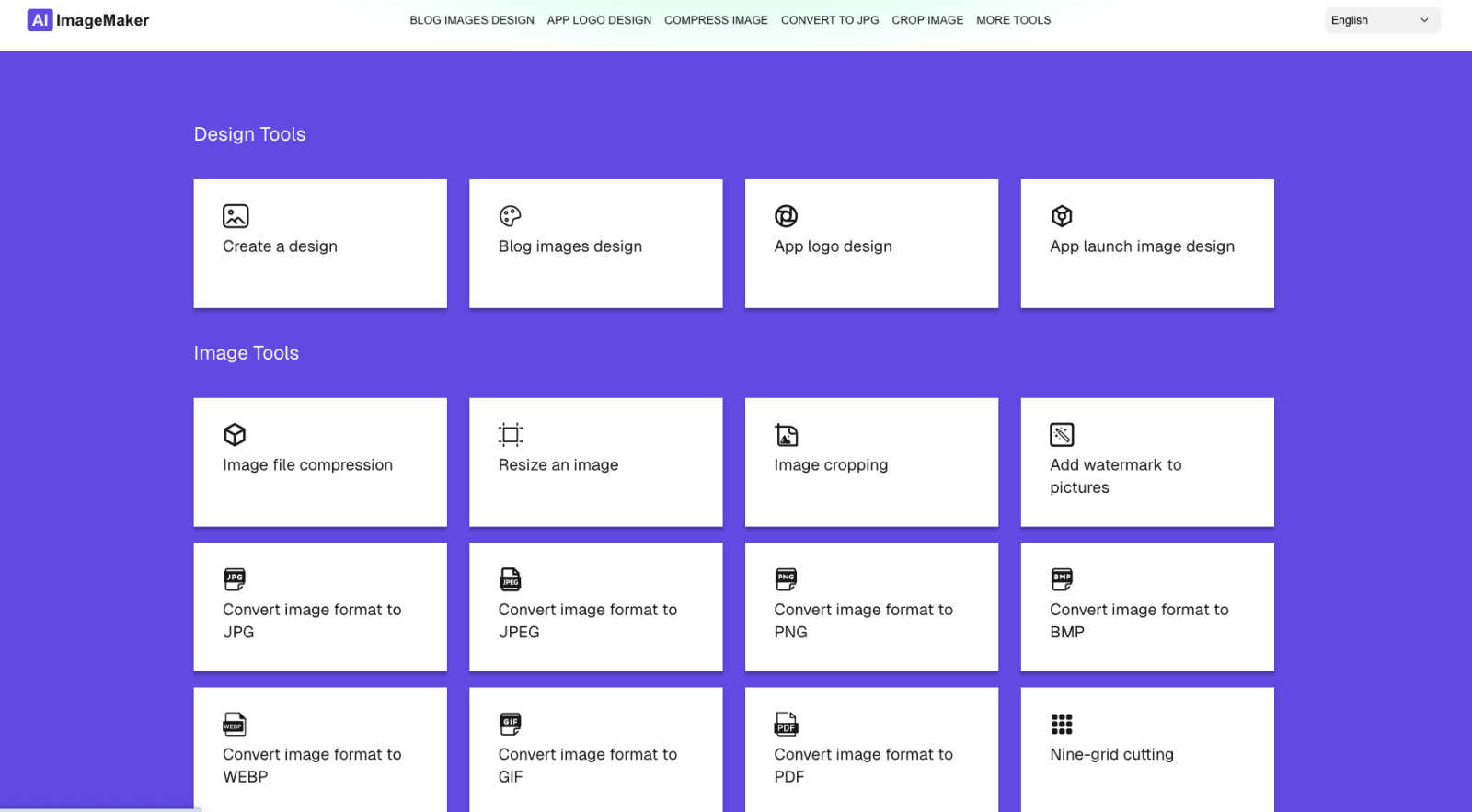
About AI Image Maker
AI Image Maker is a cutting-edge, browser-based platform that revolutionizes design and image editing, making it accessible to users of all skill levels. This tool caters to a diverse audience, including content creators aiming for striking visuals, indie developers in need of distinctive app icons, marketers crafting engaging promotional materials, and small business owners looking to boost brand visibility. What sets AI Image Maker apart is its comprehensive suite of creative tools, all available instantly and free of charge, with no account registration required. Users can enjoy a seamless experience as they utilize intuitive templates for designing stunning posters, blog covers, and app store images. The platform also boasts advanced features such as one-click background removal, enhancing the efficiency of the design process. With a user-friendly interface, AI Image Maker empowers individuals to unleash their creativity without the burden of complex software or financial constraints, transforming the way they approach visual content creation.
Features of AI Image Maker
Design Canvas
The built-in design canvas allows users to create professional-quality blog covers, app icons, and App Store screenshots with ease. This feature provides a flexible workspace tailored for various design needs.
Background Removal
With just one click, users can effortlessly remove backgrounds from images, making it easier to create clean and polished visuals. This advanced feature saves time and enhances productivity in the design process.
Image Compression
AI Image Maker includes an image compression tool to help users reduce file sizes without compromising quality. This feature is essential for optimizing images for web use while maintaining visual integrity.
Format Conversion
The platform supports multiple image formats, including JPG, PNG, GIF, and PDF, allowing users to convert images between these formats seamlessly. This flexibility ensures compatibility across different platforms and applications.
Use Cases of AI Image Maker
Content Creation
Content creators can leverage AI Image Maker to design eye-catching visuals for blogs, social media, and marketing campaigns. The platform's templates and tools make it easy to produce high-quality graphics that capture audience attention.
Indie Development
Indie developers can utilize the platform to create distinctive app icons and promotional images for their applications. With the design canvas and background removal feature, they can elevate their app's visual appeal without extensive design experience.
Marketing Materials
Marketers can craft engaging promotional materials, such as flyers and banners, using the intuitive templates provided by AI Image Maker. The ease of use allows them to focus on their messaging while ensuring professional design quality.
Small Business Branding
Small business owners can enhance their brand visibility by designing logos, social media graphics, and promotional content with AI Image Maker. The platform's comprehensive tools allow for consistent branding across various channels.
Frequently Asked Questions
Can I use this commercially?
Yes, AI Image Maker allows for both personal and commercial use. You can create and sell the images you design using the platform without any recurring fees.
Do I need design skills?
No, AI Image Maker is designed for users of all skill levels. Its intuitive interface and pre-made templates make it easy for anyone to create professional designs without prior experience.
Can I customize the template?
Absolutely. The platform offers a wide range of customizable templates that you can modify to fit your specific needs, allowing for a personalized touch in your designs.
What image tools are included?
AI Image Maker comes with over 20 built-in image tools, including design canvas, image compression, background removal, and format conversion, ensuring a comprehensive suite for all your design needs.
Similar to AI Image Maker
AIPetGen
AIPetGen turns a photo of your dog, cat, or other pet, or a written description, into a new picture or a short animation.
MyPhotoAI
Turn your selfies into AI headshots and portraits. Get 3 photos for US$5 or every photo from one shoot for US$10. No subscription.
Remove Image Background
Free background remover that runs entirely in your browser — zero uploads, full resolution, no watermark. Your photos never leave your device.
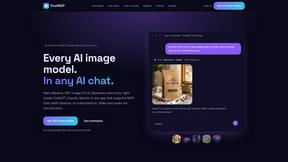
PixelMCP
Use every top AI image model (Nano Banana, GPT Image, FLUX and more) right inside ChatGPT, Claude, Gemini or any MCP client. One credit balance, no su
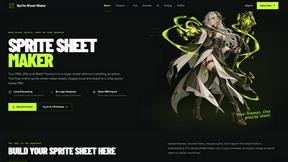
Sprite Sheet Maker
A free browser-based toolkit for creating, cutting, converting, and previewing sprite sheet animations.
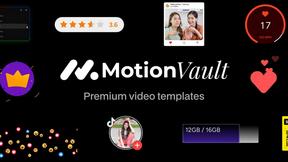
MotionVault
MotionVault: Motion Graphics, Video Templates & Overlays for Editors
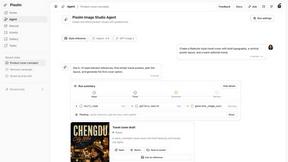
Pixolm
Create AI images from prompts and references, then refine them with an AI agent and editing tools in one workspace.
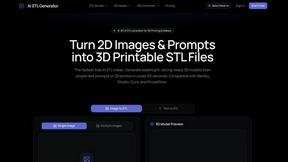
AI STL Generator
The fastest AI STL generator to turn prompts and images into 3D printable STL files.