

Alternatives to EditTextImage
EditTextImage lets you replace text in any image online, preserving font, color, and perspective, in about 30 seconds.
Explore 20 alternatives to EditTextImage. Compare features, pricing, and find the best fit for your needs.
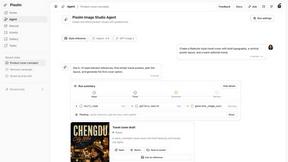
Pixolm
Create AI images from prompts and references, then refine them with an AI agent and editing tools in one workspace.

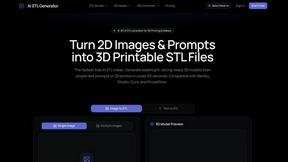
AI STL Generator
The fastest AI STL generator to turn prompts and images into 3D printable STL files.

Tikdek
An AI video and AI image platform for creating visual content in the browser and scaling production with stable APIs.
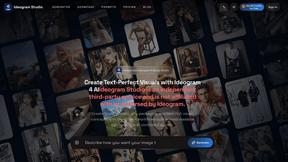
Ideogram Studio
Ideogram 4 AI workflows for text-perfect logos, posters, ads, packaging, and ecommerce visuals.
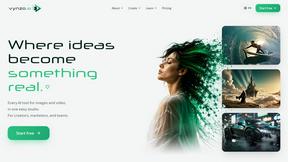
Vynzo
AI image and video studio. Generate from a prompt, animate stills, swap faces, restyle clips and edit — one credit pool, no subscription.
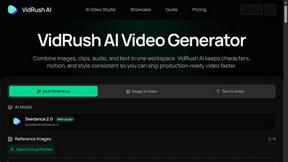
VidRush AI
AI-powered long video generator. Turn text, images, audio and video into long, production-ready AI videos.

HomeShoot AI
Turn 3-6 phone photos into a themed studio photoshoot: baby, maternity & Indian festivals. Free watermarked preview, pay Rs199 only if you love it.

ProfileLoom
ProfileLoom turns one photo into platform-ready AI portraits for professional, social, and creator profiles, with presets and built-in editing.
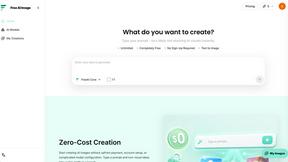
Free AI Image
Free AI Image is a free text-to-image AI generator for creating clean visual drafts from prompts with no sign-up required.
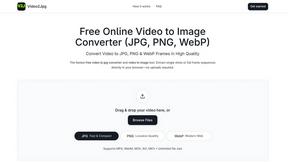
Video2Jpg
Convert video to JPG, PNG, or WebP frames in your browser. High-quality video to image converter with no uploads—fast, private, and free.
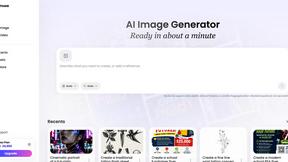
Vismuse
Create polished AI images and videos from prompts or references for social posts, ads, flyers, album covers, and campaigns.
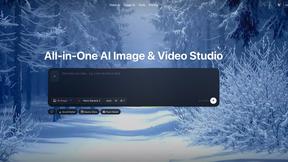
Zanta AI
All-in-one AI studio to generate, edit, and upscale images and videos with leading models in one browser workflow.
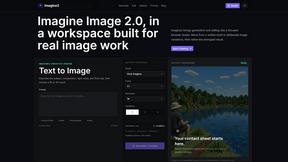
Imagine2
Private browser-based AI image generation and editing with text-to-image, targeted edits, and multi-image references.
Perchance AI Image Generator
Free Perchance AI Image Generator that runs in your browser. Multi-model text-to-image with no account required.Image Generation
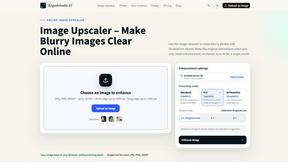
Kogashitsuka AI
An online AI image tool that enhances photos and illustrations at their original size or upscales them by 2x or 4x.
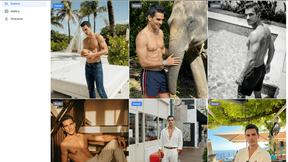
Trushot AI
TruShot creates ultra-realistic AI dating photos from just 4 selfies. Generate natural-looking, verification-friendly profile pictures for Tinder, Hin
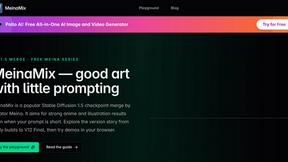
MeinaMix
MeinaMix is a popular Stable Diffusion 1.5 checkpoint merge by creator Meina, delivering strong anime and illustration results even with short prompts

About EditTextImage Alternatives
EditTextImage is a focused AI-powered tool that belongs to the image generation and editing category, specifically designed for seamless in-image text replacement. It allows users to change text within a finished image—such as a poster, screenshot, or product photo—without needing the original design file, font installations, or complex software like Photoshop. The tool samples the existing typeface directly from the image pixels, preserving the original font, color, layout, drop shadows, and even perspective, delivering a pixel-perfect result in roughly ten seconds at 2K resolution. Users commonly seek alternatives to EditTextImage for a few key reasons, including pricing structure, feature depth, or platform compatibility. Some may find the one-time payment model for a set number of edits less flexible than a subscription, while others might need batch processing, more advanced editing capabilities, or integration with a broader design workflow. When evaluating an alternative, prioritize tools that offer genuine pixel-level typography matching rather than simple overlay text, consider whether the output resolution meets your needs, and assess the pricing model—whether per-edit, subscription, or one-time—against how frequently you perform this specific task. The best alternative will save you time without sacrificing the visual integrity of your original design.
FAQs about EditTextImage Alternatives
What is EditTextImage?
EditTextImage is an online AI-powered tool that edits text within images seamlessly. It allows you to change existing text in a photo, poster, screenshot, or product image without needing the original design file or any font installations. The AI samples the typography directly from the image pixels, preserving the original font, color, layout, drop shadows, and perspective, and outputs the result at 2K resolution in about ten seconds.
Who is EditTextImage for?
EditTextImage is designed for anyone who needs to make quick, precise text changes on finished images but lacks access to the original design files or professional editing software. This includes marketers who want to A/B test headlines on product images, designers fixing a typo on a poster, or business owners updating dates on promotional graphics. It is especially useful for users who do not want to subscribe to complex tools like Photoshop or Canva.
Is EditTextImage free?
Yes, EditTextImage offers a free first edit with no credit card required, allowing you to test the tool before committing. After that, it uses a one-time payment model of $9.90 for 30 edits, with no recurring subscription fees. This makes it a cost-effective solution for occasional text replacement tasks without ongoing costs.
What are the main features of EditTextImage?
The core feature is AI-driven text replacement that samples fonts, colors, and visual effects directly from the image pixels, meaning paid fonts and hand-lettering work without manual setup. It preserves the original layout, drop shadows, and perspective for a seamless result. The tool works entirely online, requires no software installation, and delivers a 2K resolution output in approximately ten seconds per edit.