
PhotoFuse
Easily transform selfies into stunning AI headshots and avatars, capturing your true essence in seconds.
Visit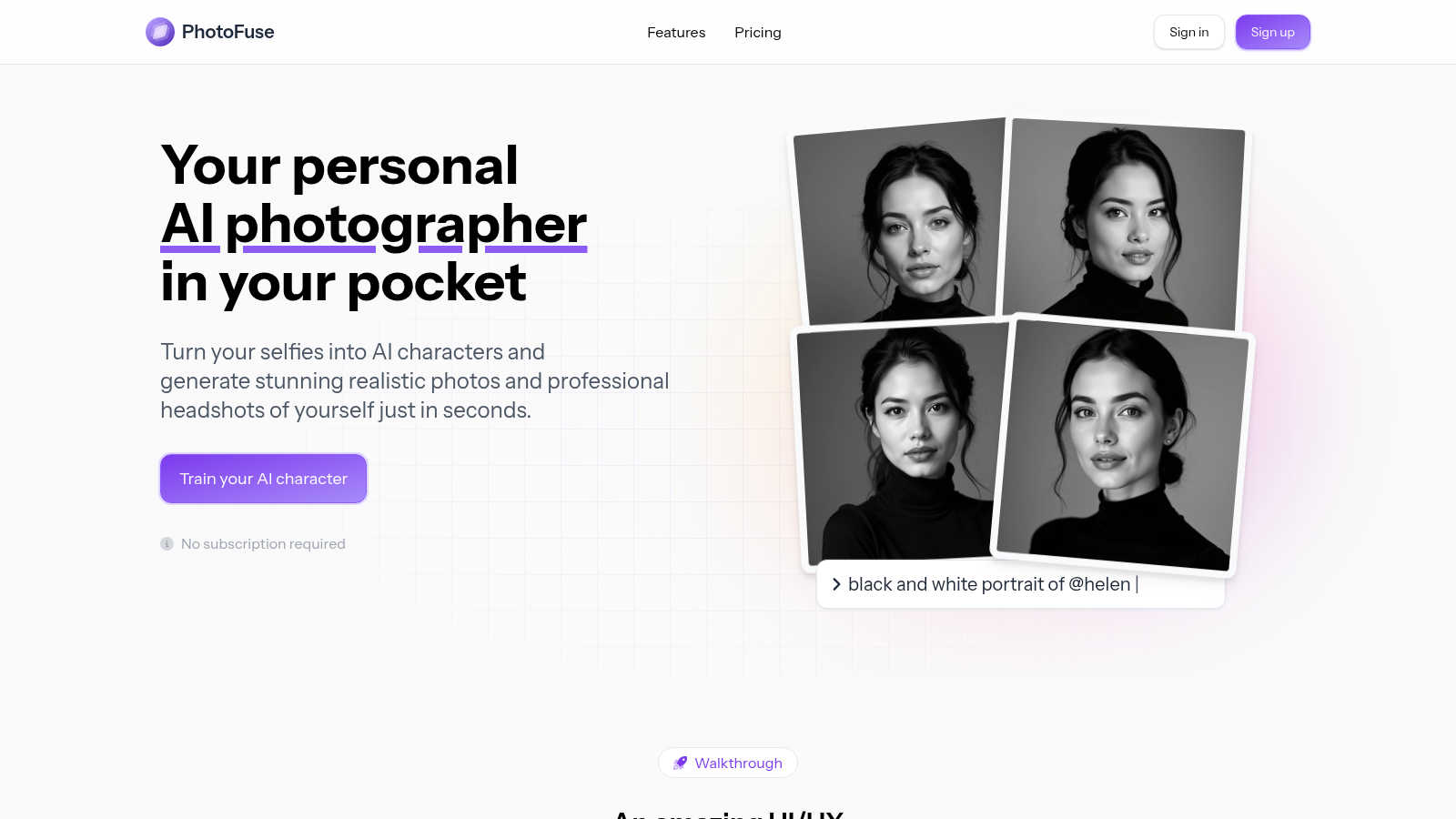
About PhotoFuse
PhotoFuse is revolutionizing the way individuals approach personal photography by harnessing the power of innovative AI technology. This cutting-edge tool allows users to effortlessly transform their selfies into stunningly realistic AI characters or professional headshots within seconds. Whether you are a casual social media enthusiast or a professional seeking high-quality images, PhotoFuse is designed for everyone. Its user-friendly interface eliminates the need for technical expertise or complex prompts. Users simply need to upload 10 to 15 photos, select from a diverse range of templates, and let the AI work its magic. The result is tailored images featuring specific expressions, outfits, backgrounds, and accessories, making it perfect for enhancing online profiles, creating marketing visuals, or capturing unforgettable moments. With flexible pricing options, including freemium and pay-as-you-go plans, PhotoFuse also grants full commercial rights, ensuring it is an invaluable asset for anyone looking to elevate their visual presence.
Features of PhotoFuse
Easy Photo Upload
Users can easily upload 10 to 15 photos of their own, with clear guidance provided to ensure optimal results. This straightforward process simplifies the creation of personalized AI characters.
Customizable Templates
PhotoFuse offers a wide array of pre-made templates that users can choose from, or they can manually design their scenes using an intuitive interface. This flexibility allows for unique creations tailored to individual preferences.
Varied Expression and Hairstyle Options
With options to select from a range of expressions and hairstyles, users can craft images that reflect their personality and industry. This feature supports both casual and professional vibes, ensuring the headshots resonate with the intended audience.
High-Quality Headshots
The platform enables users to generate professional headshots that can be used on LinkedIn, resumes, or any professional webpage. Users can choose backgrounds, outfits, and accessories that align with their brand, ensuring a polished and on-brand appearance.
Use Cases of PhotoFuse
Enhancing Social Media Profiles
PhotoFuse is ideal for individuals looking to elevate their social media presence. With stunning AI-generated images, users can differentiate themselves and create a memorable online identity.
Professional Headshots for Job Seekers
Job seekers can quickly prepare professional headshots for platforms like LinkedIn. With various customizable options, they can present themselves in the best light, making a strong first impression on potential employers.
Marketing and Branding Content
Businesses can leverage PhotoFuse to create high-quality visuals for marketing campaigns. By generating tailored images that align with brand aesthetics, companies can enhance their marketing materials and engage their audience effectively.
Creative Projects and Visual Storytelling
For content creators and artists, PhotoFuse serves as a powerful tool for generating unique visuals. Whether for blogs, websites, or creative portfolios, the AI-generated images can significantly enhance storytelling and artistic expression.
Frequently Asked Questions
How does PhotoFuse work?
PhotoFuse operates by allowing users to upload a selection of their photos. The AI then analyzes these images and generates new, customized visuals based on user-selected templates and preferences, all within seconds.
Do I need any technical skills to use PhotoFuse?
No, PhotoFuse is designed to be user-friendly and requires no technical skills. The interface is intuitive, making it accessible for everyone, regardless of their familiarity with technology.
What types of images can I create with PhotoFuse?
Users can create a variety of images ranging from hyper-realistic AI characters to professional headshots. The platform offers customizable options for expressions, outfits, and backgrounds to suit different needs.
Are there any subscription requirements?
PhotoFuse offers flexible pricing plans, including a freemium model and pay-as-you-go options. Users can choose the plan that best fits their needs without any mandatory subscription commitments.
Explore more in this category:
Similar to PhotoFuse
AIPetGen
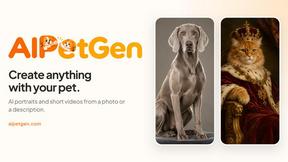
AIPetGen turns a photo of your dog, cat, or other pet, or a written description, into a new picture or a short animation.
MyPhotoAI
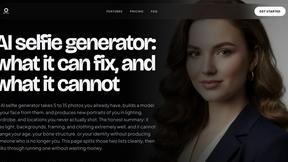
Turn your selfies into AI headshots and portraits. Get 3 photos for US$5 or every photo from one shoot for US$10. No subscription.
ImageGPT
ImageGPT is an all-in-one AI creative platform for generating, editing and transforming images and videos using AI.
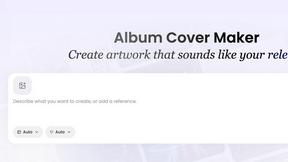
AI Album Cover Maker
Create release-ready album covers from a prompt or photo. Generate, refine, and export art for singles, EPs, mixtapes, and playlists.
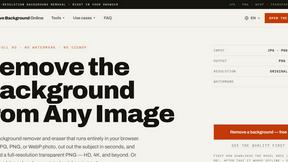
Remove Image Background
Free background remover that runs entirely in your browser — zero uploads, full resolution, no watermark. Your photos never leave your device.
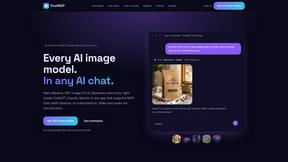
PixelMCP
Use every top AI image model (Nano Banana, GPT Image, FLUX and more) right inside ChatGPT, Claude, Gemini or any MCP client. One credit balance, no su
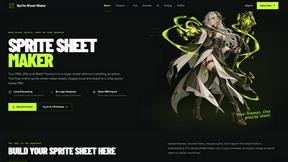
Sprite Sheet Maker
A free browser-based toolkit for creating, cutting, converting, and previewing sprite sheet animations.
Pixolm
Create AI images from prompts and references, then refine them with an AI agent and editing tools in one workspace.