
Hush Touch | Voice-to-Text for MacOS vs Text Remover
Side-by-side comparison to help you choose the right AI tool.

Hush Touch | Voice-to-Text for MacOS
Hush Touch is offline voice-to-text for Mac that learns your vocabulary for twenty dollars.
Last updated: February 28, 2026

Text Remover
Instantly remove unwanted text from images with AI for clean, professional results.
Last updated: March 1, 2026
Visual Comparison
Hush Touch | Voice-to-Text for MacOS

Text Remover
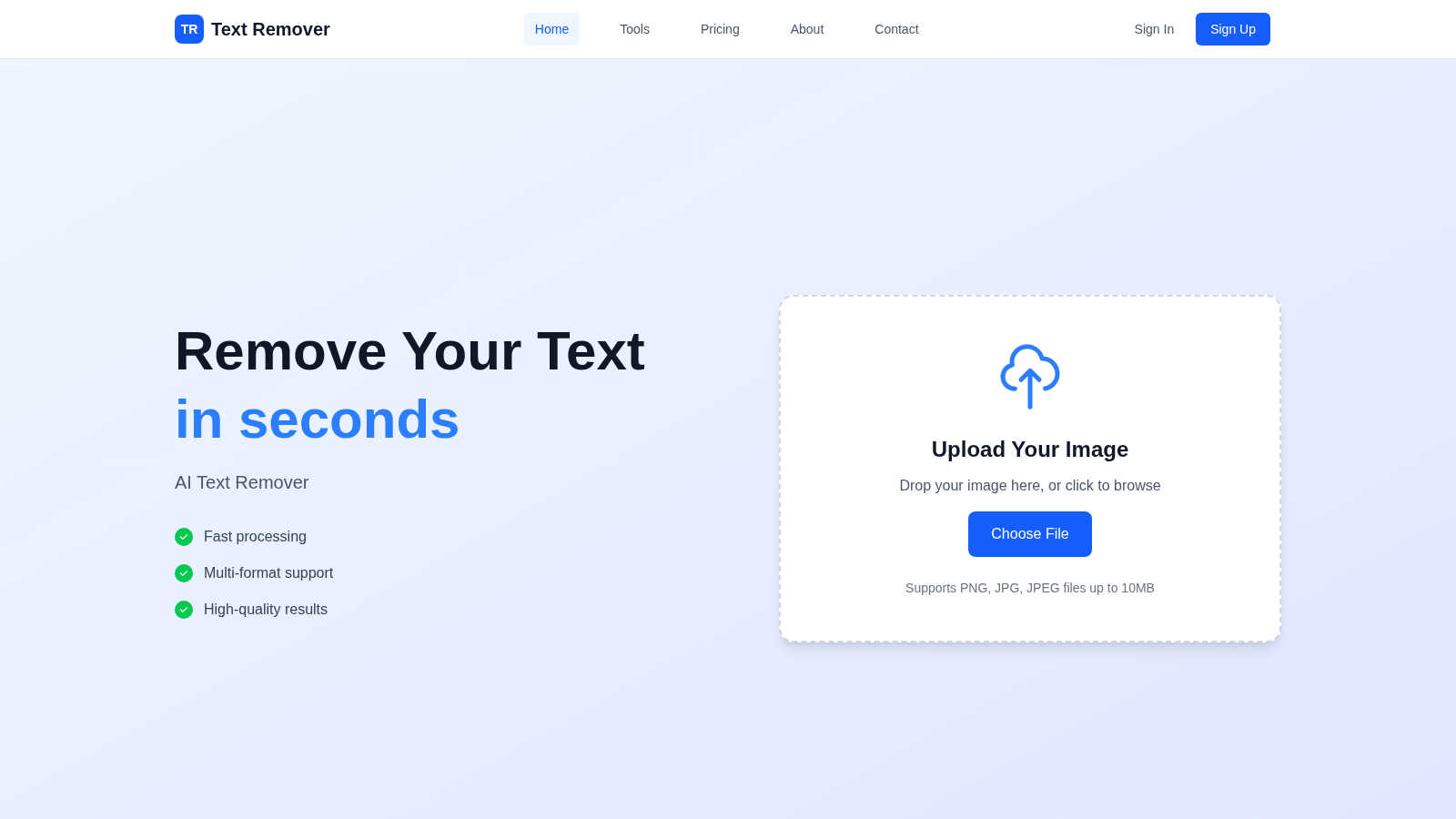
Feature Comparison
Hush Touch | Voice-to-Text for MacOS
Dual-Engine On-Device Recognition
Hush Touch leverages two core Apple dictation engines simultaneously for superior accuracy. The primary engine handles natural speech flow and punctuation, while a secondary engine acts as a dedicated spotter for your custom vocabulary. The outputs are then blended and refined with a final Apple Intelligence pass, all processed locally on your Mac. This unique architecture ensures technical terms, brand names, and niche jargon are recognized correctly without ever leaving your device.
Adaptive Custom Vocabulary & Learning
The app supports a library of 500 custom terms and features intelligent auto-learning. When you manually correct a transcription, Hush Touch detects this and automatically adds the right word to your personal vocabulary. It also employs frequency-weighted language models and can create per-app profiles, meaning it learns the specific terminology you use in different applications, continuously improving its accuracy for your unique workflow.
Smart Text Processing & Context Modes
Beyond basic transcription, Hush Touch includes powerful local processing to polish your text in real-time. It automatically removes filler words like "um" and "ah," offers auto-correction for common slips, and can format numbered lists from your speech. You can switch between four context modes—General, Email, Code, and Notes—to optimize recognition for different types of content, ensuring the right tone and formatting.
Fully Hands-Free Operation & Privacy
Designed for seamless workflow integration, Hush Touch enables completely hands-free use. You can start dictation with a global hotkey or by saying "Hey Siri, start touch." It auto-inserts text after a pause and can auto-stop with a hotkey double-click. You can even send messages by voice with commands like "okay send message." Crucially, every feature operates with 100% on-device privacy, with zero data collection, cloud dependency, or subscription tracking.
Text Remover
AI-Powered Precision Engine
At the heart of Text Remover is a state-of-the-art machine learning model trained to understand image context. It doesn't just delete pixels; it intelligently analyzes the area surrounding the selected text to generate a fill that perfectly matches the background's pattern, gradient, and texture. This ensures the removal is undetectable, maintaining the integrity and aesthetic of the original photograph without leaving blurry patches or obvious edits, a common flaw in simpler tools.
Secure & Privacy-Focused Processing
Text Remover is built with user privacy as a fundamental principle. All image processing occurs securely in the cloud with robust encryption, and crucially, your uploaded images are not stored or used for training purposes after the operation is complete. This makes it an ideal tool for safely removing sensitive personal information like addresses, license plates, or documents, giving users full confidence in the security of their data.
Intuitive Canvas Editing Interface
The tool features a user-friendly, browser-based canvas that makes the text removal process straightforward for everyone. Users can upload an image and use a simple brush or selection tool to mark the exact text areas for removal. This intuitive design eliminates the learning curve associated with professional editing software, making powerful image cleanup accessible to users of all skill levels directly from their web browser.
High-Quality Output & Format Support
Text Remover is engineered to preserve the original resolution and quality of your uploaded images. It supports all major file formats including PNG, JPG, and JPEG, ensuring compatibility with most digital images. The AI processing is optimized to deliver a clean, high-fidelity result that is ready for immediate download and use in professional projects, social media, or print, without any degradation in image quality.
Use Cases
Hush Touch | Voice-to-Text for MacOS
Drafting Professional Emails & Communications
Compose clear, polished emails and messages without touching the keyboard. Speak naturally to draft lengthy responses, and use voice commands to send them directly. The Email context mode helps format your correspondence appropriately, while on-device processing guarantees sensitive business information never leaves your computer, maintaining confidentiality.
Creating Detailed Notes & Documentation
Ideal for students, researchers, and professionals like physicians or lawyers who need to capture complex information quickly. Dictate detailed meeting notes, medical observations, or research summaries. The custom vocabulary learning ensures specialized terminology is captured accurately every time, turning spoken ideas into structured text effortlessly.
Writing Long-Form Content & Reports
Authors, journalists, and content creators can overcome writer's block and increase productivity by dictating drafts, articles, or reports. The natural flow and punctuation handling allow for expressive, fluid dictation sessions. The filler word removal and smart polishing create a cleaner first draft, saving significant editing time later.
Coding & Technical Writing
Developers and technical writers can use the dedicated Code mode to dictate code snippets, comments, or technical documentation. The enhanced vocabulary recognition is crucial for accurately capturing programming languages, framework names, and command-line tools, making it a valuable tool for hands-free coding or documenting complex systems.
Text Remover
Social Media Content Curation
Social media managers and influencers can use Text Remover to clean up images for their feeds and stories. It effortlessly strips away distracting watermarks from stock photos, removes unwanted date stamps from travel pictures, or deletes promotional text overlays. This results in a cohesive, professional, and aesthetically pleasing social media presence that engages audiences without visual clutter.
Professional Photography Retouching
Photographers can utilize the tool to perfect their shots during post-production. It is ideal for removing intrusive elements like price tags in product photography, accidental photobomber text on t-shirts, or location signage in portrait backgrounds. This allows photographers to deliver flawless final images to clients, saving hours of meticulous manual retouching work in complex software like Photoshop.
Meme and Graphic Template Creation
Content creators and marketers can leverage Text Remover to create custom memes and reusable graphic templates. By easily clearing text from popular meme formats or existing marketing images, users gain a blank canvas to add their own witty captions, promotional messages, or multilingual content. This streamlines the creative process for generating engaging and original visual content quickly.
Privacy Protection and Document Sanitization
Individuals and professionals can protect their privacy by sanitizing images before sharing them online. The tool is perfect for obscuring personal details in photos of documents, receipts, or IDs, removing visible phone numbers from pictures of business cards, or blurring house numbers in real estate photos. It helps ensure compliance with data protection norms by allowing safe sharing of visual information.
Pricing Comparison
Hush Touch | Voice-to-Text for MacOS
Hush Touch is available for a one-time purchase of $20, which grants a lifetime license for the app. This includes all current features and future updates. There are no subscriptions, recurring fees, or tiered plans. A fully functional 7-day free trial is available for download, requiring no credit card information, allowing you to test the software thoroughly before purchasing.
Text Remover
Text Remover offers flexible plans to suit different user needs. The Free plan is perfect for trying the service, offering 5 text removal uses (15 credits) with basic features. For regular users and professionals, the Pro plan at $9.99/month provides 100 uses (300 credits), advanced AI processing, priority support, and all file formats. High-volume users can opt for the Enterprise plan at $29.99/month, which includes 400 uses (1200 credits), premium AI, batch operations, enterprise security, and dedicated support. All paid plans include a 3-day money-back guarantee, no setup fees, and the freedom to cancel anytime.
Overview
About Hush Touch | Voice-to-Text for MacOS
Hush Touch is a refined voice dictation tool built exclusively for macOS, designed for those who value privacy, precision, and performance. It transforms spoken words into clean, accurate text entirely on your Mac, eliminating any reliance on cloud servers or internet connectivity. This on-device approach ensures your conversations, notes, and drafts remain completely private while delivering a fast, responsive experience. The app intelligently combines two native Apple transcription engines with a final Apple Intelligence pass to produce text that feels naturally written, not just transcribed. It learns your personal vocabulary over time, removes filler words, and adapts to different writing contexts. For professionals, writers, students, or anyone who types frequently, Hush Touch offers a smarter, more secure way to draft emails, messages, documents, and notes hands-free, all for a single, one-time payment.
About Text Remover
Text Remover is a sophisticated, AI-powered solution designed to effortlessly eliminate unwanted text from any image. It addresses a common yet time-consuming digital editing challenge, transforming cluttered visuals into clean, professional assets. The tool is engineered for a wide audience, from professional photographers and graphic designers needing pristine backgrounds, to social media managers curating perfect feeds, and everyday users aiming to protect privacy or refresh old photos. Its core value lies in its intelligent automation; instead of manual cloning or complex software, users simply mark the text they wish to remove. The advanced AI then seamlessly reconstructs the underlying background, preserving original textures, colors, and details. This process not only enhances visual appeal by removing distractions like watermarks, timestamps, or promotional overlays but also significantly boosts productivity by delivering results in seconds. With a commitment to quality, security, and accessibility, Text Remover empowers users to reclaim their images, ensuring every project meets a high standard of clarity and professionalism without requiring technical expertise.
Frequently Asked Questions
Hush Touch | Voice-to-Text for MacOS FAQ
How does Hush Touch work offline?
Hush Touch is architected for complete offline functionality. It uses Apple's native speech recognition engines (DictationTranscriber and SFSpeechRecognizer) which are built into macOS, along with an on-device Apple Intelligence pass. All audio processing, transcription, vocabulary matching, and text polishing happen locally on your Mac, requiring no internet connection at any point.
What is the custom vocabulary and how does auto-learn work?
You can add up to 500 custom words, phrases, or technical terms like "Kubernetes" or brand names. The auto-learn feature activates when you manually correct a word in the transcribed text. Hush Touch detects this correction and automatically adds the right spelling to your personal vocabulary, training itself to recognize that term correctly in future dictation sessions.
Can I use Hush Touch hands-free?
Yes, Hush Touch supports fully hands-free operation. You can activate it by saying "Hey Siri, start touch." Once dictating, the app will automatically insert the transcribed text into your active window after a short pause (approximately 2 seconds of silence). You can also configure it to send messages or perform actions with custom voice command phrases.
How does Hush Touch compare to cloud-based alternatives?
Hush Touch prioritizes privacy, cost-effectiveness, and offline reliability. Unlike cloud-based services, it never sends your voice data to external servers. It is a one-time purchase versus a recurring monthly subscription, saving significant money over time. While it uses sophisticated on-device AI, its performance is dependent on your Mac's capabilities rather than internet speed or cloud latency.
Text Remover FAQ
How does the AI ensure the background looks natural after text removal?
The AI model is extensively trained on diverse image datasets to understand context, textures, and patterns. When you mark text for removal, the AI doesn't just fill the area with a solid color. It analyzes the surrounding pixels to intelligently infer and reconstruct what the background should look like, blending new pixels seamlessly to create a natural, undetectable result that maintains the original image's visual flow.
What image formats and file sizes does Text Remover support?
Text Remover supports all common raster image formats including PNG, JPG, and JPEG. To ensure fast and efficient processing for all users, there is a current file size limit of 10MB per upload. This balance allows for high-quality image inputs while maintaining the tool's speed and responsiveness for a smooth user experience.
Is there a limit to how much text I can remove from a single image?
While you can select multiple text areas for removal in a single image, the accuracy and quality of the result are best when the selections are precise and not excessively large. The AI performs optimally on distinct text elements. For images where text covers a very significant portion, the complexity of reconstructing the background increases, which may affect the output.
Are my uploaded images stored or used by Text Remover after processing?
No, your privacy is paramount. Text Remover operates on a strict no-storage policy for processed images. Your uploads are used solely for the immediate purpose of text removal and are automatically deleted from the servers shortly after you download your result. They are never used for training the AI model or any other purpose without your explicit consent.
Alternatives
Hush Touch | Voice-to-Text for MacOS Alternatives
Hush Touch | Voice-to-Text for MacOS is a premium dictation tool that prioritizes privacy and seamless integration. It operates entirely offline, using Apple's on-device transcription and intelligence to deliver clean, accurate text directly into your writing workflows. This places it in the category of AI-powered productivity and writing assistants. Users may explore alternatives for various reasons. Some seek free or subscription-based models, while others require cross-platform compatibility beyond macOS. Specific feature needs, like advanced command integration or support for specialized vocabulary, can also prompt a search for different solutions. When evaluating other options, key considerations include privacy policies regarding data processing, the accuracy and natural flow of the transcribed text, and how well the tool integrates into your daily computer use. The ideal choice balances these factors with your budget and specific workflow requirements.
Text Remover Alternatives
Text Remover is an AI-powered tool designed to cleanly and efficiently remove unwanted text, watermarks, and overlays from images. It falls into the broader category of AI assistants for visual content creation, helping users achieve professional, distraction-free backgrounds in seconds. Users often explore alternatives for various reasons. These can include budget considerations, the need for specific features not offered in a single tool, or compatibility with different operating systems and workflows. Some may seek more advanced editing suites or simpler, one-click solutions. When evaluating other options, consider core needs like output quality, processing speed, and ease of use. Key factors are the tool's ability to preserve image integrity, support for batch processing and multiple file formats, and the overall value it provides for your specific projects.