
Image to Image Maker vs JFIF to JPG Converter
Side-by-side comparison to help you choose the right AI tool.

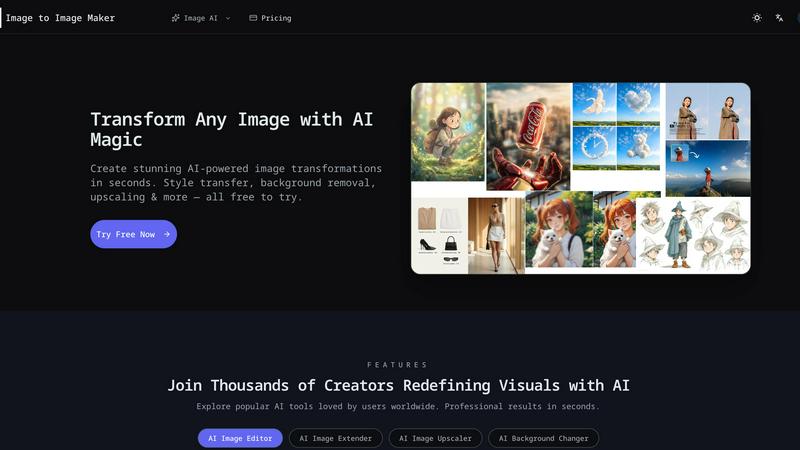
Image to Image Maker
Transform any photo into a stunning, studio-ready image in seconds with our powerful AI image editor.
Last updated: February 28, 2026

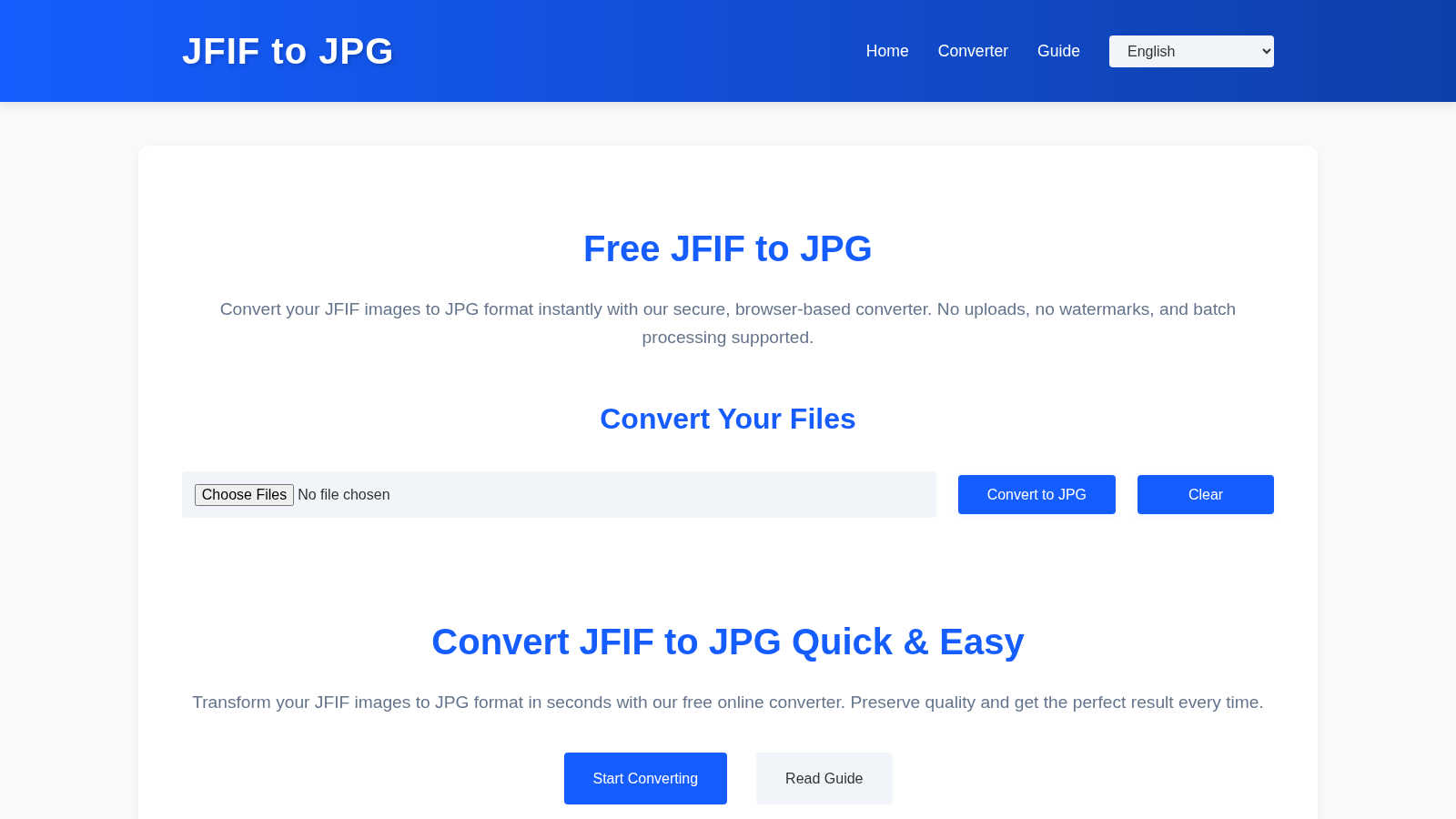
JFIF to JPG Converter
Convert JFIF to JPG instantly in your browser with zero quality loss and full privacy.
Last updated: March 1, 2026
Visual Comparison
Image to Image Maker
JFIF to JPG Converter
Feature Comparison
Image to Image Maker
Fast Retouch & Style
The Fast Retouch & Style feature allows users to refine images quickly and effectively. With AI-powered editing tools, you can enhance skin tones, adjust lighting, and modify colors in mere seconds. This is particularly useful for creating polished e-commerce images, social media portraits, and marketing materials, ensuring a consistent brand aesthetic while expediting the production process.
Cutout & Extend
Cutout & Extend is a powerful feature that simplifies the process of removing unwanted elements from your images. By employing the AI Object Remover, users can eliminate distractions and then utilize the AI Image Extender to seamlessly expand the frame. This capability ensures that margins remain clean and consistent, making it ideal for creating layouts, banners, and cover art without the hassle of manual adjustments.
Enhance & Restore
With the Enhance & Restore feature, users can upscale their images for improved clarity and detail. This tool includes the AI Image Upscaler, Photo Colorizer, and AI Unblur Image, making it perfect for transforming scanned prints and low-resolution assets into high-quality visuals. The enhancement process retains the original character of the image while delivering sharper edges and richer tones.
Create & Animate
The Create & Animate feature allows users to generate unique styles and animations from their images. By converting photos into cartoons or creating avatars, users can then animate these creations with the Image to Video tool. This is particularly beneficial for producing engaging campaign visuals, social media content, and motion clips for various marketing applications.
JFIF to JPG Converter
Browser-Based Privacy & Security
All conversion happens locally within your web browser. Your JFIF files are never sent to or stored on any external server. This ensures maximum data privacy, security, and confidentiality, making it safe for converting sensitive or personal images without any risk of unauthorized access.
Zero Quality Loss Conversion
The tool performs a container-level conversion, not a re-encoding. It extracts the original JPEG compression data stream from the JFIF wrapper and places it into a standard JPG container. This process preserves every pixel, ensuring there is no generational quality loss, blurring, or compression artifacts introduced during the conversion.
Batch Processing & ZIP Export
Efficiency is paramount. You can drag and drop or select multiple JFIF files simultaneously for conversion in one go. After processing, you can download each converted JPG individually or use the convenient "Download All as ZIP" function to receive a single, organized archive, saving time and clicks.
Full Metadata Preservation
Beyond the image pixels, important embedded data is retained. The converter meticulously preserves EXIF metadata (like camera settings, date, and location) and ICC color profiles, ensuring color accuracy and informational integrity are maintained for professional workflows and archival purposes.
Use Cases
Image to Image Maker
Professional Photography
Professional photographers can leverage Image to Image Maker to enhance their portfolio images with minimal effort. By using the AI tools to retouch and style photographs, they can achieve a polished look that attracts clients and showcases their skills effectively.
E-commerce Product Images
E-commerce businesses can utilize the platform’s capabilities to create eye-catching product images. By quickly removing backgrounds and refining details, online sellers can generate professional-quality visuals that enhance product presentation and drive sales.
Social Media Content Creation
Content creators and influencers can benefit from the platform by producing stunning visuals for their social media profiles. The ability to transform images, create unique styles, and animate content allows for more engaging posts that resonate with audiences.
Marketing Campaigns
Marketers can use the Image to Image Maker to create compelling visuals for advertisements and promotional materials. The tool enables quick iterations and adjustments, allowing teams to test various designs and styles for optimal audience impact.
JFIF to JPG Converter
Web Development & CMS Integration
Web developers and content managers often face upload errors when clients or systems provide JFIF files. This converter ensures all images are in a web-compliant JPG format before integration, preventing broken image links and upload failures on platforms like WordPress, Shopify, or custom web applications.
Photographic Workflow Standardization
Photographers who receive or download images from various sources may find their catalogs mixed with JFIF files. Converting them to standard JPG ensures consistency across editing software (like Adobe Lightroom or Photoshop), online portfolios, and print labs, streamlining the entire post-production and delivery pipeline.
Social Media & Platform Compliance
Many social networks, forums, and online marketplaces have strict file format validators that reject JFIF. Users can quickly convert their screenshots or downloaded images to JPG, guaranteeing successful uploads and shares without encountering frustrating, cryptic format errors.
Archiving & Digital Organization
For individuals and organizations curating digital photo libraries, maintaining a single, consistent file format is crucial for long-term accessibility. Converting legacy JFIF files to the ubiquitous JPG standard future-proofs collections, ensuring they can be opened by any software or device for years to come.
Overview
About Image to Image Maker
Image to Image Maker is an innovative online platform that harnesses the power of artificial intelligence to transform the way artists, designers, and content creators approach image editing and enhancement. By utilizing cutting-edge image-to-image generation technology, this platform enables users to take existing images and explore limitless creative possibilities. Whether you are aiming to modify styles, enhance details, reinterpret compositions, or extend visual concepts, Image to Image Maker preserves the essence of your original artwork while elevating its quality to professional standards. Its intuitive user interface caters to both novice creators and seasoned professionals, allowing for complex edits to be made effortlessly. With a suite of powerful tools at your fingertips, this platform not only saves time but also empowers users to generate stunning visuals quickly and efficiently, making it a compelling alternative to traditional editing software.
About JFIF to JPG Converter
The JFIF to JPG Converter is a specialized online utility designed to solve a specific and often frustrating digital compatibility issue. It transforms JFIF (JPEG File Interchange Format) files into the universally accepted JPG/JPEG format. This tool is essential for anyone who encounters JFIF files, which are commonly generated by Windows-based browsers like Chrome and Edge or certain screenshot tools. While these images appear normal on your device, they are frequently rejected by websites, content management systems (CMS), social media platforms, and graphic software that strictly expect standard JPGs. The converter's core value proposition is built on three pillars: absolute data privacy, zero quality loss, and effortless batch processing. Unlike many online tools, all conversion operations are executed entirely within your web browser. Your images are never uploaded to a remote server, guaranteeing complete security and confidentiality. The process is technically precise; it does not recompress or alter the core image data. Instead, it intelligently rewrites the JFIF file container into a proper JPG container, preserving the original JPEG compression stream, EXIF metadata, and ICC color profiles without any degradation. This results in a perfectly compatible file that behaves like a native JPG everywhere. Designed for efficiency, it supports dragging and dropping multiple files for instant batch conversion, with results available for individual download or packaged in a single ZIP archive. It is an indispensable utility for photographers managing galleries, web developers handling client uploads, and general users seeking seamless digital workflow.
Frequently Asked Questions
Image to Image Maker FAQ
What is Image to Image Maker and how does it work?
Image to Image Maker is an AI-powered online platform that allows users to transform existing images into enhanced versions through various editing tools. Users upload their images, apply desired edits, and download the final product in high resolution.
Is the AI image editor free to use?
The platform offers a range of free tools and features, but some advanced functionalities may require a subscription or payment. Users are encouraged to explore the tool to understand its capabilities and any associated costs.
What types of image transformations can I create?
Users can create a wide variety of transformations, including style transfers, background replacements, enhancements, and animations. The platform’s diverse set of tools caters to various artistic needs and creative projects.
Can I use the AI image editor for commercial projects?
Yes, users can utilize the Image to Image Maker for commercial projects. However, it is recommended to review the platform’s terms of service to ensure compliance with any commercial use guidelines.
JFIF to JPG Converter FAQ
Will converting from JFIF to JPG reduce image quality?
No. The conversion process does not touch or recompress the actual image data. It only rewrites the file container from JFIF to the standard JPG format. The original JPEG compression stream, which defines the image quality, is copied exactly as-is, resulting in a bit-for-bit identical visual output.
Why can't I just rename a .jfif file to .jpg?
Renaming only changes the file extension, not the internal container structure. Many applications check the file's internal header data (MIME type) and will still identify it as a JFIF, leading to rejection or errors. A proper conversion rewrites this internal header to be fully JPG-compliant.
Are my files uploaded to your server?
Absolutely not. The entire conversion process is executed locally within your browser using JavaScript. Your images never leave your computer, ensuring complete privacy and security. There is no upload step, and no account is required.
Does the tool support batch conversion of multiple files?
Yes, it is designed for efficiency. You can drag and drop or select multiple JFIF files at once. The tool will process them all in a batch and provide download links for each converted JPG file, along with an option to download everything as a single ZIP archive for convenience.
Alternatives
Image to Image Maker Alternatives
Image to Image Maker is an innovative AI-powered online platform designed for artists, designers, and content creators to transform and enhance images effortlessly. It falls under the category of image editing software and leverages advanced technology to facilitate creative exploration and professional-level enhancements. Users often seek alternatives to Image to Image Maker for various reasons, such as pricing, specific feature sets, or platform compatibility. With the multitude of options available, it's essential to consider factors like ease of use, the breadth of editing capabilities, and overall value when searching for a suitable alternative. When choosing an alternative, look for tools that offer similar functionalities, such as AI-driven enhancements, user-friendly interfaces, and a variety of creative options. Additionally, consider the support and resources available, including tutorials, customer service, and community engagement. A well-rounded alternative should cater to your specific needs while providing a seamless user experience that fosters creativity and efficiency.
JFIF to JPG Converter Alternatives
The JFIF to JPG Converter is a specialized online tool in the image utility category. It solves a common compatibility issue by converting JFIF files, often created by web browsers, into the standard JPG format that is universally accepted by websites and software. Its core appeal lies in its commitment to privacy, quality preservation, and ease of use. Users may explore alternatives for various reasons. Some might seek different pricing models, such as free tiers with limitations versus premium subscriptions. Others may require specific features like integration with cloud storage, advanced editing tools, or support for a wider range of file formats beyond JFIF. Platform preference is also a factor, with some users needing dedicated desktop software or mobile apps instead of a web-based solution. When evaluating an alternative, prioritize your core needs. Key considerations should include the tool's approach to privacy and data handling, whether it preserves original image quality without recompression, and its efficiency in handling single or batch files. The ideal choice balances these functional requirements with your preferred workflow and platform.