
Best Productivity & Management AI tools (255+)
Discover 255+ best productivity & management AI tools. Compare features, pricing, and reviews. Free and paid options available.
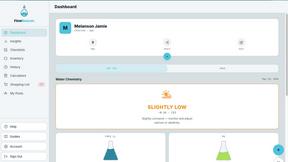
FlowBeacon
FlowBeacon helps pool owners and operators coordinate test results, checklists and pool records from a phone.
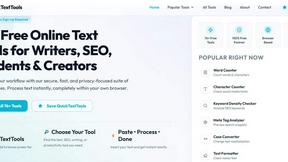
QuickTextTools
A free online toolkit for writers and creators, with browser-based tools for text analysis, cleanup, SEO, and more.
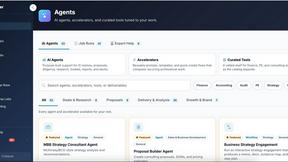
Decker
Decker is a deliverable operating system that helps consultants build, learn, and monetize their work through AI-powered workflows and a peer network.
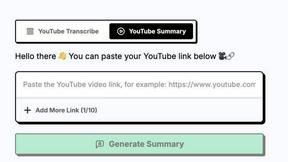
Ytskim
Read YouTube content away from the player by turning available English captions into clean text with timestamp and e-reader exports.
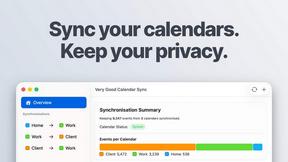
Very Good Calendar Sync
Very Good Calendar Sync keeps calendars in step on macOS, with local syncing and controls to copy full events or share availability privately.

Chronicle
Chronicle turns voice notes into searchable memories, letting busy professionals record thoughts and ask questions to recall details later.

Cece
Cece helps finance teams track payment costs and agreement compliance, with cost driver analysis, recovery opportunities, and renewal monitoring.
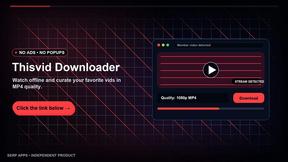
ThisVid Video Downloader
Save a video from its ThisVid page as an MP4 using a desktop extension with quality choices and visible transfer progress.

CheckoutReceipt
Create business receipts and fictional examples from 100+ templates, with live preview, custom logos, tax calculations and PNG or PDF export.
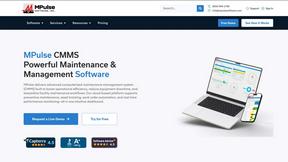
MPACT CMMS
MPACT CMMS supports maintenance teams with mobile work updates, QR code repair requests, and integrations through real-time REST APIs.

ReadTube
ReadTube turns followed video channels into a personal archive of summaries, articles, transcripts, and notes.
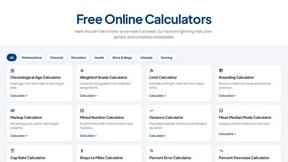
EasyCalc
EasyCalc offers quick browser calculators across math, education, finance, health, and work, with focused tools that can also be embedded.

AI Content Shield
AI Content Shield lets users hide AI search panels and filter AI-generated videos, posts, and other content with adjustable browser settings.

shhr.ink
shhr.ink shortens URLs and adds click analytics, QR codes, and link controls for creators and marketers.

Caption.IM
Caption.IM captures Mac system audio for live subtitles, real-time translation and meeting notes, supporting calls, videos, podcasts and courses.

WriteToMail
WriteToMail lets teams create personalized direct-mail pieces from spreadsheets, with printing, mailing, and optional QR-code campaign tracking.
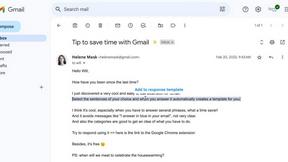
Tagada
Tagada helps people who work in Gmail turn important sentences into tagged reply points and locally stored reminders.
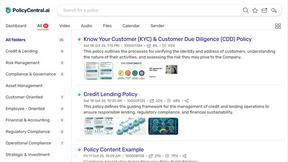
PolicyCentral.ai
PolicyCentral.ai helps large organizations create, publish, translate, and track policies with AI tools and employee access controls.

scheduler.social
An independent directory for exploring social media schedulers by platform, use case, price, and editorial score.
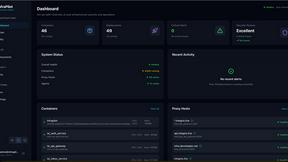
InfraPilot
InfraPilot is a self-hosted dashboard for deploying Docker apps and managing traffic, logs, monitoring, and alerts on servers you control.
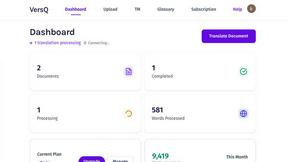
VersQ
VersQ translates complete documents with multiple AI models while retaining layout and supporting reusable glossaries and translation memory.

Innermost
Explore self-discovery quizzes and conversations with an AI guide to reflect on attachment, self-talk, relationships, and personal habits.
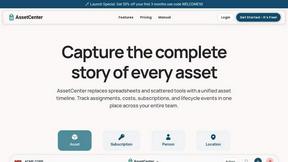
AssetCenter
AssetCenter tracks equipment, subscriptions and their history, helping teams see assignments, locations, maintenance and recurring costs together.

Lynk.Coach
Lynk.Coach transforms coaching chaos into streamlined success with automated management, smart insights, and effortless student engagement.

FormBlends
FormBlends combines an online GLP-1 assessment and provider review with a peptide research library and treatment tracking for iPhone.
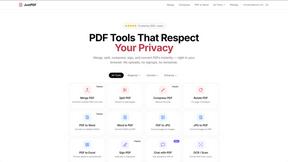
JustPDF
JustPDF combines 17 local browser-based PDF tools for document organization, conversion, signing, OCR, and AI-assisted questions.

Anyrow
Anyrow extracts structured table rows from files and keeps each row linked to its original source.
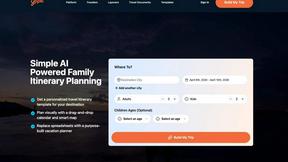
Yopki
Yopki turns family trip details into a customizable itinerary and organizes plans with a drag-and-drop calendar and smart map.

My Medical Bill Solution
Medical billing support for practices, with eligibility checks, claims, specialty coding, denial follow-up and payment posting.
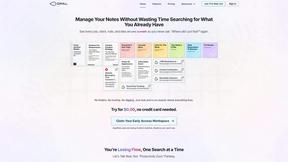
Opal Recall
Opal Recall is a spatial note-taking workspace for organizing business and personal projects with notes, documents, links, and files.
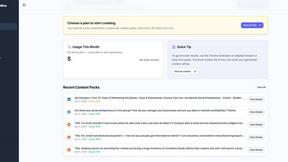
PostMine
PostMine turns a captured social post into seven brand voice drafts, helping creators repurpose discussions across blogs and social channels.

TrendsFox
TrendsFox tracks rising topics across Reddit, video, markets, SaaS launches, and emerging tech in one real-time trends dashboard.

Amovera
Amovera helps couples coordinate wedding guests, seating, expenses and event timelines in one planner with lifetime access and no vendor spam.
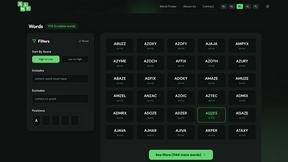
5LetterWordsFinder
Find five-letter word candidates by known positions, required or excluded letters, or available tiles, with base Scrabble tile scores.

RFP AI Hub
RFP AI Hub helps proposal, sales, and security teams find and compare tools for RFPs, bids, and questionnaire responses.
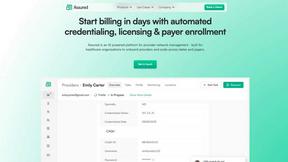
Assured
Assured connects provider credentialing, payer enrollment, licensing, roster management and monitoring for healthcare organizations.
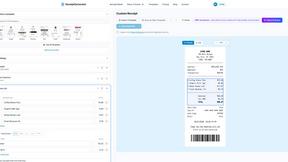
ReceiptGenerator
Create and customize receipts from 800+ templates, then export them as PNGs or PDFs or place them in AI-generated scenes.
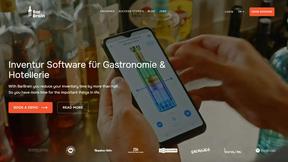
BarBrain
BarBrain helps bars, restaurants, and hotels count stock in an app, track ingredient costs, and manage inventory across locations.

HeyVid
HeyVid brings video, image, voice, and music generation together, with access to multiple creative models from one workspace.

WA Reminders
Schedule WhatsApp reminders from Google Calendar or the app, using your own WhatsApp number to reach clients and patients.
Popular Alternatives in Productivity & Management
About Productivity & Management AI tools
Productivity and Management tools help individuals and teams organize work, manage projects, track time, communicate effectively, and accomplish more in less time. This category includes project management platforms, task managers, time trackers, team communication tools, note-taking apps, and workspace organization solutions.
Whether you are managing a complex project with multiple stakeholders, organizing personal tasks, tracking billable hours, coordinating a remote team, or building a personal knowledge management system, these tools provide the organizational infrastructure for productive work.
Compare productivity and management tools by their task management features, collaboration capabilities, integration ecosystem, customization options, and pricing to find the right tools for your work style and team needs.
FAQs for Productivity & Management
What types of productivity tools are listed?
This category includes project management platforms, task and to-do managers, time tracking tools, team communication apps, note-taking and knowledge management tools, calendar and scheduling apps, and workspace organization solutions.
Which productivity tool is best for teams?
The best tool depends on your team size, workflow, and collaboration style. Look for platforms with shared workspaces, task assignments, real-time updates, integrations with your existing tools, and communication features that match how your team works.
Can productivity tools integrate with other software?
Yes. Most productivity tools offer extensive integrations with email, calendar, communication, file storage, and development tools. Many also support automation through Zapier, Make, or native webhook integrations.
How do time tracking tools work?
Time tracking tools let you log hours manually or through automatic timers, categorize time by project and task, generate reports for billing or analysis, and integrate with project management tools for comprehensive work tracking.
Are there free productivity tools?
Yes. Many productivity tools offer generous free tiers with core task management, basic project features, and limited team collaboration. Premium plans unlock advanced features, larger team support, and more storage.
How do I choose the right productivity tool?
Consider whether you need individual task management or team collaboration, your preferred workflow methodology, required integrations, and budget. Test free tiers of several tools to find the interface and feature set that matches your work style.