Video2URL
Turn your video files into private, trackable share links with analytics, all in seconds.
VisitPublished on:
July 13, 2026
Pricing:
About Video2URL
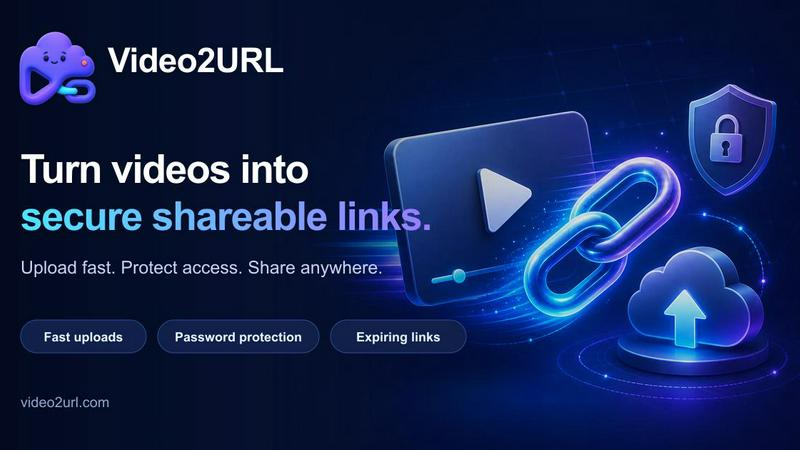
Video2URL is a specialized tool designed to transform the way you share video files. Instead of dealing with the hassle of large email attachments, complicated cloud drive permissions, or short-lived file transfer services, Video2URL converts your videos into clean, private, and trackable links. The core value proposition is simple: you upload a video file, and within seconds, you receive a shareable URL that you can send to anyone. This service supports common video formats including MP4, MOV, MKV, and WEBM, with a generous free upload limit of 100 MB. Video2URL is built for a wide range of users, from web developers needing stable links for product documentation and client demos, to content creators who want to reuse video addresses across articles and social posts, and digital marketers who need to share campaign videos through creative review and channel handoffs. The product stands out by prioritizing privacy and control. Every link is private by default, and signed-in users can create permanent links that do not expire. Optional features like password protection and custom expiration dates give you granular control over who can view your content and for how long. Furthermore, Video2URL provides lightweight analytics on every share, allowing you to see view counts and referral sources, turning a simple video link into a powerful signal for engagement.
Features of Video2URL
Instant Video to URL Conversion
The core functionality of Video2URL is its ability to turn a heavy video file into a clean, shareable link in seconds. The process is streamlined into two simple steps: upload and link. You can drag and drop your video file onto the platform or browse for it. Supported formats include MP4, MOV, MKV, and WEBM, with uploads up to 100 MB for guest users. After a quick and private security check to verify the file type and prevent abuse, the system generates a unique, stable URL that you can copy and share anywhere. This eliminates the need for complex file hosting setups or the limitations of email attachments.
Advanced Privacy and Access Controls
Video2URL provides robust tools to ensure your video content is shared only with the intended audience. You can add password protection to any link, ensuring that only people with the correct password can view the video. Additionally, you have the ability to set custom expiration dates for your links. This means you can decide exactly when a link stops working, providing time-bound access for client reviews, campaign assets, or sensitive material. For guest users, links automatically expire after 14 days, while signed-in users can create permanent links that do not expire, offering a flexible balance between temporary sharing and long-term storage.
Built-in Link Analytics
Every video link created with Video2URL comes with lightweight but powerful analytics. This feature transforms a simple share into a source of actionable data. You can see exactly how many times your video has been viewed, with a chart showing view trends over time. More importantly, you can see the top referrer, which tells you where your audience is coming from. For example, you might see that most of your views are coming from a specific social media post or email campaign. This data helps you understand what content resonates with your audience and which distribution channels are most effective, turning a video link into a full signal.
Permanent Links for Signed-In Users
While guest users benefit from a quick, no-sign-up experience with links that last 14 days, signing in unlocks the ability to create permanent video links. This feature is ideal for content that needs a stable, lasting address, such as product documentation, evergreen tutorials, or portfolio pieces. When you sign in, you get your own free file space, and any links you create from this space will not expire. This provides a reliable and consistent URL that you can embed in websites, include in newsletters, or reference in support threads without worrying about the link breaking over time.
Use Cases of Video2URL
Client Previews and Creative Review
Video2URL is an excellent tool for sharing video work with clients for review and feedback. Instead of compressing a video to fit in an email or sharing a full cloud drive folder, you can upload the final cut and generate a clean, trackable link. You can add password protection to ensure only the client sees it and set an expiration date to automatically revoke access after the review period. The built-in analytics then let you see if the client has actually watched the video, providing a clear signal of engagement and eliminating the ambiguity of a silent inbox.
Embedding in Product Documentation and Demos
Web developers and technical writers can use Video2URL to embed stable video links into product documentation, help centers, and test environments. A permanent link from a signed-in account ensures that tutorial videos or feature demos will not break over time. This is a significant advantage over temporary file hosts or links that depend on a specific cloud drive account. The private share page also ensures that the raw video file is not exposed to a public storage bucket, adding a layer of security and control to the documentation process.
Campaign Asset Distribution for Marketers
Digital marketers can streamline their workflow by using Video2URL to distribute campaign videos. Whether it is a new ad creative for a team review, a video for a landing page, or an asset for a social media campaign, a single, clean URL is easy to paste into emails, Slack channels, or project management tools. The analytics feature is particularly valuable here, as it allows marketers to track which channels (e.g., email, Twitter, LinkedIn) are driving the most views, providing immediate feedback on the effectiveness of their distribution strategy.
Sharing Social Media and Community Content
Content creators and community managers can use Video2URL to share videos on platforms like X (formerly Twitter), Reddit, or Discord without the upload headache. Instead of relying on a platform's native video upload (which may have size or quality limits), you can upload your high-quality video to Video2URL and share the link. The branded, clean share page is more professional than a raw file link and carries the useful signal of view counts, helping you gauge interest and engagement from your community or followers.
Frequently Asked Questions
What video formats and sizes does Video2URL support?
Video2URL supports common video formats including MP4, MOV, MKV, and WEBM. For guest users who have not signed in, the maximum file size for a single upload is 100 MB. This limit helps keep the free tier predictable and fast. For signed-in users, the storage and size limits may be different, and you can check your account settings for specific details. The platform also performs a security check on every file to verify the real file type before making it shareable.
How long do my video links last?
The duration of your video link depends on your account status. Guest users who upload a video without signing in will have their links automatically expire after 14 days. This is perfect for quick, temporary sharing. However, if you sign in for a free account, you gain access to free file space that allows you to create permanent links. These permanent links do not expire, making them ideal for content that needs a stable, long-term address, such as documentation or evergreen tutorials.
Can I control who sees my video?
Yes, Video2URL provides several layers of control over who can access your video. First, all links are private by default, meaning they are not publicly searchable. Second, you have the option to add password protection to any link. This ensures that only people you share the password with can view the video. Third, you can set a custom expiration date for your link, after which it will no longer work. This combination of privacy, password protection, and time-limited access gives you precise control over your content.
What kind of analytics do I get with my video links?
Every video link created with Video2URL includes lightweight analytics. You can see the total number of views your video has received, along with a chart showing the trend of views over time. Crucially, you can also see the top referrer, which tells you the source of your traffic. For example, the analytics might show that 46% of your views came from twitter.com. This information helps you understand where your audience is finding your video and which marketing or distribution channels are most effective.
Similar to Video2URL
BillionVerify
BillionVerify is a professional email verification service built to solve one problem: bad email data costs businesses money.
GetYouTubeTranscript
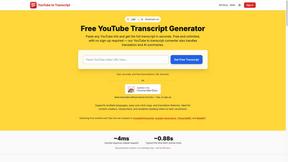
Free YouTube transcripts on the web, a Chrome extension, and an API + MCP server so AI assistants can read YouTube.
Kody Tools
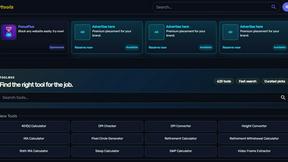
Free collection of online developer utilities, code formatters, and digital converters designed to streamline your daily workflow.