
GPT Create Image vs vaethat
Side-by-side comparison to help you choose the right AI tool.

GPT Create Image
Create stunning images simply by describing them in conversation.
Last updated: March 1, 2026

vaethat
Vaethat instantly enhances architectural renders with specialized AI, preserving your original design.
Last updated: February 28, 2026
Visual Comparison
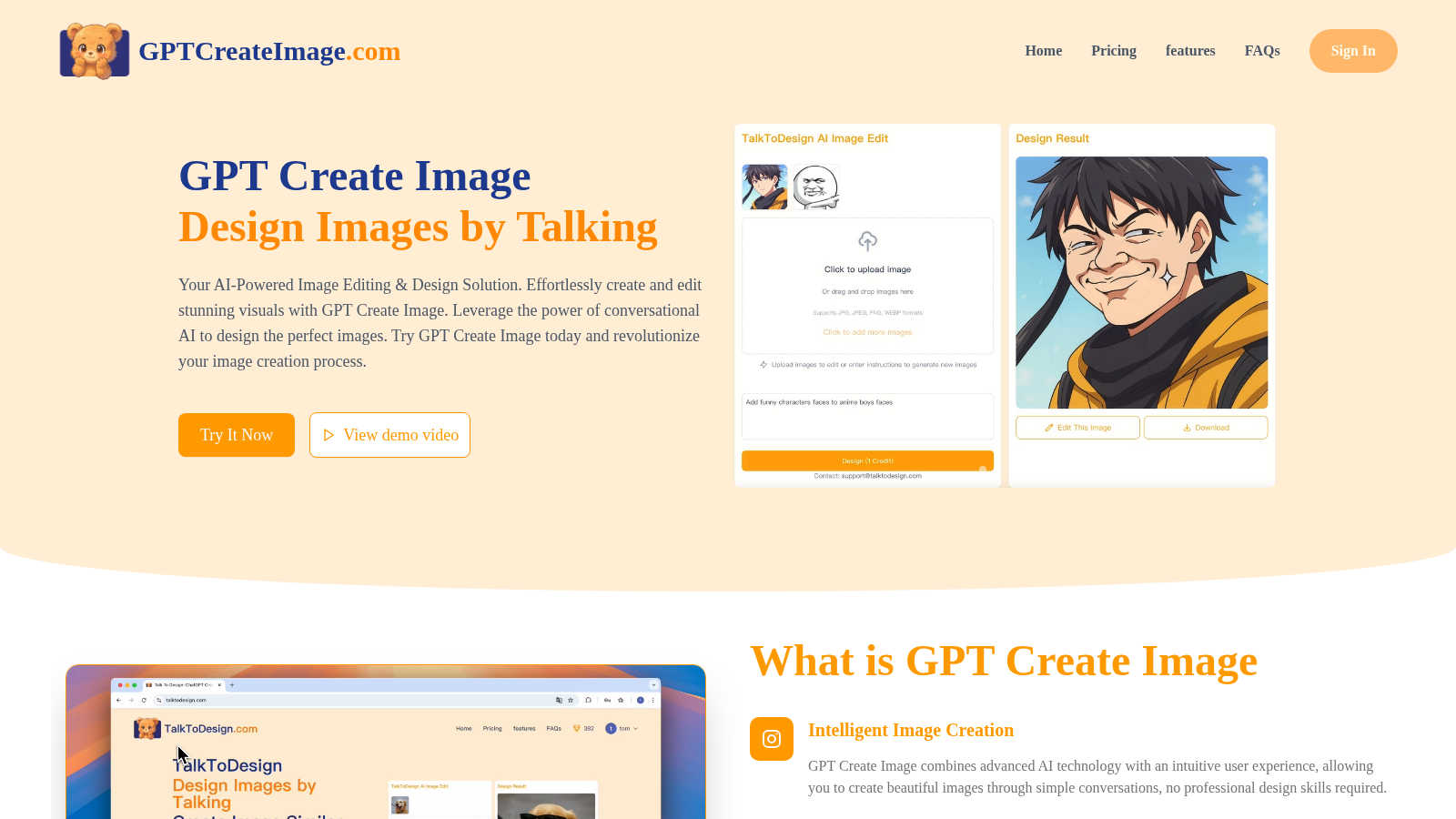
GPT Create Image
vaethat

Feature Comparison
GPT Create Image
Conversational Design Interface
This is the cornerstone feature of GPT Create Image. Instead of navigating complex menus and tools, you simply describe your desired image or edit in plain English. The AI interprets your creative vision and implements it, making the entire process feel like a natural, intuitive conversation. This eliminates the need for technical knowledge and allows for rapid iteration and experimentation.
Intelligent Image Generation & Editing
Beyond simple creation, the platform excels at understanding and executing detailed edits. You can instruct the AI to transform existing images by describing changes like "remove the background," "change the sky to sunset," "add a vintage filter," or "insert a person wearing a blue hat." The AI comprehends these contextual requests and applies professional-grade manipulations seamlessly.
Professional-Quality Output & Fine-Tuning
GPT Create Image is engineered to meet the demands of creative professionals. It generates high-resolution, exceptional quality visuals suitable for commercial use. The platform includes fine-tuning tools that allow for precise adjustments, ensuring your final design stands out and aligns perfectly with your brand or personal aesthetic standards.
Unlimited Image History & Management
The platform provides users with a comprehensive history of all their generated and edited images. This feature allows for easy access to previous projects, enabling you to revisit, re-edit, or download past creations at any time. It streamlines workflow and ensures no creative idea is ever lost.
vaethat
Specialized Archviz AI Enhancement
Vaethat's core technology is an AI model trained exclusively on architectural visualization imagery. This specialized training allows it to intelligently upscale resolution, refine fine details like textures and edges, and enhance materials and lighting in a way that generic AI models cannot. It automatically recognizes and properly handles architectural elements, vegetation, and human figures, ensuring enhancements boost realism without introducing artifacts or altering the design's fundamental composition.
Multi-Image Project Workspace
This feature allows professionals to work efficiently with entire archviz projects. Users can drag and drop a complete folder of renders into the workspace, save sessions, and process multiple images in one batch. This streamlines the workflow for finalizing large sets of visuals for a project, ensuring consistent enhancement quality across all images and saving significant time compared to processing files individually.
No-Prompt, Preset-Based Workflow
Vaethat eliminates the guesswork and time consumption associated with prompt engineering and slider adjustments found in general AI tools. The process is deliberately simple: upload your render, choose an enhancement preset tailored for archviz, and export the result. This intuitive approach guarantees predictable, high-quality outcomes without wasting credits on trial-and-error experimentation.
Design Intent Preservation & Artifact Cleanup
A critical feature for professionals, Vaethat's AI is engineered to enhance an image while meticulously maintaining the original composition, lighting mood, and architectural design. Simultaneously, it actively reduces common rendering noise and artifacts, producing cleaner, sharper, and more polished final images that remain true to the artist's vision while achieving a higher standard of finish.
Use Cases
GPT Create Image
Social Media & Marketing Content Creation
Marketers and social media managers can rapidly produce eye-catching graphics for posts, ads, and stories. By describing concepts like "a vibrant Instagram post for a coffee shop with a cozy aesthetic," users can generate unique, on-brand visuals in seconds, drastically reducing production time and resource costs.
Blog & Website Illustration
Bloggers and website owners can create custom illustrations and featured images tailored to their content. Instead of searching for stock photos, they can describe the exact scene or metaphor they need, resulting in original artwork that enhances storytelling and improves reader engagement.
Small Business Promotional Materials
Small business owners can design professional-looking flyers, email headers, and product mockups without hiring a designer. By conversing with the AI, they can create polished promotional materials that effectively communicate their value proposition and elevate their brand presence.
Personal Photo Enhancement & Creativity
Casual users can easily touch up personal photos, create custom gifts, or explore artistic projects. Simple requests like "restore this old photo," "create a fantasy book cover with a dragon," or "make this picture look like a watercolor painting" become effortless, unlocking creative potential for everyone.
vaethat
Finalizing Client Presentation Decks
Architectural visualizers can use Vaethat to give their final renders a last-pass polish before including them in client presentations. The AI enhances sharpness, cleans up noise, and boosts material realism, making the visuals more compelling and professional, which can aid in securing project approvals and impressing stakeholders.
Enhancing Portfolio Imagery
For artists and studios building their online portfolio, Vaethat provides an efficient way to elevate existing work. By upscaling resolution and refining details, it helps create stunning, high-fidelity images that showcase their skills in the best possible light, attracting higher-quality clients and projects.
Batch Processing Project Deliverables
When a visualization project involves dozens of renders for different angles, times of day, or material options, Vaethat's Multi-Image Workspace is invaluable. It allows for the consistent enhancement of an entire set of deliverables in one go, ensuring uniform quality and saving hours of manual post-production work.
Salvaging Noisy or Low-Resolution Renders
Instead of re-rendering a scene at a higher sample count or resolution—a time-consuming and computationally expensive process—artists can use Vaethat to intelligently upscale and denoise existing renders. This recovers time and computational resources while transforming usable but imperfect images into clean, high-resolution finals.
Overview
About GPT Create Image
GPT Create Image is an innovative AI-powered platform that fundamentally reimagines the process of image creation and editing. It leverages advanced conversational AI to allow users to design, modify, and enhance visuals simply by describing their ideas in natural language. This tool eliminates the steep learning curve and technical complexity traditionally associated with professional design software. Its core value proposition lies in its unique dialogue-driven interface, which interprets creative intent and executes visual transformations effortlessly. Whether you're a marketer needing quick social media graphics, a blogger seeking custom illustrations, a small business owner creating promotional materials, or a casual user touching up personal photos, GPT Create Image makes professional-quality visual design accessible to everyone. It ensures stunning results without requiring any prior design expertise or technical skill, positioning itself as a refreshing alternative to complex, traditional image editing software.
About vaethat
Vaethat is a specialized AI render enhancer built exclusively for architectural visualization. It is designed for archviz professionals, including 3D artists, architects, and visualization studios, who seek to elevate the final quality of their renders without the complexity of manual post-production or generic AI tools. The core value proposition lies in its purpose-built technology: unlike general AI image enhancers, Vaethat's AI is trained specifically on architectural visualization imagery. This ensures it understands the unique elements of archviz, such as clean geometry, material fidelity, and balanced lighting, resulting in enhancements that respect and preserve the original design intent. The platform offers a streamlined, no-fuss workflow where users can upload single images or entire project folders, select a preset, and receive upscaled, refined, and noise-free images that are presentation-ready for client decks, portfolios, and approvals. Vaethat prioritizes a quality-over-quantity approach, delivering consistent, high-fidelity enhancements that improve clarity, sharpness, and realism with minimal user intervention.
Frequently Asked Questions
GPT Create Image FAQ
What is GPT Create Image?
GPT Create Image is an AI-powered platform that allows you to create and edit images through natural language conversation. You describe what you want to see or change, and the advanced AI interprets your instructions to generate new visuals or modify existing ones, all without requiring any design software skills.
Do I need design experience to use GPT Create Image?
No, you do not need any prior design experience or technical skill. The platform is built specifically to be accessible to everyone. The conversational interface guides the process—you simply describe your idea in plain English, and the AI handles the complex execution.
Can I use the images I create for commercial purposes?
Yes, according to the provided pricing information, even the Free plan includes commercial use rights for the images you generate. This makes GPT Create Image a viable tool for entrepreneurs, marketers, and businesses to create original assets for their commercial projects.
What are credits and how do they work?
Credits are the unit of consumption for generating or editing images on the platform. For example, the Free plan offers 100 daily credits. Each image creation or significant edit likely consumes one credit. Credits typically refresh daily or monthly depending on your subscription plan, allowing for a predictable volume of work.
vaethat FAQ
What makes Vaethat different from other AI image enhancers?
Vaethat is not a general-purpose AI tool. It is specialized technology trained exclusively on architectural visualization. This means it understands the specific needs of archviz, such as preserving clean lines, correctly enhancing materials like wood and concrete, and realistically improving vegetation and people. The result is more consistent, reliable, and context-aware enhancements compared to tools that treat all images the same.
Can I use Vaethat with renders from V-Ray, Lumion, Enscape, etc.?
Yes, absolutely. Vaethat is render-engine agnostic. It works with any image file exported from your visualization software, whether it's V-Ray, Corona, Lumion, Enscape, Twinmotion, 3ds Max, SketchUp, or others. You simply upload your final PNG, JPG, or TIFF render for enhancement.
How does the credit system work?
Credits are consumed based on the output resolution of your enhanced image. The platform clearly indicates how many credits an enhancement will use before you process it. This transparent system allows you to manage your usage effectively across different projects and image sizes.
Does Vaethat use my uploaded renders to train its AI models?
No. According to the provided content, Vaethat does not use customer-uploaded architectural renders to train its AI models. This protects your intellectual property and ensures your project visuals remain confidential.
Alternatives
GPT Create Image Alternatives
GPT Create Image is a leading conversational AI platform in the generative art and design space. It allows anyone to create and edit professional images through simple text descriptions, removing the need for technical design skills. Users often explore alternatives for various reasons. This includes seeking different pricing models, specific feature sets like control over image dimensions or artistic styles, or compatibility with other tools in their workflow. The needs of a hobbyist differ greatly from those of a large marketing team. When evaluating other options, consider the core interface, the quality and consistency of the output, and the depth of editing control. The ideal tool balances intuitive usability with the power to faithfully execute your creative vision, ensuring it aligns with your specific projects and budget.
vaethat Alternatives
Vaethat is an AI-powered tool in the architectural visualization and design software category. It specializes in intelligently upscaling and refining 3D renders to enhance clarity, detail, and realism for final presentation. Professionals may explore alternatives for various reasons, such as budget constraints, a need for different feature sets like broader image editing capabilities, or specific workflow integrations. The search often centers on finding a tool that aligns with their project scale, technical requirements, and desired output quality. When evaluating options, key considerations include the core AI enhancement capabilities, the tool's fidelity in preserving original design intent, the simplicity of the user workflow, and the overall value relative to cost. The goal is to find a solution that efficiently elevates render quality without introducing unnecessary complexity.