
fusetweet vs SeeDance Ai
Side-by-side comparison to help you choose the right AI tool.

fusetweet
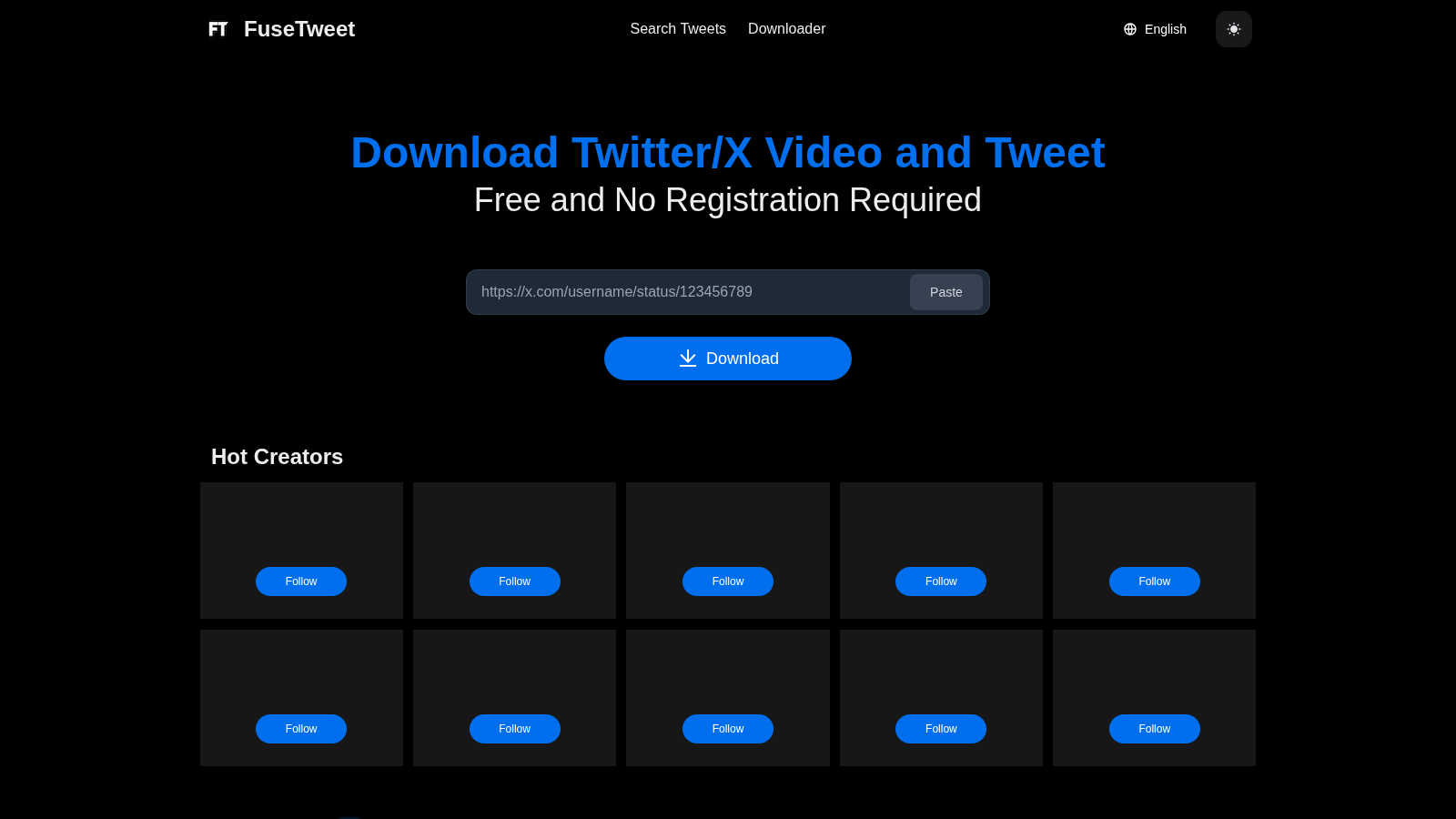
Save, edit, and repost any Twitter video or tweet for free.

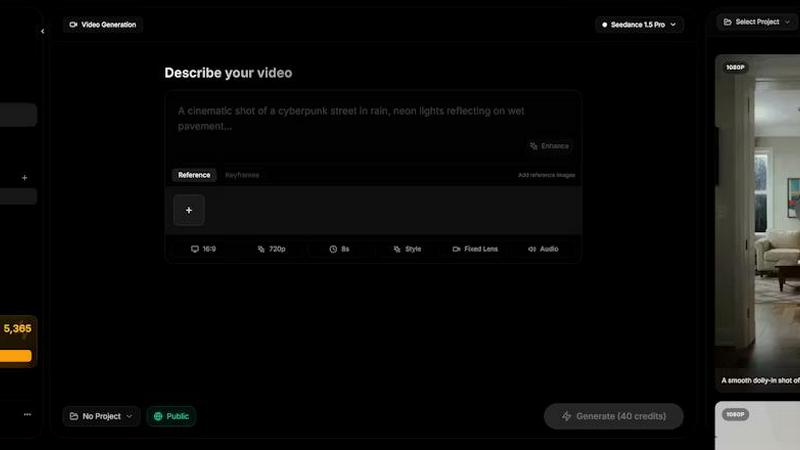
Seedance AI transforms your text, images, audio, and video into polished, sound-synced cinematic clips in one seamless generation.
Last updated: April 13, 2026
Visual Comparison
fusetweet
SeeDance Ai
Feature Comparison
fusetweet
Local Browser-Side Processing
All core operations, from fetching the original tweet data to processing translations, occur directly within your web browser. This means no data is sent to a remote server for analysis, and your X API key is never transmitted over the internet. This architecture guarantees privacy, reduces latency, and ensures your workflow continues uninterrupted even if the fusetweet service experiences downtime.
Integrated Translation Editor
Instead of using a separate translation service, fusetweet builds translation capabilities directly into its editing interface. This allows you to fetch a tweet and instantly see a translated version, which you can then fine-tune and adjust for nuance, tone, and cultural context before posting. This integrated approach saves time and improves the quality of the final output compared to copying and pasting between different apps.
Direct Write-Only API Integration
fusetweet uses a standard, write-only API key from X/Twitter, which you provide. This bypasses complex OAuth authorization flows and eliminates the need for a server-side middleman to handle your credentials. You maintain direct control over your API key, enhancing security and transparency, while the tool simply acts as a client-side interface to publish the content you've prepared.
Unified Content Adaptation Workflow
The tool consolidates the entire repurposing journey into one seamless flow: input a URL, edit text and media, translate if needed, and publish. It removes the friction of switching between a downloader, an image editor, a translation tool, and a publishing dashboard. This unified workflow is designed for efficiency, minimizing errors and saving significant time for anyone regularly adapting tweet content.
SeeDance Ai
Multimodal @ Reference System
This core feature revolutionizes creative control. Instead of relying solely on descriptive text, you can upload up to 12 reference files—including images, videos, and audio clips—and tag them directly in your prompt using the @ symbol. This allows for precise instruction, such as applying a specific face from an image, replicating a camera move from a video, or syncing to the beat of an audio track, effectively eliminating guesswork and enabling exact creative replication.
Native Audio-Visual Synchronization
SeeDance Ai generates audio and video together in a single model pass, not as separate, post-processed layers. This results in exact timing where sound effects land on the correct frame, footsteps match the beat, and lip-sync remains accurate. The model natively produces environmental audio, background music, and character dialogue, making high-quality sound an integral part of the initial generation rather than a manual afterthought.
Consistent Character & Identity Lock
The platform solves the pervasive issue of character drift through a cross-attention reference system. It locks in facial geometry, clothing details, and stylistic elements across different scenes and shots. This ensures that characters, logos, and product details remain sharp, recognizable, and consistent throughout a video sequence, which is essential for serialized content, branded campaigns, and professional storytelling.
Precise Camera & Motion Control
Creators can achieve specific cinematic movements by uploading a reference video. The AI analyzes and replicates exact camera behaviors such as dolly zooms, tracking shots, orbital movements, or handheld shakes. This extends to complex human motion, allowing for the faithful transfer of choreography, dance routines, or martial arts sequences from a reference clip to newly generated characters with high physical fidelity.
Use Cases
fusetweet
Cross-Language Content Repurposing
Social media managers targeting global audiences can quickly translate and culturally adapt successful tweets from one language to another. For instance, a viral English tweet can be fetched, accurately translated and localized for a Spanish-speaking audience, and scheduled for posting—all within a single, streamlined workflow without leaving the browser.
Curating and Enhancing Tweet Threads
Content creators and journalists can use fusetweet to capture insightful tweet threads, condense or rewrite them for clarity, and republish them as a polished summary or commentary on their own profile. This is ideal for adding value to existing discussions or archiving key points from a public conversation in an enhanced format.
Rapid Response and Newsjacking
For brands and influencers engaged in real-time marketing, speed is critical. fusetweet allows a team to quickly fetch a relevant trending tweet, adapt the messaging to align with their brand voice, and publish a timely response—all before the moment passes. The local processing ensures no time is lost on uploads or external approvals.
Creating Accessible Content Versions
Individuals and organizations can use the tool to rewrite complex tweet threads into simpler, clearer language for better accessibility. This can involve breaking down long threads, simplifying jargon, and adding alt-text descriptions for images directly in the editor before reposting the more accessible version.
SeeDance Ai
Marketing & Promotional Clips
Brands and agencies can rapidly produce high-fidelity promotional videos, product showcases, and ad creatives. The ability to maintain consistent product visuals and brand characters across multiple shots, combined with native, synced audio, creates polished marketing assets without the need for expensive studio shoots or complex post-production editing.
Social Media & Viral Content Creation
Content creators and influencers can generate engaging, trend-focused videos for platforms like TikTok, Instagram Reels, and YouTube Shorts. The tool excels at creating dance videos, dynamic sketches, and visually compelling narratives with smooth motion and perfect audio sync, tailored for high engagement and shareability in fast-paced social feeds.
Cinematic Storytelling & Short Films
Independent filmmakers and storytellers can use the platform as a pre-visualization tool or to produce complete short films. The automatic multi-shot sequencing, director-level control over camera angles and motion, and consistent characters enable the creation of coherent, multi-scene narratives with a cinematic feel, all from a detailed prompt and reference materials.
Educational & Explainer Videos
Educators and businesses can create clear, engaging explainer videos and training content. By using image references for diagrams and audio for narration, the platform can generate videos where complex concepts are visualized with smooth animations and perfectly timed voiceovers or sound effects, enhancing comprehension and retention.
Overview
About fusetweet
fusetweet is a streamlined, browser-based tool designed for content creators, marketers, and social media managers who need to efficiently repurpose and adapt content from X/Twitter. It solves the tedious, multi-step process of manually copying tweet text, downloading images, and then recreating posts for different audiences or platforms. The core value proposition is a single, secure workflow that takes a tweet URL and outputs an edited or translated version, ready for republication, entirely within your browser. This eliminates the need for file uploads, software downloads, or mandatory user sign-ups, prioritizing speed and simplicity. fusetweet uniquely bridges the gap between simple thread archiving tools and content schedulers by focusing on the crucial intermediate step: content adaptation. All processing, including AI-powered translation, happens locally on your device, ensuring your API key and data never leave your browser, offering a level of privacy and security uncommon in social media tools.
About SeeDance Ai
SeeDance Ai is a specialized, multimodal AI video generation platform engineered for creators who demand cinematic quality and director-level control. It transcends basic text-to-video conversion by accepting a powerful combination of inputs: text prompts, images, audio clips, and video references. This allows it to generate polished, multi-shot video sequences with native audio-visual synchronization, realistic motion, and high adherence to creative direction. The platform directly tackles common industry pain points like "anatomical drift" and character inconsistency by implementing advanced motion-transfer and cross-attention systems, ensuring skeletal integrity and stable character identity across shots. With models like SeeDance 2.0 and SeeDance 1.5 Pro, it is designed for professional workflows in marketing, social content creation, dance, and storytelling, functioning as an automated production pipeline that handles camera work, physics, and sound design simultaneously.
Frequently Asked Questions
fusetweet FAQ
Is my data secure with fusetweet?
Yes, security is a foundational principle. All processing occurs locally in your browser. The tweet content, any translations, and most importantly, your X API key, are never sent to fusetweet's servers or any third party. You interact directly with X's API from your own machine.
Do I need to install any software?
No installation is required. fusetweet is a web application that runs entirely in your modern browser (like Chrome, Firefox, or Edge). There is no need to download or install any desktop software, plugins, or mobile apps.
What do I need to start using fusetweet?
You need two things: a tweet URL you wish to adapt and a valid X/Twitter API key with write permissions. The tool will guide you on where to obtain this key. No account registration with fusetweet itself is necessary.
Can I edit images from the original tweet?
While the provided context emphasizes editing and translating text, a core function is handling media. The tool fetches the images from the tweet URL, allowing you to republish them with your adapted text. For advanced image editing (cropping, filtering), you would likely use a dedicated image tool before or after using fusetweet.
SeeDance Ai FAQ
What makes SeeDance Ai different from other AI video generators?
SeeDance Ai distinguishes itself through its true multimodal generation and native audio-visual sync. While many tools generate silent video or add sound later, SeeDance produces both simultaneously for perfect timing. Its @ reference system provides unparalleled control by using images, video, and audio as direct inputs, and its advanced models are specifically engineered to solve problems like character inconsistency and unnatural physics.
What types of files can I use as references?
You can upload a combination of reference files to guide your generation, including up to 9 images, 3 videos, and 3 audio clips. These are tagged in your text prompt using the @ symbol (e.g., @Image1, @Video2), allowing the AI to use specific elements from each file as precise instructions for the final video output.
Can SeeDance Ai create videos with consistent characters?
Yes, maintaining consistent characters is a core capability. Using its cross-attention reference system, SeeDance Ai can lock in a character's facial features, hairstyle, clothing, and other identity markers across multiple shots and entirely different scenes. This makes it highly effective for projects that require the same character to appear repeatedly.
Is SeeDance Ai affiliated with ByteDance or TikTok?
No, it is important to note that seedanceai.com is an independent website and platform. It is not affiliated with, associated with, or endorsed by ByteDance Ltd. or any of its products, such as TikTok.