
Avif2Png vs Modelfy 3D
Side-by-side comparison to help you choose the right AI tool.
Avif2Png
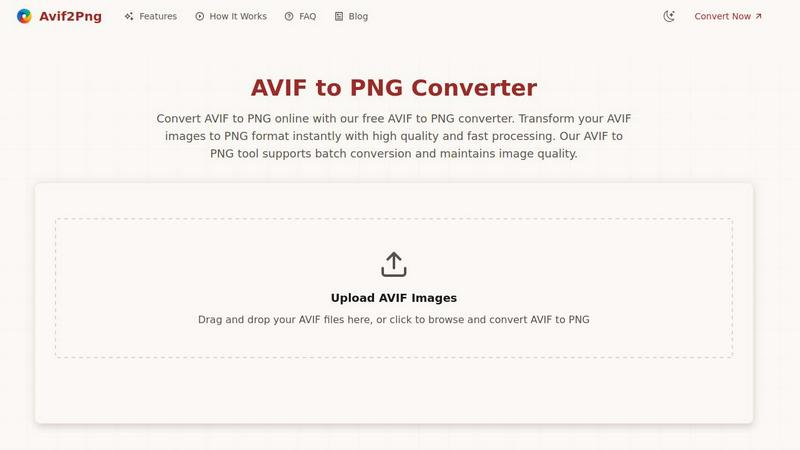
Convert your AVIF images to widely compatible PNG format instantly while preserving quality.
Last updated: March 1, 2026

Modelfy 3D
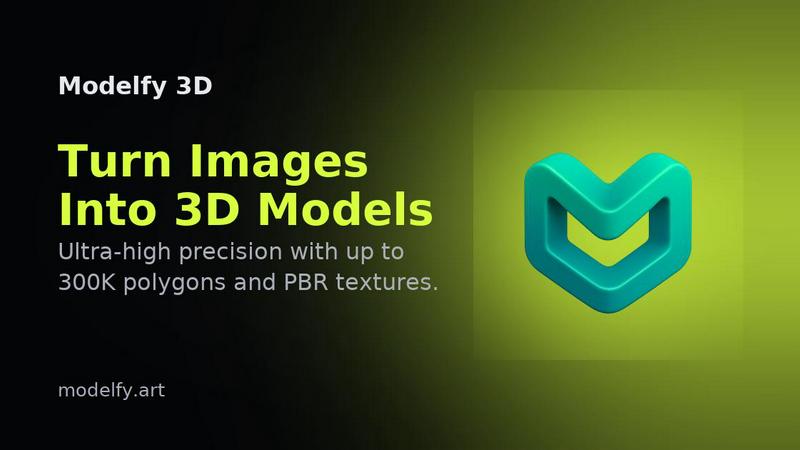
Instantly transform any image into stunning 3D models with Modelfy 3D's advanced AI technology.
Last updated: February 28, 2026
Visual Comparison
Avif2Png
Modelfy 3D
Feature Comparison
Avif2Png
High-Quality, Lossless Conversion
Avif2Png ensures that the visual integrity of your original AVIF image is perfectly preserved during conversion. It employs a lossless process, meaning no detail, color accuracy, or clarity is sacrificed when transforming the file to PNG format. This guarantees that graphics, text, and fine edges remain sharp and true to the source, making it ideal for professional work.
Batch Processing Capability
The tool significantly enhances productivity by supporting the simultaneous conversion of multiple AVIF files. Users can upload several images at once, and Avif2Png will process them in a batch, delivering all converted PNG files ready for download. This feature eliminates the tedious task of converting images one by one, saving valuable time.
No Registration & Completely Free
Accessibility is paramount. Avif2Png requires no account creation, subscription, or payment. Users can immediately access the full conversion service without any barriers. This commitment to a free, open tool makes professional-grade format conversion available to everyone, from individual users to large teams.
Secure and Private Processing
Security is built into the workflow. Uploaded AVIF files and the resulting PNG conversions are handled with strict privacy measures. All files are automatically and permanently deleted from the servers shortly after the conversion process is complete, ensuring your images remain confidential and are not stored or misused.
Modelfy 3D
AI Image to 3D Model Generator
Modelfy 3D's core feature is its AI-powered image-to-3D model generator. Users can upload a 2D image, and within minutes, receive a detailed 3D model with up to 300,000 polygons. This technology dramatically reduces the time needed for 3D modeling, transforming days of work into just a few minutes.
Multi-Format Export System
The platform supports a multi-format export system, allowing users to download their AI-generated 3D models in various industry-standard formats. Whether you need GLB for web applications, OBJ for 3D software, or STL for 3D printing, Modelfy 3D ensures compatibility with your project requirements.
Professional Asset Management System
Modelfy 3D features an enterprise-grade asset management system designed for efficiency. Users can organize their 3D conversions by filtering projects based on status, favoriting important work, and archiving completed models, all while managing custom titles, descriptions, and tags for easy retrieval.
Ultra-Precision Modeling
With a focus on quality, Modelfy 3D allows users to generate models with varying polygon counts, from 15K to an impressive 300K polygons. This ensures that whether for rapid prototyping or production-ready assets, users can achieve the precision and detail necessary for their specific project needs.
Use Cases
Avif2Png
Ensuring Universal Web Compatibility
Web developers and content creators use Avif2Png to convert AVIF assets to PNG for guaranteed display across all browsers and content management systems. While modern browsers support AVIF, older versions and certain platforms do not, making PNG a reliable, fail-safe format for a consistent user experience on any device.
Graphic Design and Logo Preparation
Graphic designers frequently convert AVIF to PNG when preparing logos, icons, and interface elements. The PNG format's reliable support for lossless compression and alpha channels (transparency) is essential for maintaining crisp edges and transparent backgrounds, which are critical for professional design integration.
Print Media and Publishing
Print services and digital publishing platforms often have strict format requirements, with PNG being a widely accepted standard for high-resolution output. Converting AVIF to PNG ensures that images meet the quality and compatibility specifications necessary for physical prints, magazines, and high-fidelity digital publications.
Simplifying Cross-Platform Sharing
Individuals and professionals who need to share images via email, messaging apps, or social media use Avif2Png to avoid compatibility issues. Converting an AVIF to PNG ensures the recipient can open and view the image without specialized software, facilitating smooth communication and collaboration.
Modelfy 3D
Game Development
Game developers can leverage Modelfy 3D to quickly create immersive 3D assets from concept art or character designs. The rapid conversion process allows for faster iterations, enabling teams to refine their designs and streamline the game development workflow.
3D Printing
Modelfy 3D is an ideal tool for hobbyists and professionals in the 3D printing space. Users can convert their 2D designs into printable 3D models, ensuring high detail and quality. This capability enhances the prototyping process and allows for quick adjustments to designs before printing.
Architectural Visualization
Architects and designers can utilize Modelfy 3D for architectural visualization by transforming sketches or images of building designs into detailed 3D models. This aids in client presentations, providing a clearer understanding of spatial arrangements and design elements.
Educational Purposes
Educators and students can benefit from Modelfy 3D by using it as a teaching tool for understanding 3D modeling concepts. The platform's ease of use allows students to experiment with creating models from 2D images, facilitating hands-on learning in design and technology courses.
Overview
About Avif2Png
Avif2Png is a dedicated online solution for converting modern AVIF images into the universally compatible PNG format. It addresses a critical need in today's digital landscape, where the advanced compression of AVIF format meets the practical reality of widespread PNG support. This tool is engineered for professionals and individuals who prioritize both image fidelity and seamless compatibility. Its core value lies in transforming cutting-edge image files into a versatile, lossless format without the complexity of desktop software. By focusing on a single, essential conversion, Avif2Png delivers a streamlined, secure, and efficient experience. It empowers web developers to ensure cross-browser compatibility, enables graphic designers to work with transparent backgrounds, and assists anyone in making their images usable across all platforms and applications. The platform operates with a clear purpose: to bridge the gap between innovative image technology and practical, everyday use with reliability and speed.
About Modelfy 3D
Modelfy 3D is an innovative online platform designed to revolutionize the way users create 3D models from 2D images. Utilizing advanced artificial intelligence, Modelfy 3D allows anyone—from hobbyists to professionals—to transform ordinary images into stunning 3D models in a matter of seconds. Its value proposition lies in its ability to deliver high-quality 3D assets with up to 300,000 polygons, making it perfect for applications in 3D printing, game design, and visual projects. The platform is user-friendly, requiring no prior software training, thus catering to both experienced designers and beginners. With features like a professional asset management system and multi-format export options, Modelfy 3D stands out as a comprehensive solution for anyone looking to enhance their 3D modeling workflow.
Frequently Asked Questions
Avif2Png FAQ
Is Avif2Png really free to use?
Yes, Avif2Png is completely free. There are no hidden charges, subscription fees, or requirements to create an account. You can convert an unlimited number of AVIF images to PNG format without any cost, accessing all features including batch conversion.
How does Avif2Png protect my uploaded images?
Your privacy is a top priority. The service operates on a secure connection and implements an automatic deletion policy. All uploaded AVIF files and the converted PNG files are permanently removed from the servers shortly after the conversion is complete and you have downloaded your results.
Will converting AVIF to PNG reduce my image quality?
No. Avif2Png performs a lossless conversion. The PNG format supports lossless compression, meaning the conversion process re-encodes the image data without degrading its visual quality. Your converted PNG will retain the full detail and clarity of the original AVIF file.
What is the maximum file size or number of files I can convert?
While the provided content does not specify exact limits, the tool supports batch conversion for multiple files at once. For the most current information on file size and quantity limits, please refer to the tool's interface on the official website during the upload process.
Modelfy 3D FAQ
How does Modelfy 3D work?
Modelfy 3D employs advanced AI algorithms to analyze 2D images and generate corresponding 3D models. Users simply upload an image, and the AI processes it to create a detailed 3D version in minutes.
Do I need any special software to use Modelfy 3D?
No, Modelfy 3D is a web-based platform that requires no additional software installation. Users can access all features directly through their web browser, making it convenient and accessible.
Is there a limit to the number of models I can create?
Modelfy 3D offers a credit-based pricing system, allowing users to create numerous models efficiently. The platform supports unlimited concurrent conversions, enabling users to work on multiple projects simultaneously.
Can I customize the quality of my 3D models?
Yes, users can select from different quality levels when generating 3D models, ranging from 15K to 300K polygons. This flexibility ensures that you can achieve the desired level of detail for your specific project needs.
Alternatives
Avif2Png Alternatives
Avif2Png is a specialized online tool in the image conversion category, designed to transform modern AVIF files into the widely compatible PNG format. It serves users who need a straightforward, quality-focused solution for this specific task. Users often explore alternatives for various reasons. Some may require advanced editing features, offline desktop software, or support for a broader range of input and output formats beyond AVIF-to-PNG. Others might seek different pricing models, such as one-time purchases, or tools integrated into larger creative suites. When evaluating other options, consider your core needs. Prioritize output quality, processing speed, and data security. Assess whether you need batch processing, platform compatibility, or additional functionality. The best choice balances these factors with a reliable and user-friendly experience.
Modelfy 3D Alternatives
Modelfy 3D is an innovative tool that belongs to the design tools and generative art categories. This advanced AI image to 3D generator allows users to transform 2D images into 3D models almost instantly, making it a valuable resource for 3D printing, game development, and various professional projects. Users commonly seek alternatives to Modelfy 3D for a variety of reasons, including pricing, specific features, platform compatibility, and user experience. When searching for an alternative, it is essential to consider the ease of use, the quality of the 3D models generated, any additional features that may enhance your workflow, and the overall cost-effectiveness of the tool in relation to your needs.