
AI Image Maker vs Hunyuan3D
Side-by-side comparison to help you choose the right AI tool.

AI Image Maker
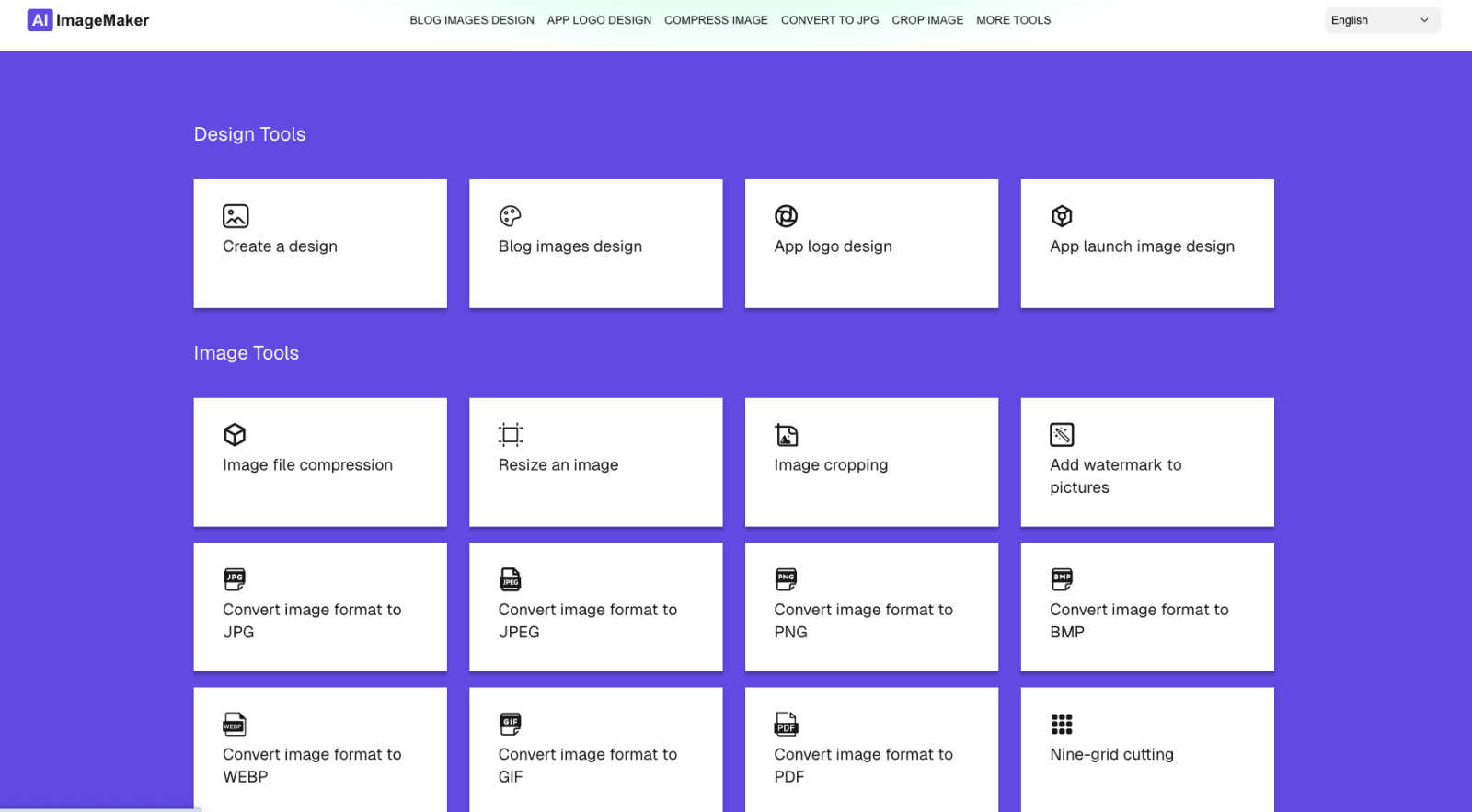
AI Image Maker is a free online tool for effortlessly creating stunning images, logos, and designs with 20+ built-in.
Last updated: March 1, 2026

Hunyuan3D
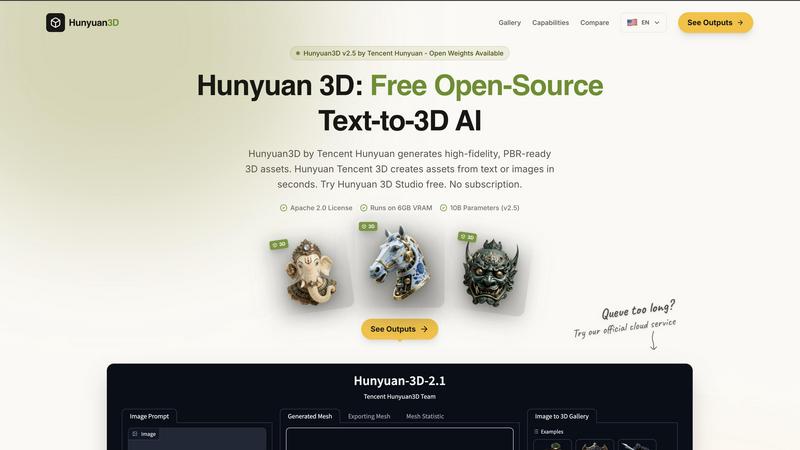
Hunyuan3D quickly transforms text and images into stunning, production-ready 3D assets, all for free and open-source.
Last updated: February 27, 2026
Visual Comparison
AI Image Maker
Hunyuan3D
Feature Comparison
AI Image Maker
Design Canvas
The built-in design canvas allows users to create professional-quality blog covers, app icons, and App Store screenshots with ease. This feature provides a flexible workspace tailored for various design needs.
Background Removal
With just one click, users can effortlessly remove backgrounds from images, making it easier to create clean and polished visuals. This advanced feature saves time and enhances productivity in the design process.
Image Compression
AI Image Maker includes an image compression tool to help users reduce file sizes without compromising quality. This feature is essential for optimizing images for web use while maintaining visual integrity.
Format Conversion
The platform supports multiple image formats, including JPG, PNG, GIF, and PDF, allowing users to convert images between these formats seamlessly. This flexibility ensures compatibility across different platforms and applications.
Hunyuan3D
Rapid 3D Asset Generation
Hunyuan3D can generate 3D meshes from both text descriptions and single 2D images, significantly reducing the time and effort required for asset creation. This rapid generation capability allows creators to iterate quickly and experiment with different designs without the traditional long hours usually associated with 3D modeling.
High-Quality PBR Textures
The system produces PBR-ready textures at resolutions of up to 4K, ensuring that the generated assets maintain high visual fidelity. These textures are essential for achieving realistic lighting and material effects in various rendering engines, making them suitable for professional applications in games and films.
Clean Mesh Topology
Hunyuan3D guarantees clean mesh topology that is suitable for animation and production pipelines. This feature is crucial for artists and animators who require rigs and deformations to work seamlessly, thereby enhancing the usability of the generated assets in various projects.
Cross-Compatible Integration
The platform is designed to be compatible with popular 3D software such as Blender, Unity, and Unreal Engine. This cross-compatibility means that users can easily integrate their generated assets into their preferred workflows, streamlining the development process and enhancing productivity.
Use Cases
AI Image Maker
Content Creation
Content creators can leverage AI Image Maker to design eye-catching visuals for blogs, social media, and marketing campaigns. The platform's templates and tools make it easy to produce high-quality graphics that capture audience attention.
Indie Development
Indie developers can utilize the platform to create distinctive app icons and promotional images for their applications. With the design canvas and background removal feature, they can elevate their app's visual appeal without extensive design experience.
Marketing Materials
Marketers can craft engaging promotional materials, such as flyers and banners, using the intuitive templates provided by AI Image Maker. The ease of use allows them to focus on their messaging while ensuring professional design quality.
Small Business Branding
Small business owners can enhance their brand visibility by designing logos, social media graphics, and promotional content with AI Image Maker. The platform's comprehensive tools allow for consistent branding across various channels.
Hunyuan3D
Game Development
Game developers can utilize Hunyuan3D to rapidly create character models, vehicles, and environments from simple text prompts or images. This accelerates the asset creation process, allowing teams to focus on gameplay mechanics and design rather than getting bogged down in modeling.
Animation Production
Animators can leverage Hunyuan3D to generate high-quality 3D assets that can be easily rigged and animated. The clean mesh topology ensures that characters and objects deform correctly, which is vital for producing fluid and believable movements in animated features.
Architectural Visualization
Architects and designers can use Hunyuan3D to create detailed 3D models of buildings and interiors from conceptual drawings or descriptions. The ability to generate PBR textures enhances the realism of visualizations, aiding in presentations and client approvals.
Artistic Exploration
Artists can explore new creative avenues by generating unique sculptures, characters, and objects directly from their imagination. Hunyuan3D serves as a powerful tool for artistic experimentation, enabling artists to visualize concepts that may be difficult to create manually.
Overview
About AI Image Maker
AI Image Maker is a cutting-edge, browser-based platform that revolutionizes design and image editing, making it accessible to users of all skill levels. This tool caters to a diverse audience, including content creators aiming for striking visuals, indie developers in need of distinctive app icons, marketers crafting engaging promotional materials, and small business owners looking to boost brand visibility. What sets AI Image Maker apart is its comprehensive suite of creative tools, all available instantly and free of charge, with no account registration required. Users can enjoy a seamless experience as they utilize intuitive templates for designing stunning posters, blog covers, and app store images. The platform also boasts advanced features such as one-click background removal, enhancing the efficiency of the design process. With a user-friendly interface, AI Image Maker empowers individuals to unleash their creativity without the burden of complex software or financial constraints, transforming the way they approach visual content creation.
About Hunyuan3D
Hunyuan3D is an innovative generative AI system developed by Tencent that specializes in creating high-fidelity 3D assets from textual prompts or single images. This open-source solution leverages a sophisticated two-stage Diffusion Transformer (DiT) architecture, facilitating the generation of detailed geometry and the synthesis of multi-view Physically Based Rendering (PBR) textures. It caters to a wide range of users, from independent artists and 3D modelers to game developers and animation studios, allowing them to generate intricate 3D meshes in a matter of seconds. With capabilities to produce PBR-ready textures at resolutions up to 4K, Hunyuan3D ensures that the created assets are suitable for professional production pipelines, including animation. Designed for efficiency, it delivers 360-degree consistent outputs in approximately 30 seconds on consumer-grade GPUs, making high-quality 3D creation accessible and rapid. Best of all, Hunyuan3D is completely free and open-source under the Apache 2.0 license, encouraging collaboration and innovation within the 3D design community.
Frequently Asked Questions
AI Image Maker FAQ
Can I use this commercially?
Yes, AI Image Maker allows for both personal and commercial use. You can create and sell the images you design using the platform without any recurring fees.
Do I need design skills?
No, AI Image Maker is designed for users of all skill levels. Its intuitive interface and pre-made templates make it easy for anyone to create professional designs without prior experience.
Can I customize the template?
Absolutely. The platform offers a wide range of customizable templates that you can modify to fit your specific needs, allowing for a personalized touch in your designs.
What image tools are included?
AI Image Maker comes with over 20 built-in image tools, including design canvas, image compression, background removal, and format conversion, ensuring a comprehensive suite for all your design needs.
Hunyuan3D FAQ
What kind of hardware do I need to run Hunyuan3D?
Hunyuan3D requires a GPU with at least 6GB of VRAM to operate efficiently. This allows the software to handle the complex computations involved in generating 3D assets.
Is Hunyuan3D truly free to use?
Yes, Hunyuan3D is completely free to use and is open-source under the Apache 2.0 license, allowing users to modify and distribute the software as they see fit.
Can I use Hunyuan3D for commercial projects?
Absolutely! Since Hunyuan3D is open-source and free, you can use the generated assets for commercial projects without any licensing fees or restrictions.
How long does it take to generate a 3D asset?
Hunyuan3D can generate 3D assets in approximately 30 seconds on consumer-grade GPUs, making it a quick and efficient solution for asset creation in various fields such as gaming and animation.
Alternatives
AI Image Maker Alternatives
AI Image Maker is a free, versatile online tool that belongs to the category of design tools, specifically focusing on image creation and editing. This innovative platform simplifies the design process, making it accessible to users of all skill levels, from content creators to small business owners. Users often seek alternatives due to various factors such as pricing, desired features, platform compatibility, or the need for additional functionalities that may not be offered by AI Image Maker. When searching for alternatives, it is essential to consider the specific features that align with your design needs. Look for platforms that provide customizable templates, comprehensive image processing tools, and advanced capabilities like background removal. Additionally, evaluate user-friendliness, accessibility, and whether the tool meets your budget and platform requirements to ensure a seamless design experience.
Hunyuan3D Alternatives
Hunyuan3D is a free open-source AI tool developed by Tencent that transforms text and images into high-quality 3D assets. It falls within the category of design tools and generative art, utilizing advanced technology to generate 3D meshes and textures rapidly and efficiently. As users increasingly seek versatile tools for 3D modeling, they often explore alternatives due to factors such as pricing, specific feature sets, or compatibility with different platforms. When searching for an alternative to Hunyuan3D, it is essential to consider the range of features offered, including the quality of output, speed of processing, and ease of integration with popular software like Blender, Unity, and Unreal Engine. Additionally, factors such as community support, documentation, and licensing can significantly impact usability and overall experience.